
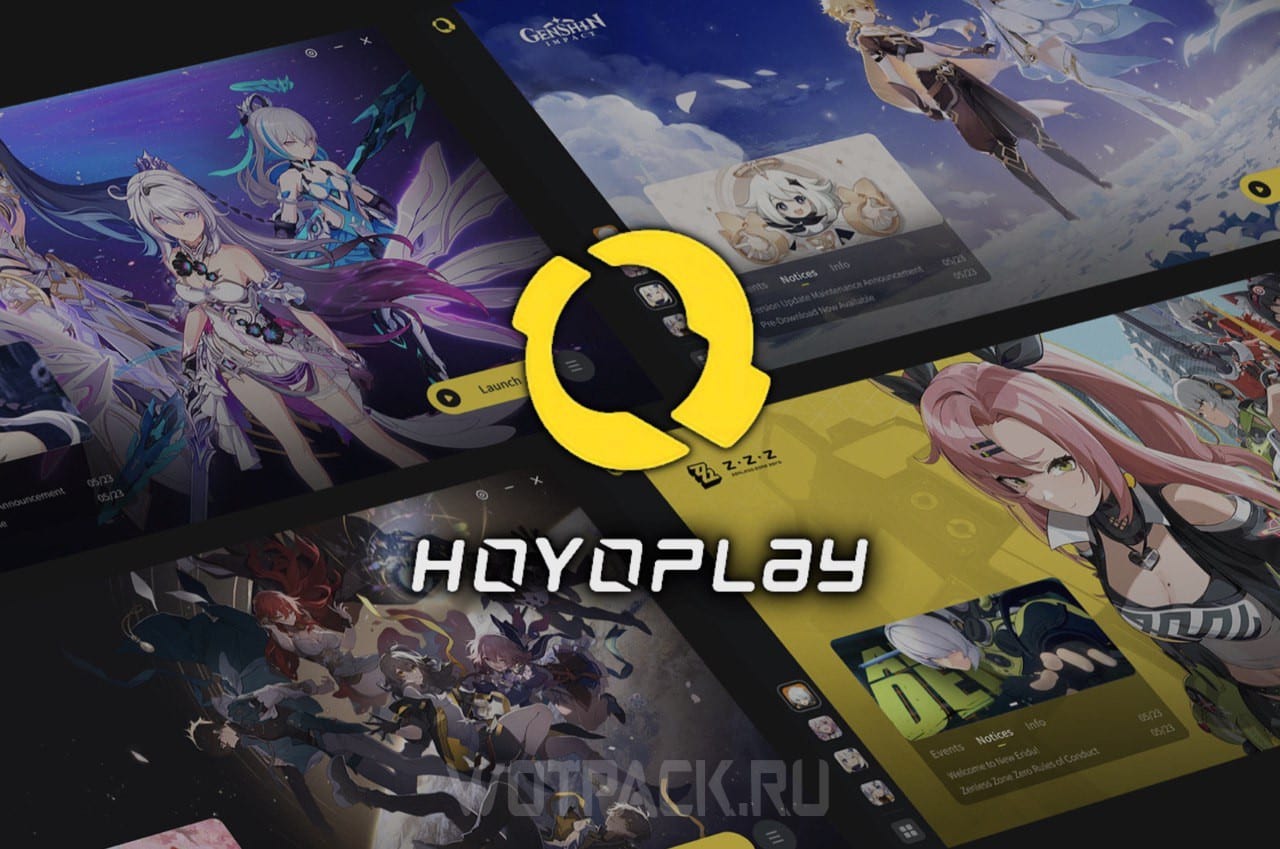
HoYoPlay is the official HoYoverse launcher, which combines all the company's projects. Using it, you can quickly launch any game without closing the application, for example, Genshin Impact or Honkai: StarRailwithout using third-party launchers. In the guide we will tell you how to download the bootloader for HoYoverse projects, how to use HoYoPlay and answer the most frequently asked questions regarding the new application.
How to download HoYoPlay downloader


HoYoPlay downloader will be updated to the latest version automatically, and the shortcut icon on the desktop will change to a new one. If this does not happen, try downloading and installing it yourself:
- 1 way. Download HoYoPlay launcher from hoyoplay.hoyoverse.com, Pressing "Download" in the center of the screen, go to downloads and click on the file. Install it in a convenient place and run it. If the Download button doesn't appear, try zooming out in your browser.


- 2 way. Open the old launcher and go to settings by clicking on the gear in the upper right corner. Go to section "About the version" and click on "Update bootloader".


Starting from 17.06.2024/XNUMX/XNUMX, support for the old version of the bootloader will cease, therefore, in order to avoid problems with games, we recommend updating it.
How to download HoYoverse games via launcher
To download HoYoverse games via HoYoPlay, follow the instructions:
- open the launcher;
- select the desired application from the list of suggested ones and click on "Down-load a game";


- specify the installation folder and wait for it to download.


If the game is already installed, but instead of launching the launcher still offers to download it:
- Press "Select game directory" under the download button;

- click on "Detect automatically";

- wait until the launcher automatically finds the game you want;
- highlight the application that was found and select "Link games".


There are times when the automatic search for games does not help - in this case, the application can be added manually.
How to add a game manually
To manually specify where the game is located, do the following:
- Press "Select game directory" under the download button;
- , use the "Specify manually";

- specify the folder where the game is installed.

To determine exactly which path to specify:
- open the old bootloader;
- to the right of the “Start Game” button, click on the three horizontal stripes;
- you are taking "Place to install"to see the path.

Unfortunately, if the game is tied to EpicGames, your only option is to reinstall it via a new bootloader, or continue to use the old one.
Answers to frequently asked questions about the new HoYoPlay launcher
Can I use the old game loader after installing HoYoPlay?
The old bootloader can be used until its support ends on June 17.06.2024, XNUMX - to do this, find it through the search. A new launcher will automatically open when you start the game, and until you close it, it will be impossible to use the outdated application. Likewise, if an old version of the bootloader is running, you will not be able to open a new one.
Do I need to re-download games or store them together to use HoYoPlay?
Reinstalling games is not required if the launcher has updated itself. If you downloaded the downloader from the site, run an automatic search for the directory of the desired game, or specify it manually.
Why are some HoYoverse games not available on HoYoPlay?
At the moment, games are being added to the new loader gradually. If you don't find the project you need, use the old launcher.
I play on the official server. Why can't I link games to HoYoPlay?
If the game is not found automatically, perform a manual link by specifying the folder path, or completely reinstall the game.
What to do if you can’t link games in HoYoPlay, but you have the EpicGames launcher?
In this case, either continue to use EpicGames, or download the game again through HoYoPlay. The new bootloader cannot be linked to other launchers.
What happens if you remove the old version of the bootloader or HoYoPlay, how will this affect game resources?
When deleting, uncheck “Delete game resource files” in the old launcher, or “Delete game resources” in HoYoPlay. Otherwise, all data will be deleted both from the outdated bootloader and from the new one.

We hope our article was useful and helped you understand the operation of the HoYoPlay launcher, download studio projects using it and get answers to frequently asked questions. Ask for the rest comments, and also read game guides Genshin Impact и Honkai: StarRail in the relevant sections on the website.

When I downloaded Genshin Impact, it installed itself.
Is this normal? Or shouldn't it be like this?
Could you please tell me how to completely delete game files after deleting them in HopePlay? I deleted ZZZ through the launcher, but I can see from my laptop's memory that nothing has changed. I searched for files that weren't deleted, but I couldn't find anything.
Try installing the "uninstall tool" app. Once launched, it will scan your system and, if the game remains, you can use it to delete all files.
I have a problem with the scale, the loader does not fit the screen, I don’t understand what to do with it :(
I'm getting an error that says there's not enough space, even though I have several different terabyte SSDs. Does anyone have the launcher already installed and unpacked?
Okay, I found it, thanks to a Reddit post. It's a RAM disk issue. If the Windows temp folder is on the RAM disk, the launcher can't find a place for itself on the computer.
Hoyoplay doesn't open at all. I downloaded it from Honkai, Genshin, and the official website, but it still doesn't respond at all.
I have exactly the same problem as you. I think there are two possible solutions. Either the developers fix it, or nothing happens. I've seen people with this problem on Reddit, and I personally think HoYo will fix it, as there are quite a few of them. In the meantime, I recommend contacting Tech Support; maybe they'll get back to you. I've personally tried numerous methods to get HoYoPlay running, including reinstalling Windows, but nothing. So, I recommend patience.
I solved this problem. Tech support finally contacted me. And this time, everything worked out. Here's the text:
Good afternoon, Pioneer!
Thank you for contacting us~
Please follow these steps:
— Open Settings on your PC.
— Go to Time and Language — Language and Region — Administrative Language Options — Change System Language.
— Check the box “Beta: Use Unicode UTF-8 for global language support.”
— Save the changes and restart your PC.
Be sure to let us know if the problem isn't resolved. We'll look into it further. (*^‿^*)
Best regards,
Honkai: Star Rail customer support
Thanks dear man
No problem 🙃
THANK YOU SO MUCH, THE PROBLEM IS FINALLY SOLVED