
Donk's settings CS 2 will help you feel the gameplay from the side of a popular Russian player. Danila Kryshkovets mainly plays as a rifleman - he uses automatic rifles in battle, but his config is suitable for all gamers who want to improve their shooting. After analyzing the Steam donk account, it is impossible to find out all his parameters in CS 2, so it is easier to refer to the ready-made instructions, where the necessary settings are already collected.
In this guide, we'll tell you how to make a sight like Donk's. We'll also list other parameters of one of the youngest and most successful eSports players in Counter-Strike 2.
What kind of PC does Donk have?
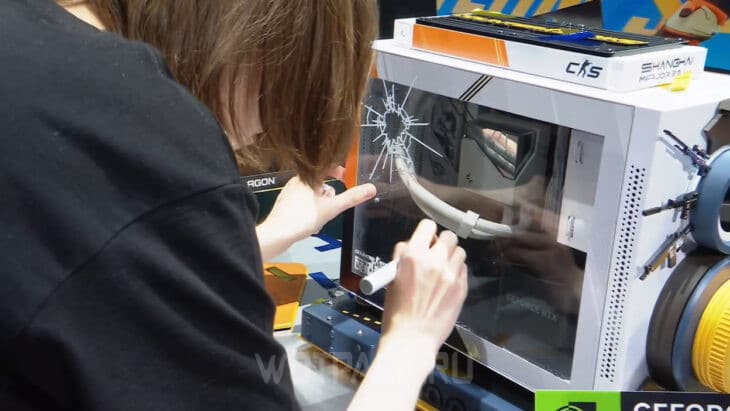
Any eSportsman often has a PC with modern hardware - let's review the donk gaming computer:
| Device | Model |
| Processor | Intel Core i9-13900K |
| Video card | NVIDIA GeForce RTX 4090 Super GamingPro |
| Chassis | Custom Perfect World Shanghai Major |
| Monitor | BenQ Zowie XL2566K |
| Headphones (soundproofing) | HyperX Cloud II |
| Headphones (main) | Shure SE215-CL-EFS |
| Keyboard | Logitech G Pro X Keyboard Clicky |
| Mouse | Logitech G Pro X Superlight (Pink) |
| gaming chair | Secretlab Titan EVO 2022 |
| Mat | SteelSeries QcK + |
The table shows data current as of the end of December 2024 — then Daniil won the Major in Shanghai, earned the MVP title and won a unique PC build.
Interesting fact: at the beginning of 2025 Steam Donk has already played more than 16200 hours in Counter-Strike 2.
donk monitor settings
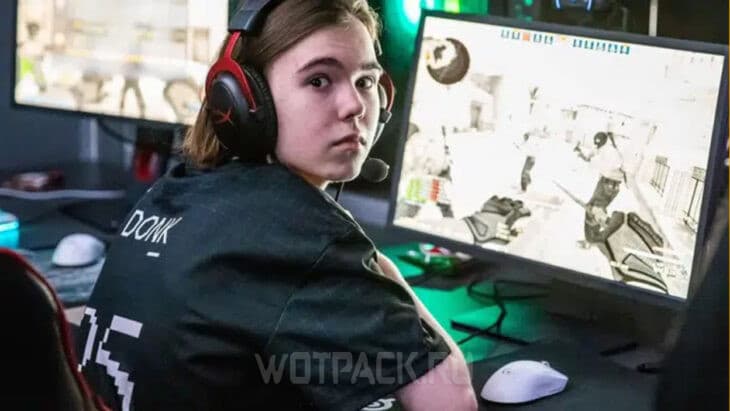
Donk usually sets the monitor parameters as follows:
| Parameter | Value |
| Picture Mode | Player 2 |
| Brightness | 60-65 |
| Contrast | 60 |
| Sharpness | 10 |
| AMA Technology | high |
| Black eQualizer function | 5 |
| DyAc Technology | Premium |
Screen adjustment also depends on the lighting level in the room and eye fatigue, so it is better to adjust the monitor to yourself to avoid vision problems.
NVIDIA Video Card Parameters
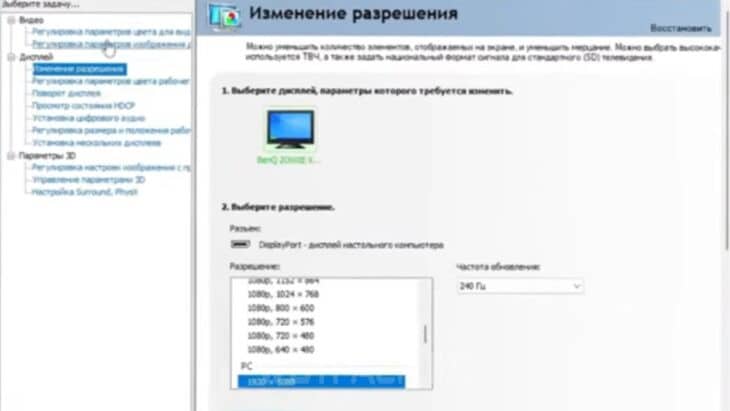
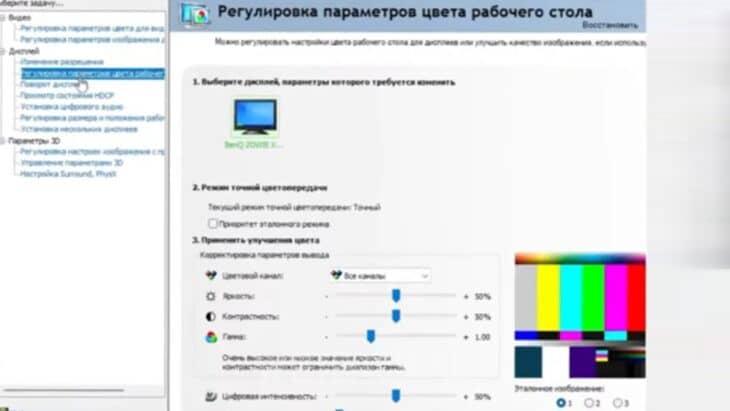
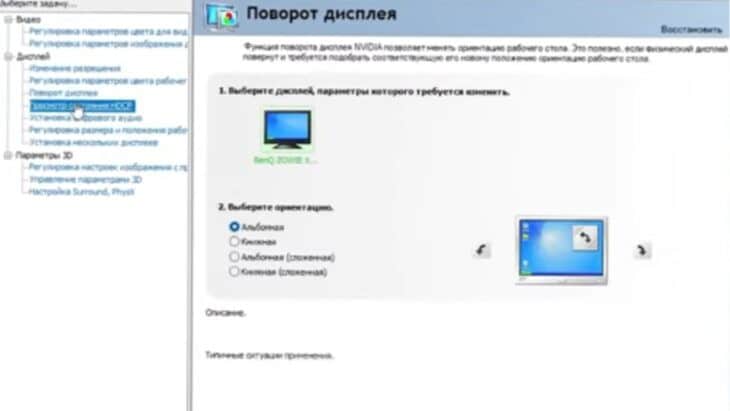
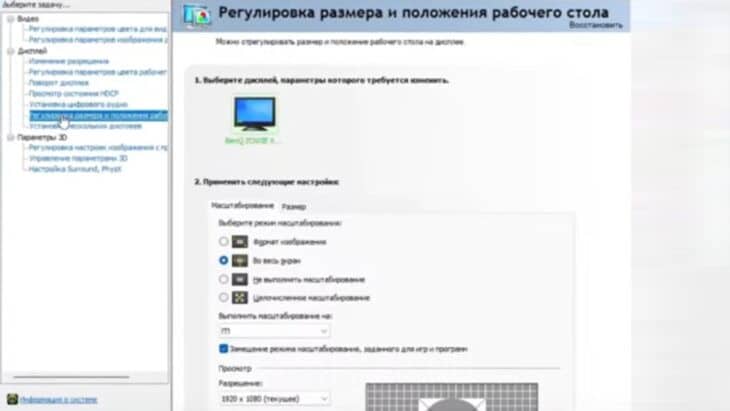
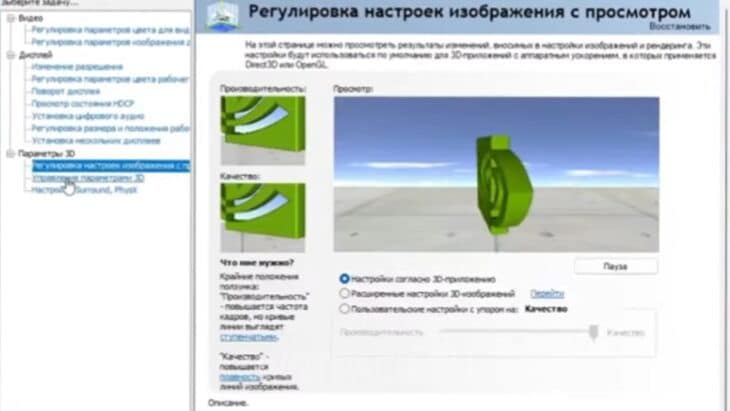
On one of the streams, Donk showed his additional video card settings using the official utility from NVIDIA:
- Adjust image parameters for video.
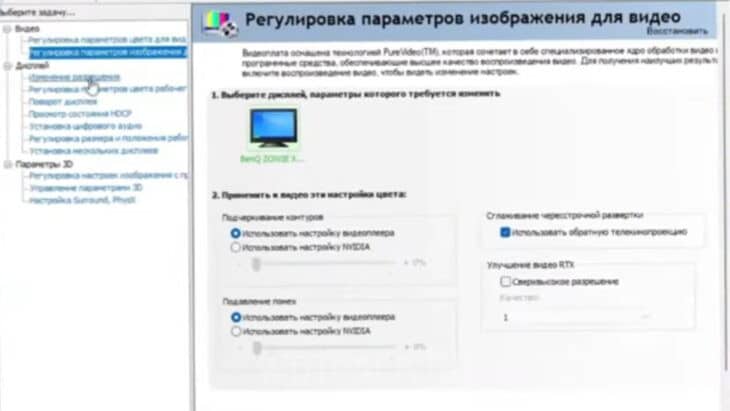
- Change resolution.
- Adjust desktop color settings.
- Rotate the display.
- Adjust the size and position of the desktop.
- Adjust image settings with preview.
- Managing 3D parameters.
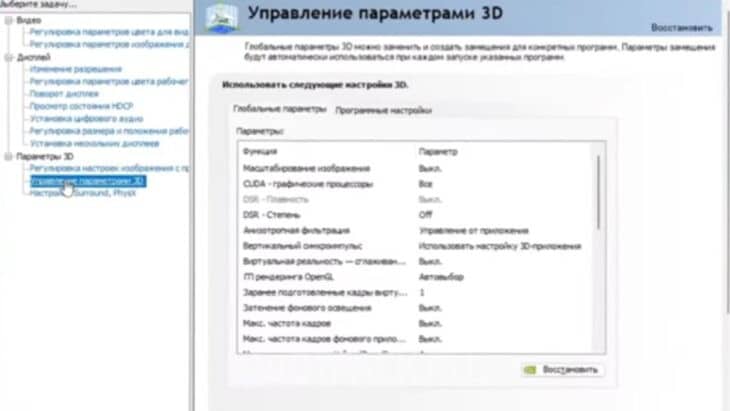
As a result, donk prefers to leave many parameters for the video card as standard.
What are the settings for Donk in CS 2
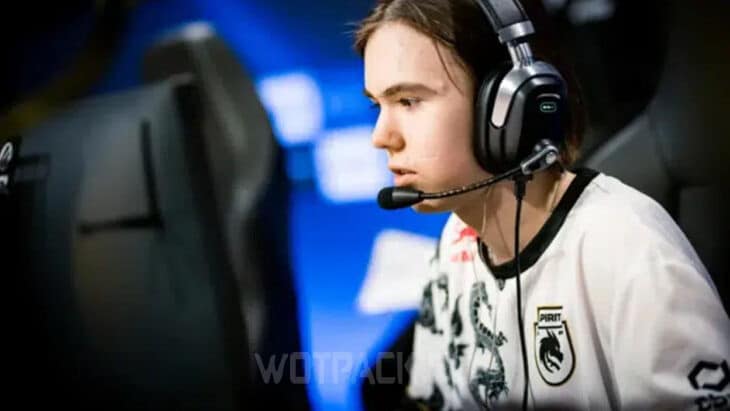
Do graphics settings Not every gamer will be able to play Donka - everything depends on the computer specifications. At the same time, anyone can repeat the launch parameters and adjustments for the mouse, regardless of the devices used. Keep in mind that the game will be uncomfortable at first and you will have to get used to the new set of settings.
Launch parameters
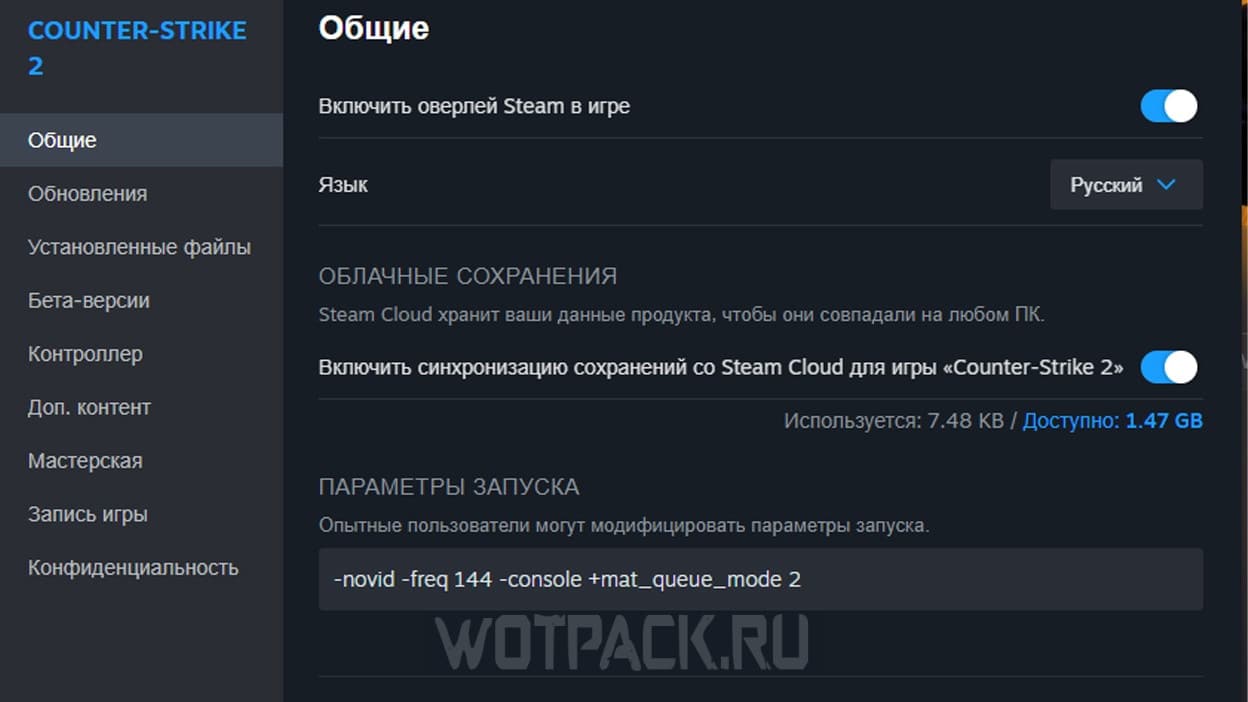
To partially recreate Donk's config, try using a special set of CS 2 launch parameters:
-novid -freq 144 -console +mat_queue_mode 2
Let's decipher the meaning of each command:
- novid - turn off the introductory video.
- frequency — setting the screen refresh rate.
- consul — console activation.
- mat_queue_mode - unlock multi-core processing.
Copy the line with all the listed parameters and paste it through the Steam library into the launch modification window.
Graphics settings
The correct set of graphic parameters directly affects the comfort during the game. If you want to make the resolution of Donk and adjust other image settings to Danila's template, then use this cheat sheet:
| Parameter | Value |
| Display mode | In full screen |
| Screen format | Normal, 4:3 |
| Resolution | 1280x960 |
| Update frequency | 60 Hz |
| Brightness | 93-102% |
This set of settings allows you to achieve stable FPS and see opponents well from any distance, as well as distinguish the slightest movement in the smoke:
| Parameter | Value |
| Increased player contrast | Incl. |
| Vertical sync | Off |
| Anti-aliasing mode | 8x MSAA |
| Overall quality of shadows | high |
| dynamic shadows | From everything |
| Detailing models and textures | poor |
| Texture filter mode | Trilinear |
| Shader detail | poor |
| Particle Detail | poor |
| Global shading | Off |
| High dynamic range | Quality |
| Flexibility FX Super Resolution | Off |
| Low latency NVIDIA Reflex | Off |
| Max Frame Rate in Matches | 400 |
Mouse settings
Sensa Donka for computer mouse has specific parameters:
| Parameter | Value |
| DPI (sensor sensitivity) | 800 |
| eDPI (effective dots per inch) | 1000 |
| Sensitivity | 1,25 |
| HZ (polling frequency) | 1000 |
| Proximity sensitivity | 1 |
| Sensitivity in Windows | 4-6 |
| Mouse acceleration | 0 |
| Raw input function | 1 |
Please note that some mouse models have additional keys for adjusting sensitivity. Pressing them may reset the current setting, so you should always play in one selected mode and gradually get used to this speed of movement.
How to make Donk's hands in CS 2
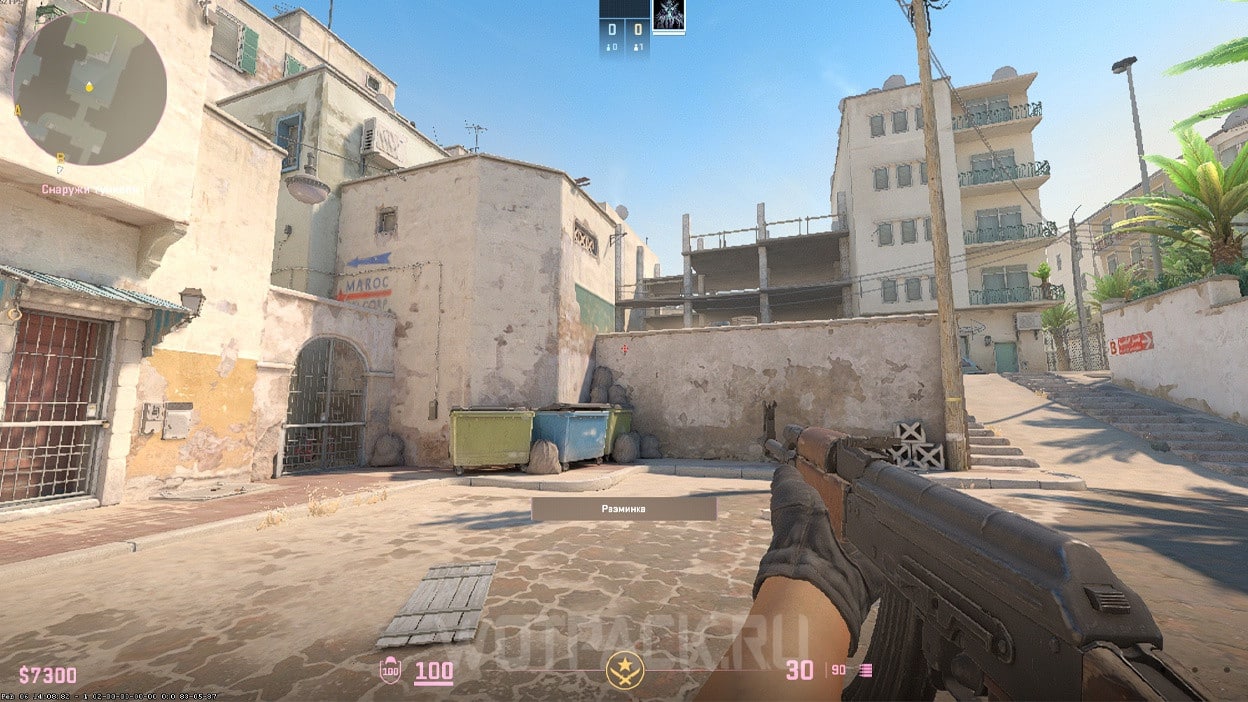
Visually, Donk's hands are practically no different from the normal position with standard settings - you can do exactly the same with this set of console commands:
viewmodel_fov 68; viewmodel_offset_x 2.5; viewmodel_offset_y 0; viewmodel_offset_z -1.5; viewmodel_presetpos 2;
If you have previously played with a different hand position, it will take time to get used to shooting.
Donk sight settings in CS 2
Any Reifler must be able to quickly aim at the enemy's head in any critical situation and destroy the maximum number of enemies before reloading - the correct crosshair allows you to achieve the best results. Below are 3 templates for the sight that Danila used:
- CSGO-mEr3O-qc3qm-Py58r-YjQpR-Ms8rN
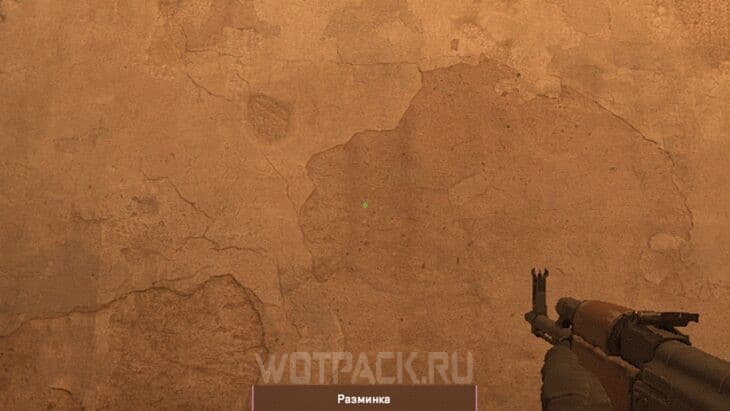
- CSGO-HRUtd-7NxSn-DxZ6w-M4OPW-wjA6Q
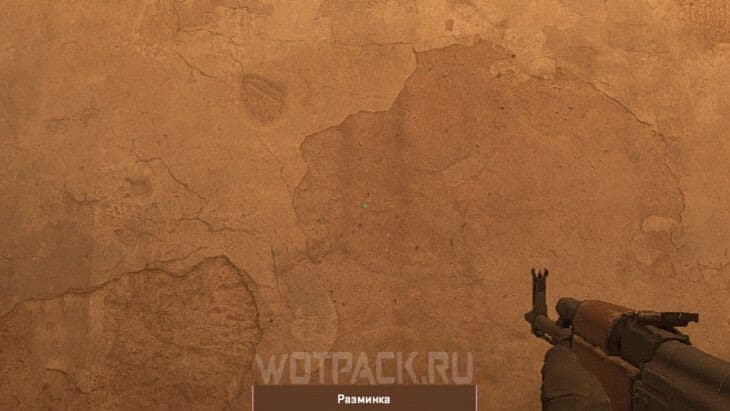
- CSGO-wpHzm-v4Si2-CHLPk-mNqCN-5tbJD
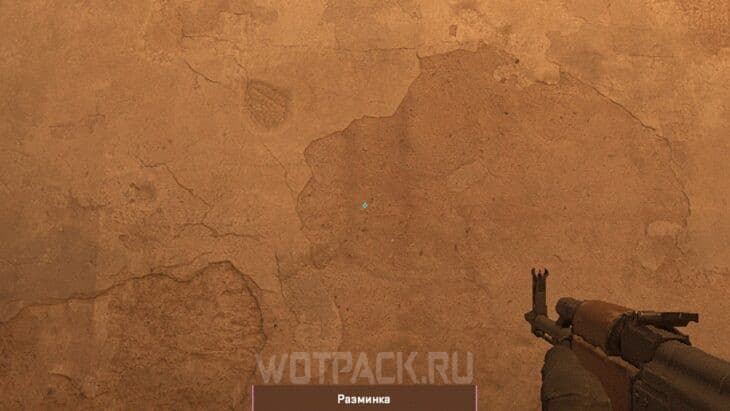
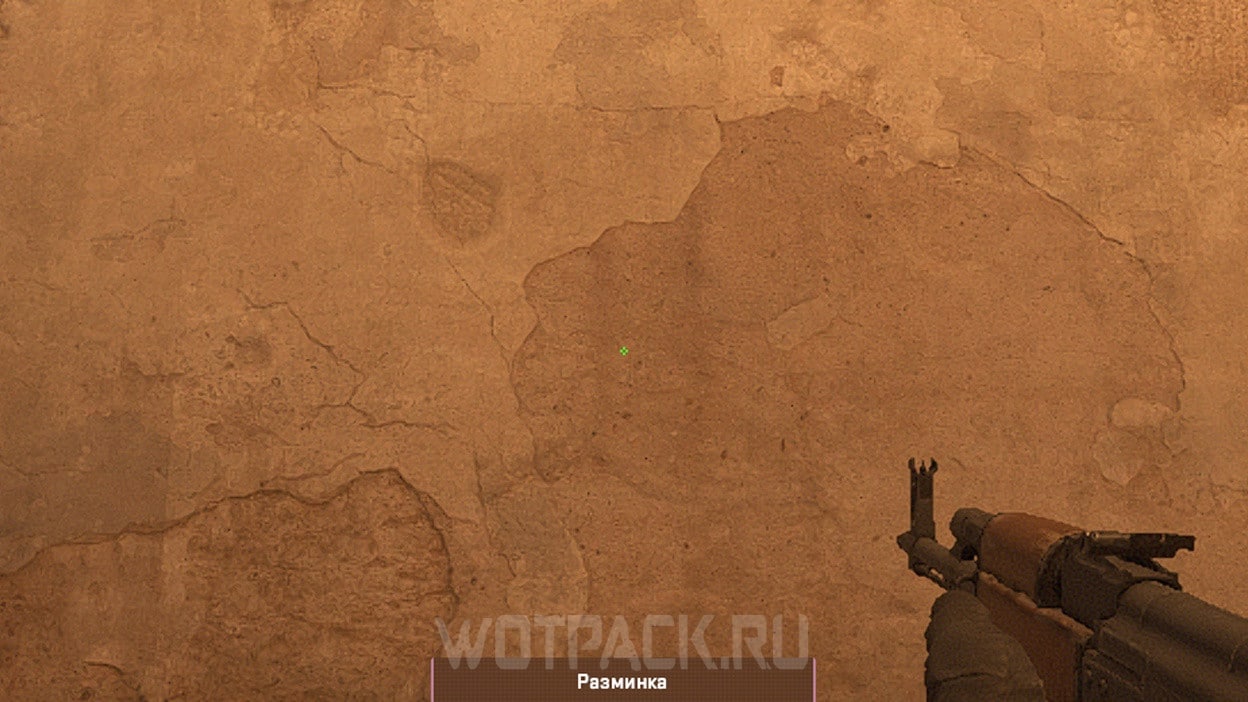
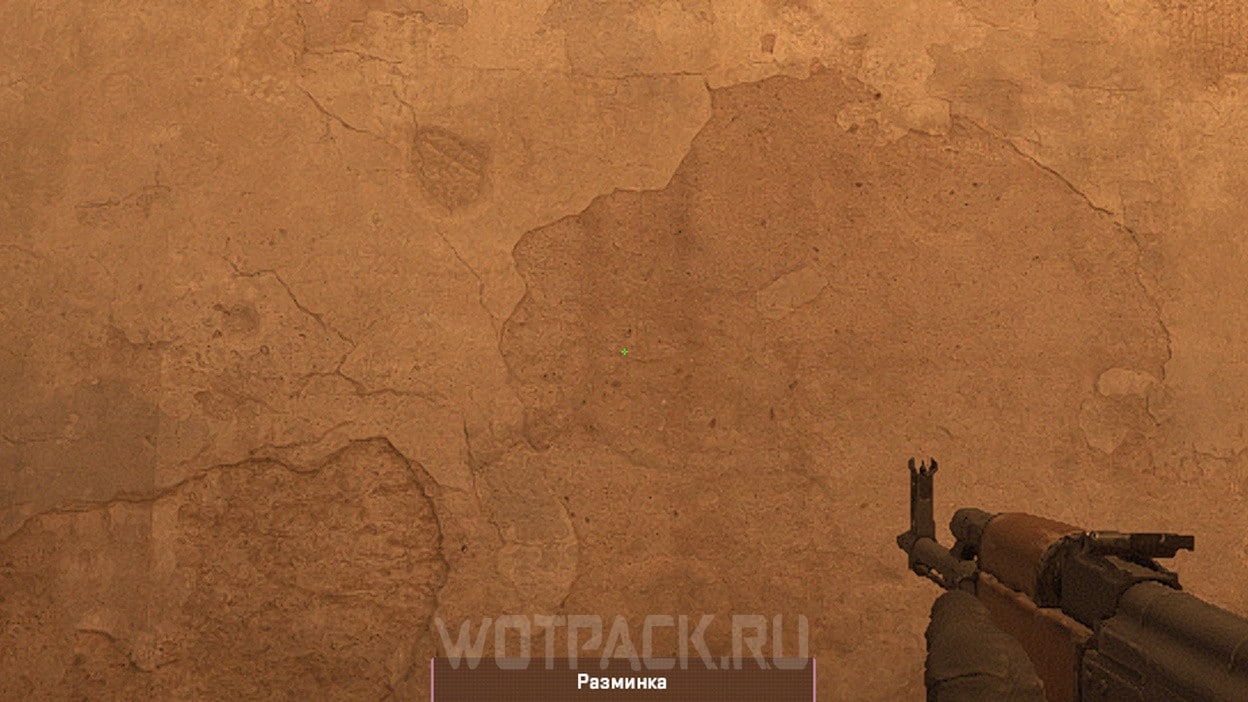
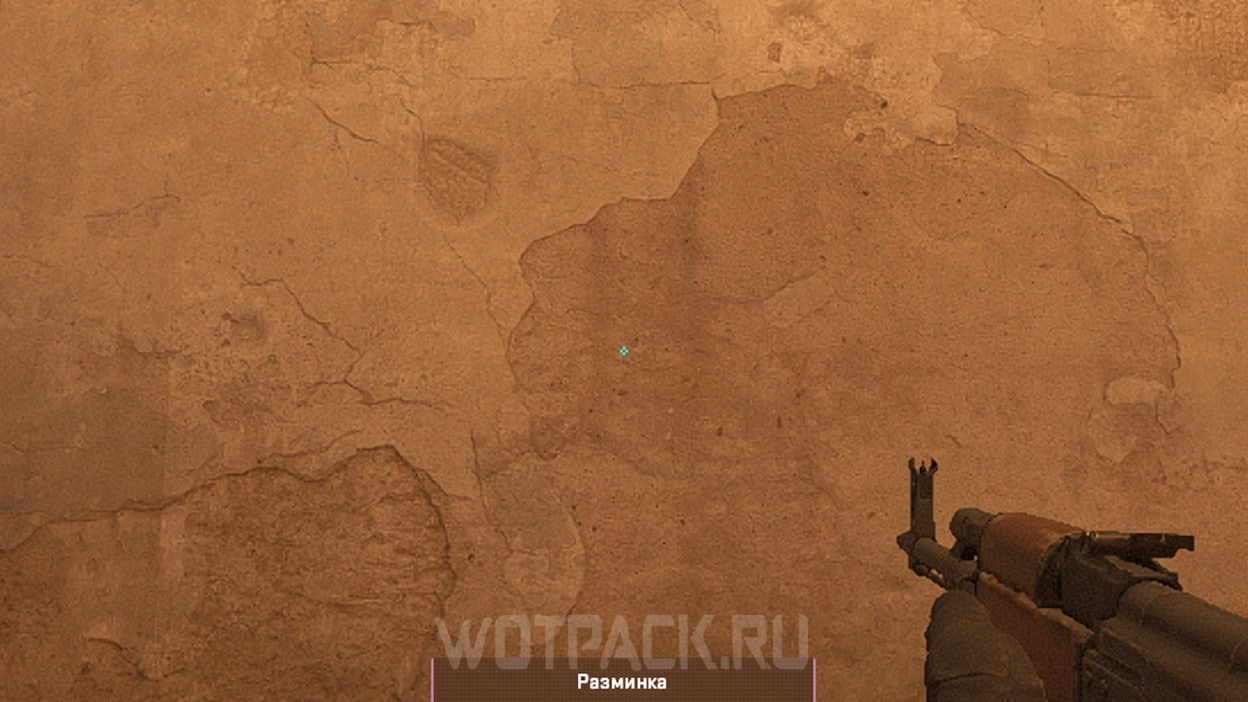
Copy the desired cipher and paste it through the function "Share/Import" In chapter "Aim".
Donk's sight via console
Also in open sources you can find several sets of commands for the console, with the help of which you can recreate the donk sight in CS2.
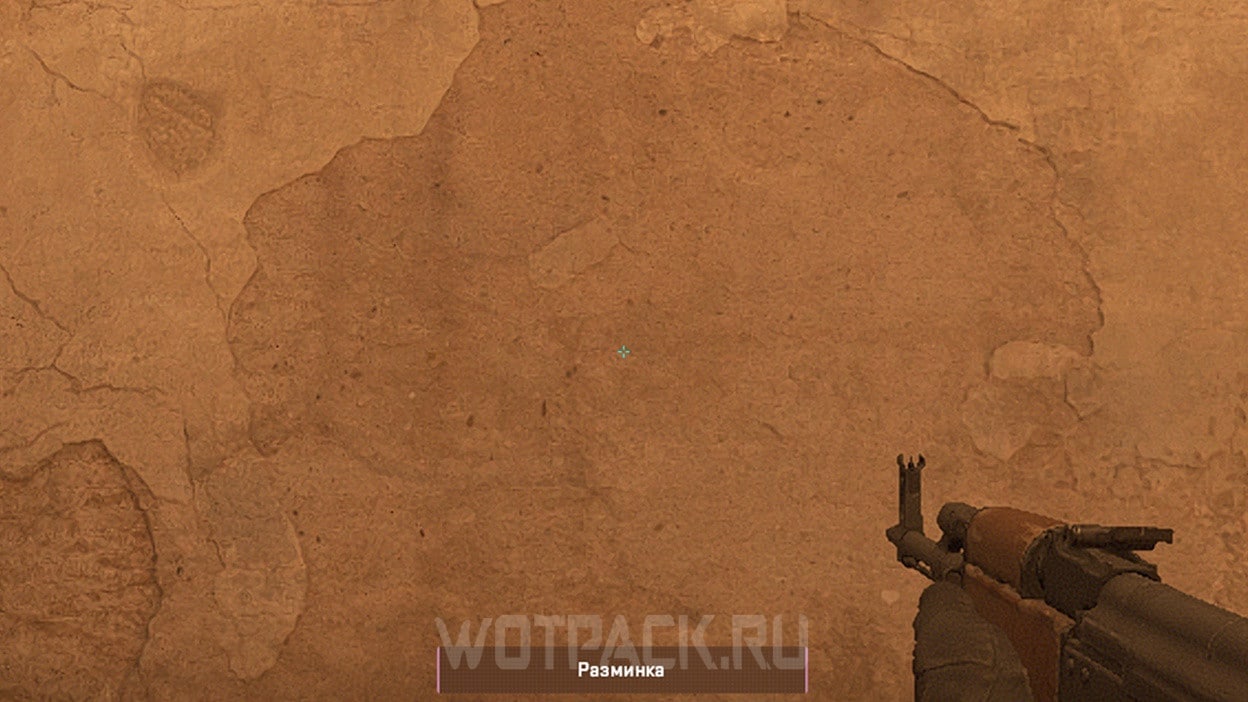
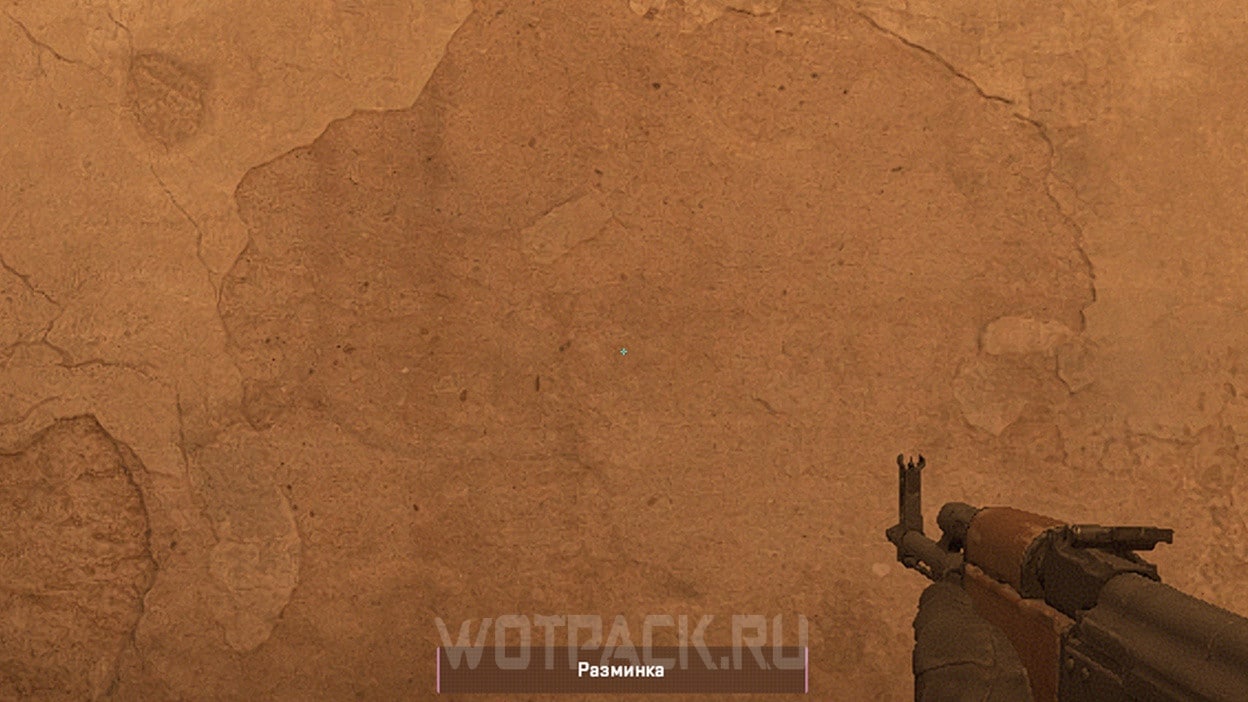
Medium Turquoise:
cl_crosshairsize 1.5; cl_crosshairgap -3; cl_crosshairthickness 0; cl_crosshairstyle 4; cl_crosshaircolor 5; cl_crosshair_drawoutline 0; cl_crosshairdot 0; cl_crosshairalpha 255; cl_crosshaircolor_r 0; cl_crosshaircolor_g 255; cl_crosshaircolor_b 255;
Small turquoise:
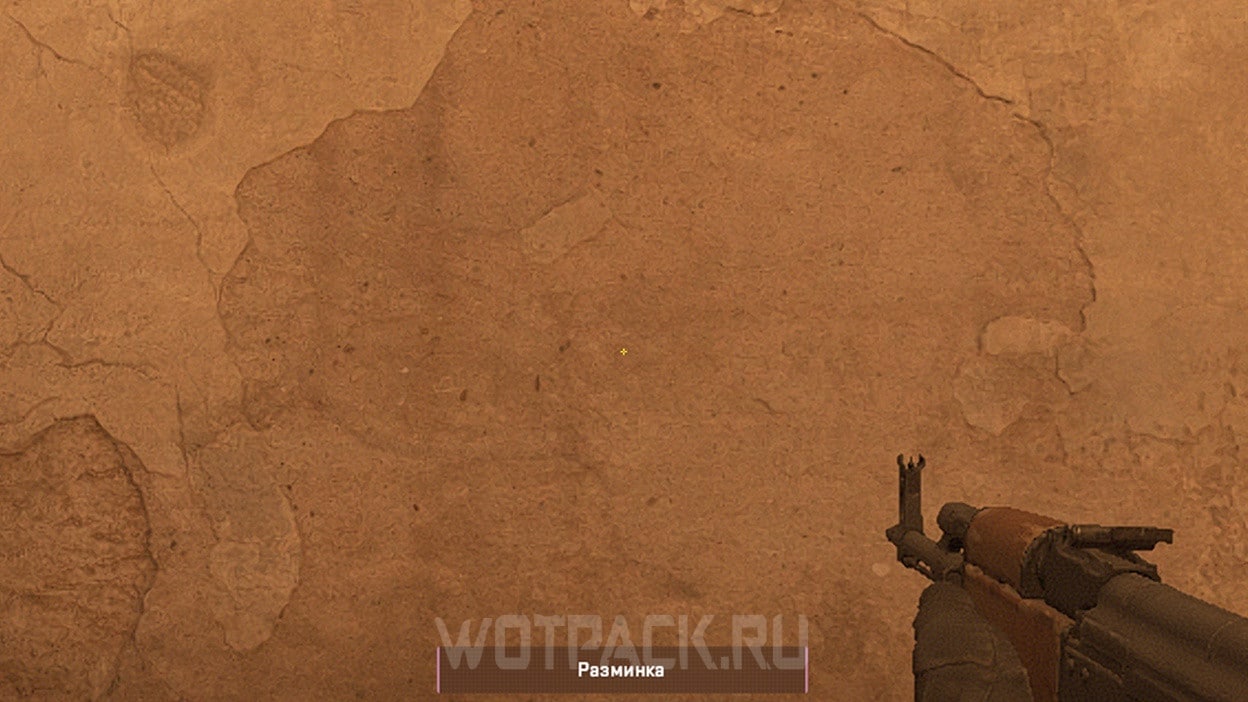
cl_crosshair_drawoutline 0; cl_crosshairalpha 200; cl_crosshaircolor 4; cl_crosshaircolor_b 255; cl_crosshaircolor_g 255; cl_crosshaircolor_r 255; cl_crosshairdot 0; cl_crosshairgap -4; cl_crosshairsize 1; cl_crosshairstyle 4; cl_crosshairthickness 0; cl_crosshair_sniper_width 0;
Small yellow:
cl_crosshairalpha 255; cl_crosshaircolor 2; cl_crosshairdot 0; cl_crosshairgap -4; cl_crosshairsize 1; cl_crosshairstyle 4; cl_crosshairusealpha 1; cl_crosshairthickness 0; cl_crosshair_sniper_width 1; cl_crosshair_outlinethickness 0; cl_crosshair_drawoutline 0;
How to install Donk radar in CS 2
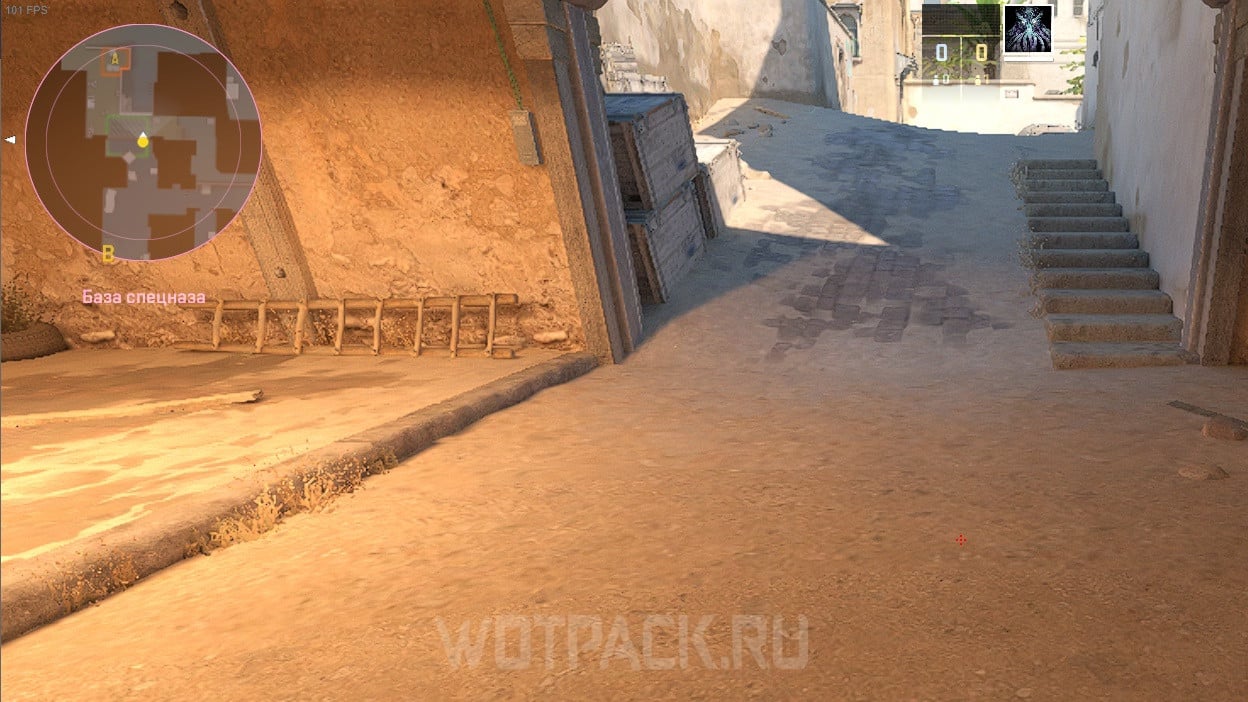
Below are all the main settings of the donk radar:
| Parameter | Value |
| Center radar on player | Yes |
| Rotate the radar | Yes |
| Merge radar with background | Yes |
| Radar size | 1.0 |
| Radar approaching | 0.7 |
Donk's huda settings in CS 2
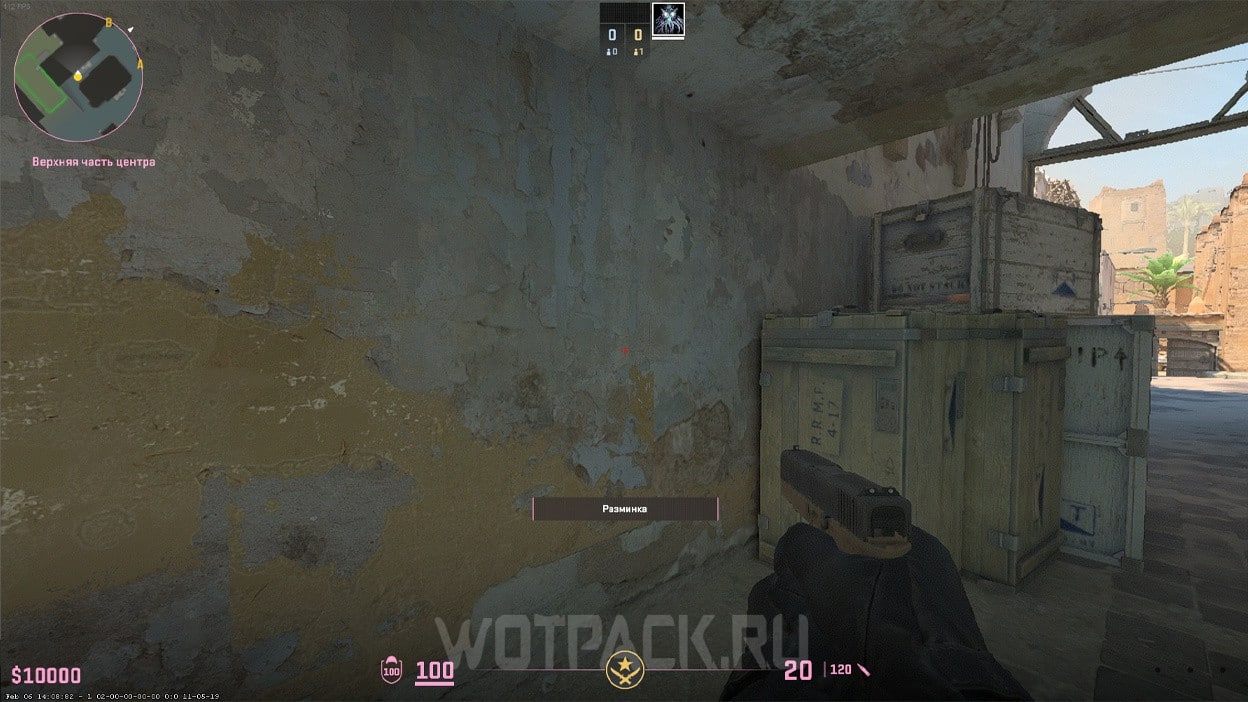
Typically, a donk hud has the following parameters:
| Setting | Value | Command for console |
| In-game interface size | 0.95 | hud_scaling 0.95 |
| Interface color | Pink | cl_hud_color 11 |
The choice of interface size is influenced by the size of the monitor and the gamer's visual acuity, so if you experience discomfort during the game, it is recommended to manually change the listed parameters to others.
A separate guide provides detailed information. Instructions on setting up the interface.
Donk's config in CS 2
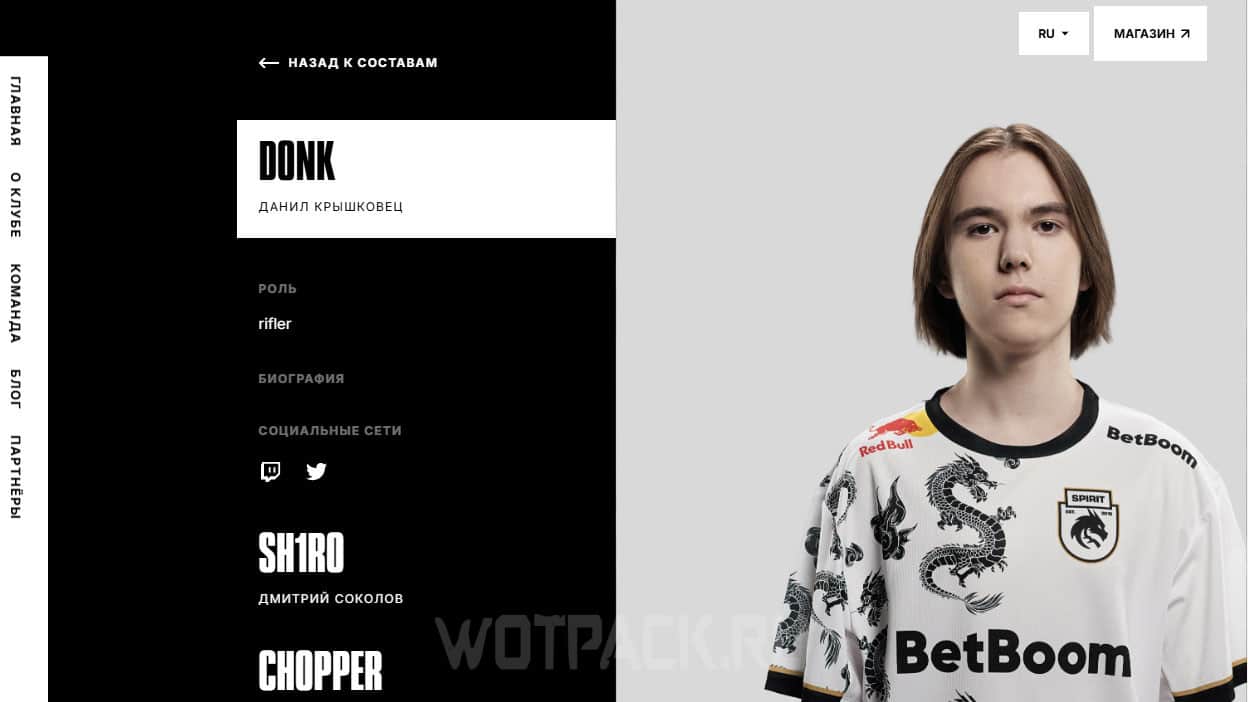
On the team's official website Team spirit there is no link to KFG Donka. If you wish, you can build your own config with the functions that Danila uses during the game:
- cl_debounce_zoom 0 - infinite zoom change when pressing and holding the right mouse button.
- bind mwheeldown +jump; bind mwheelup +jump; bind space +jump - activate the jump with the space bar and the mouse wheel.
- bind "h" switchhands; bind "f2" switchhands - change hands using two different keys.
Others have been collected in a separate article useful binds for cs 2.
We hope that thanks to this guide you learned what settings donk uses in CS 2. If you have any questions about the material in the article, you can write them in comments. In a special section on our website, read other useful Counter-Strike 2 guides.

Well, yes, 60 hertz
Hahaha, it's a feature to play at 60Hz on the top-end monitor.
24 is better bro