One of the best games in the Game of Thrones universe for your computer. Winter is coming, so it's time to lead your kingdom and prepare to conquer Westeros. 
In the game, the red priestess Melisandre will act as your assistant, but we, in turn, have prepared for you a step-by-step registration algorithm for the Game of Thrones browser game with bonuses (gifts):
- Open any browser of your choice
- Register for the official website on a special invite link, which guarantees the receipt of gifts.
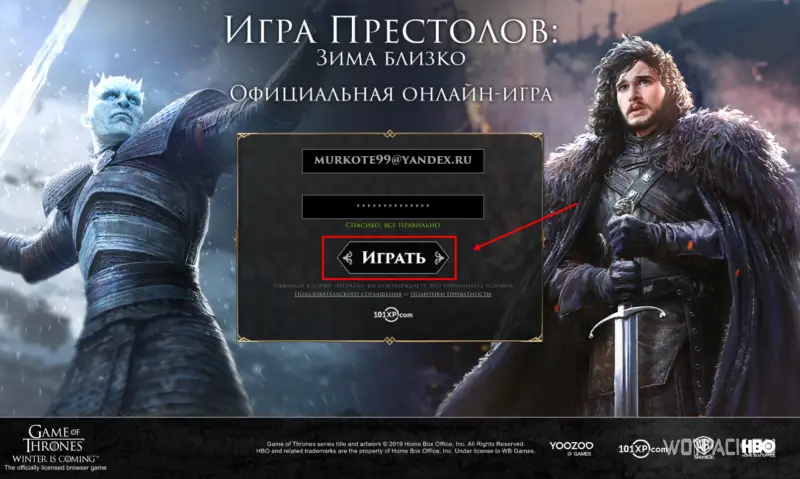
- Now you need to enter your email address and password for the new account

- Enter your details and click the button Play Game
- Next, the game will start loading directly in the browser, you need to wait a bit.
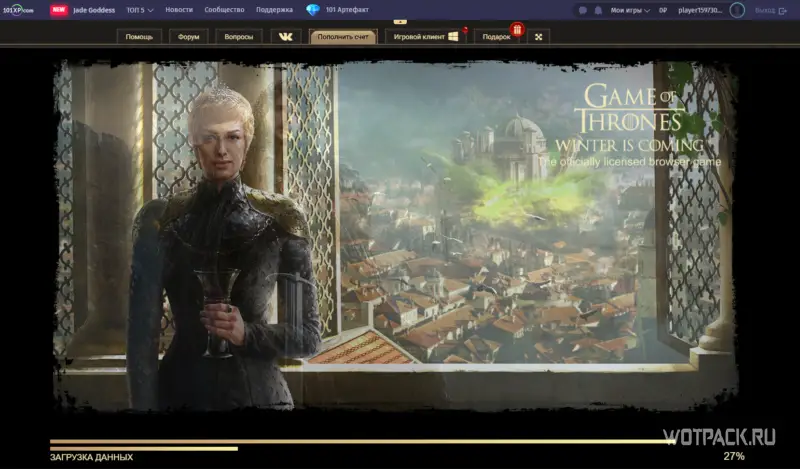
- At the top of the screen there are various useful tabs, we are interested in the gift tab, click on it and get acquainted with the conditions for receiving a gift

- A list of gifts opens.
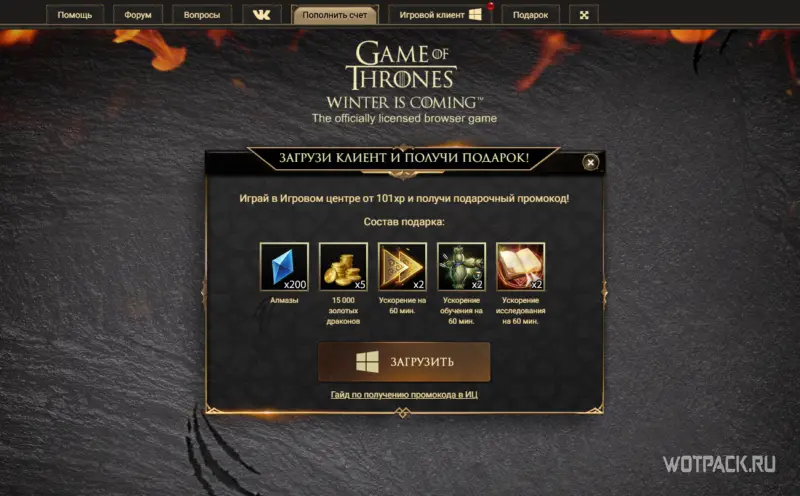
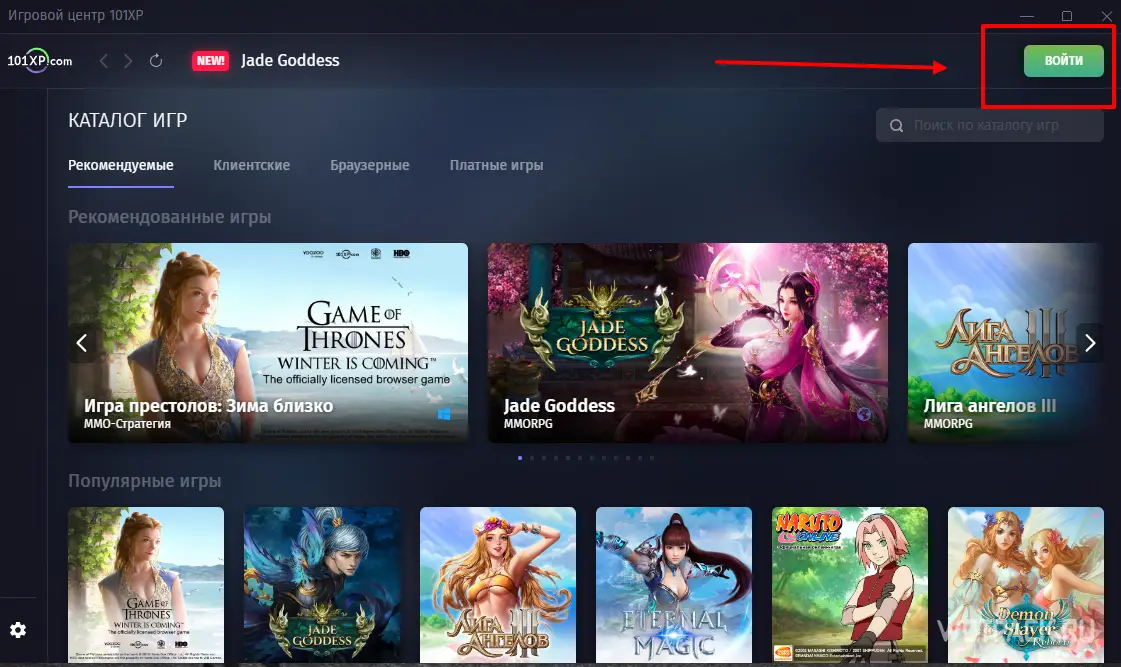
- In order to receive a gift promo code and the content of the gift itself, you need to install game center from 101xp. Click on the download button and download the download launcher.
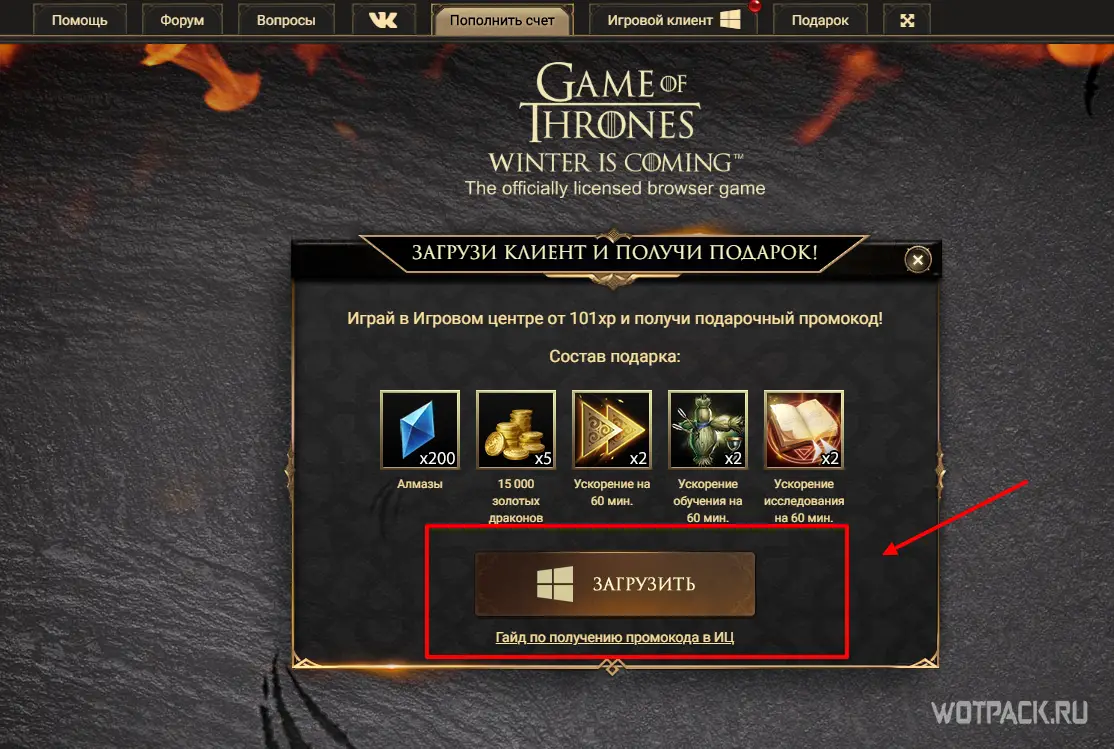


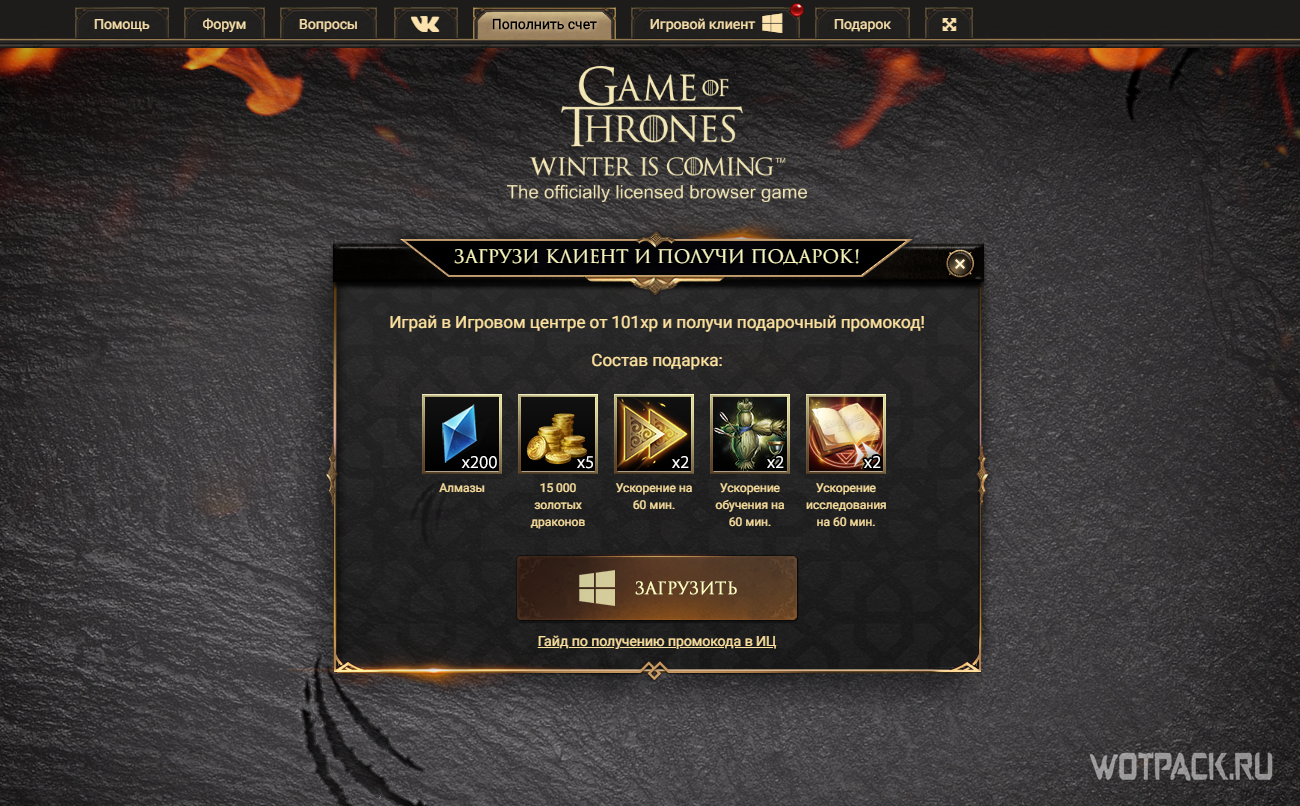
Next, install the client according to the prompts in the launcher itself.
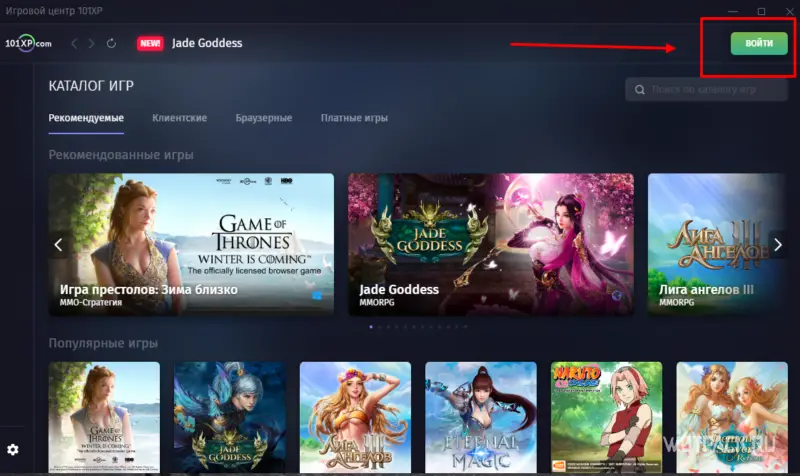
- After installation, we need to log into our account. In the upper right corner, click Sign In.
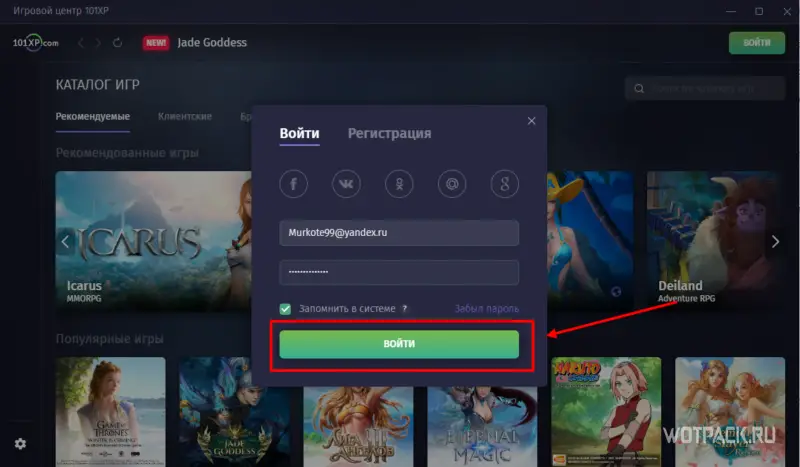
- Fill out the login form and click Sign In
- Looking forward to downloading the game. After downloading, click Play now

- After downloading, you will have to go through a small tutorial on the basics of the game. Don't worry, it won't last long
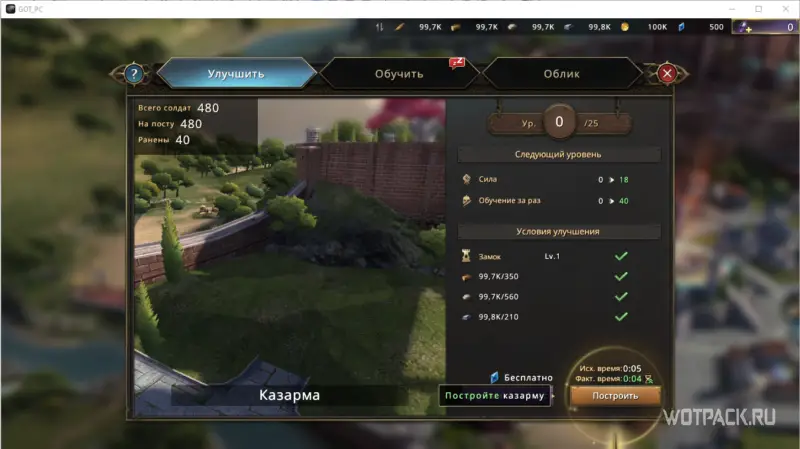
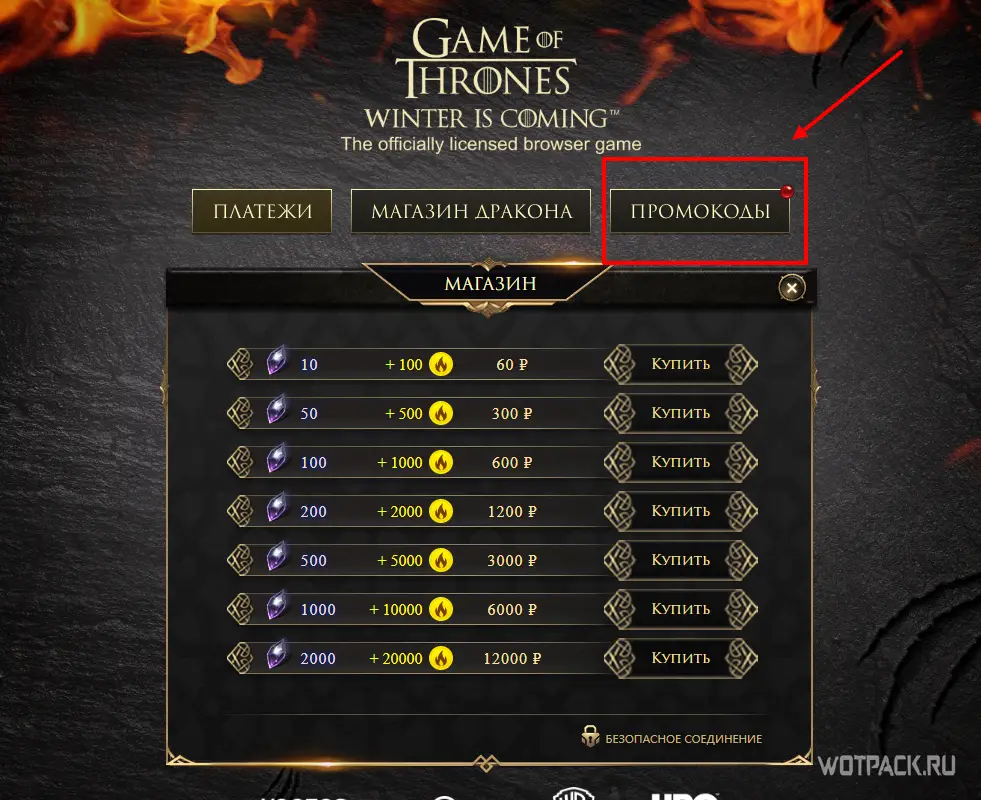
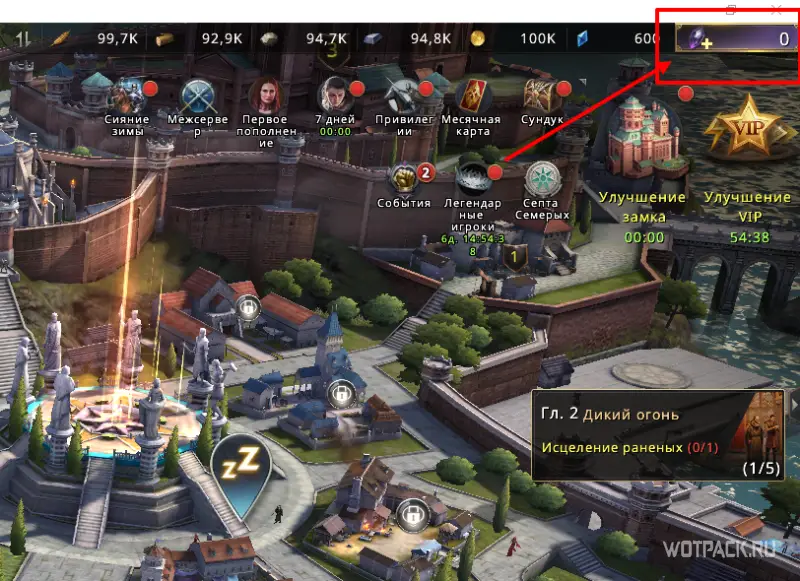
- After completing the training, we need to find our promo code to receive a gift. To do this, click on the replenishment button in the game in the upper right corner
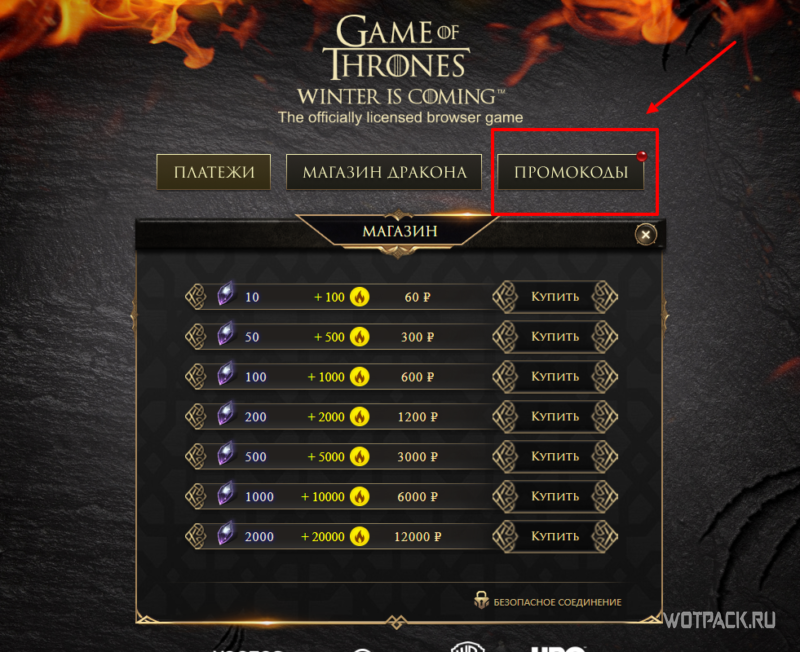
- In the window that opens, click on the tab Promotional Codesto see the full list of your promo codes. If you do not see the promo codes window, you need to install the new version of the Game Center.
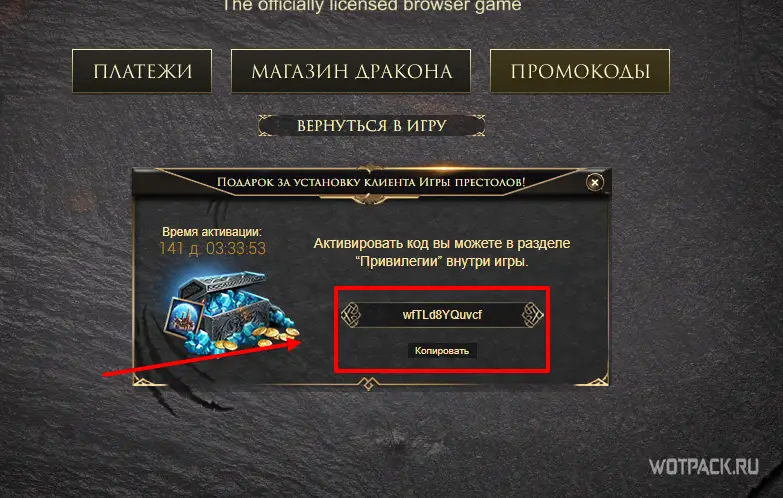
- Copy the promo code you need, in our case it is a gift promo code for installation Game Center:
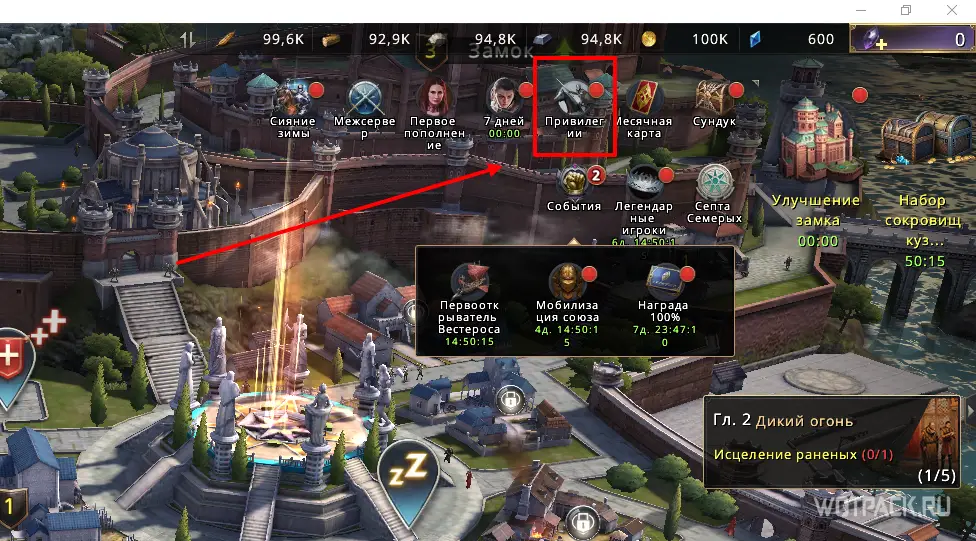
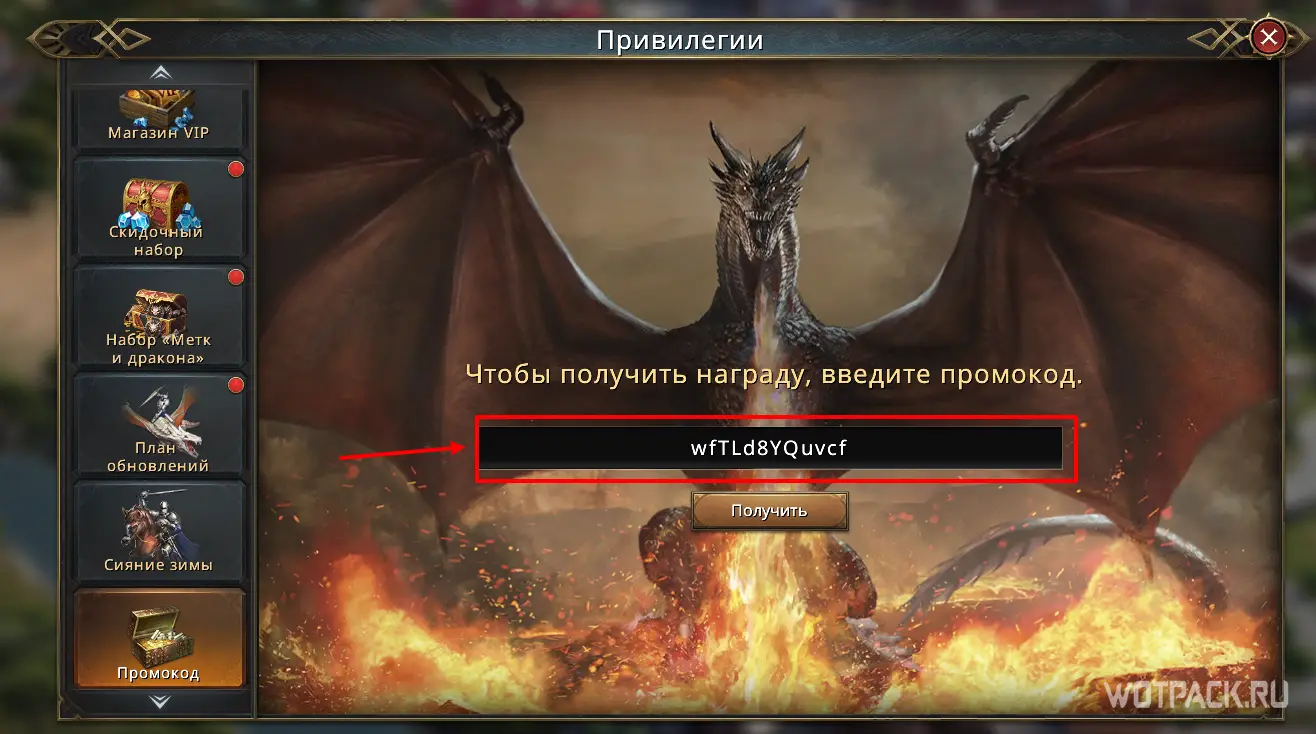
- Next, select in the functional Privilege in the game and click on it:
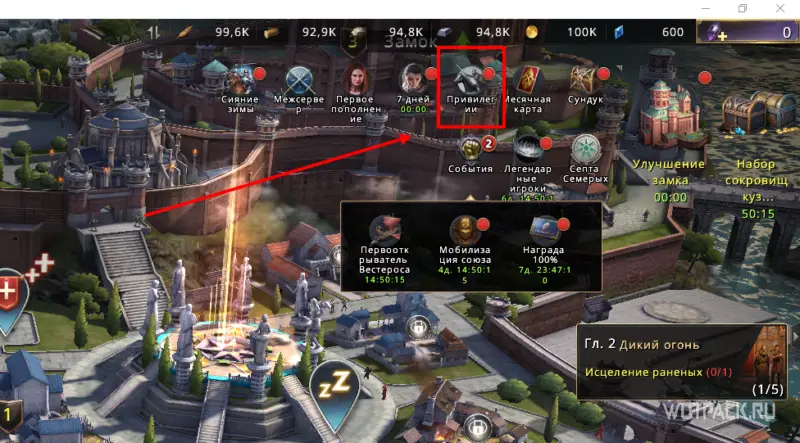
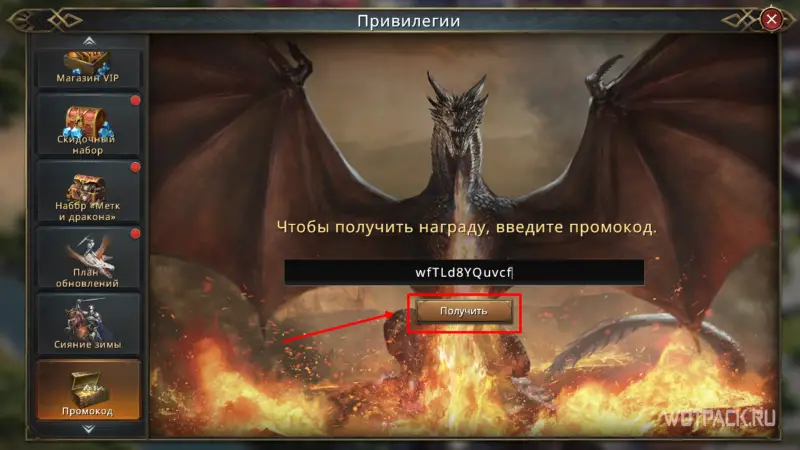
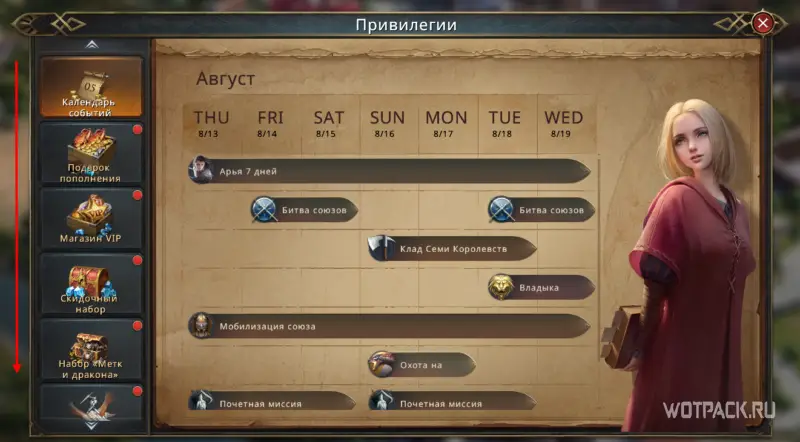
- In the window that opens, scroll down to the button Promotional code and click on it:
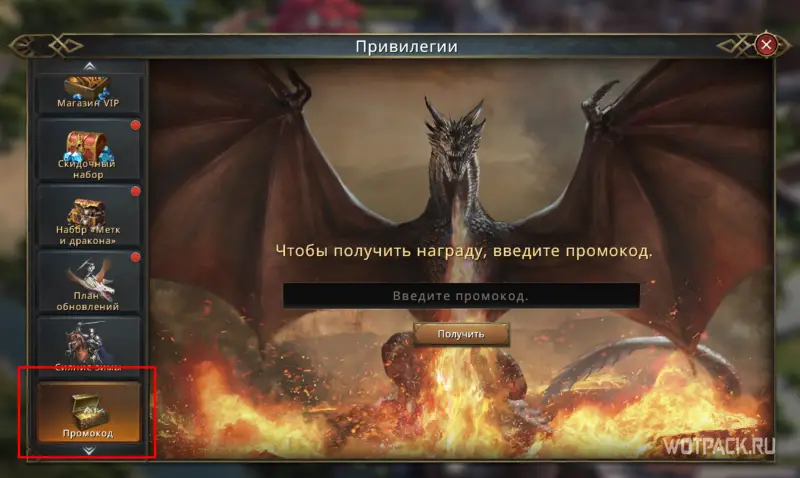
- In the Enter promo code enter our previously copied code and press the button Get. Congratulations! Your gift has been successfully credited!