
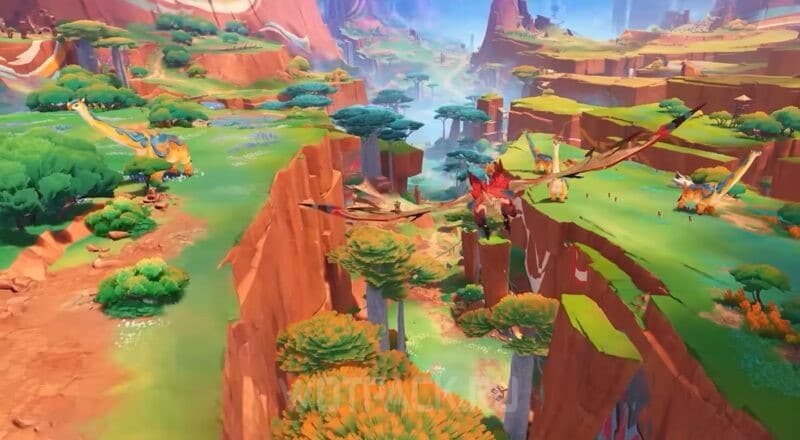
Interactive map of Natlana in Genshin Impact — official online map of the Piro region from HoYoverse on hoyolab, thanks to which you can find all available points of interest. Behind them are hidden chests, Pyrocules, enemies and resource collection points, curiosities and other items. The functionality also makes it possible to mark already collected oculuses, create convenient routes for farming, and view underground areas.
Thanks to the tool, you can save a lot of time while searching for resources in the region. In this guide we will tell you how to use the full Russian-language interactive map Natlan on hoyolab and what symbols are on it.
Interactive map of Natlan in Genshin Impact 5.8
The official map of Natlan from HoYoverse contains marks of all the basic materials necessary for leveling up characters and weapons, as well as valuable points of interest for clearing the region 100%. It will gradually be updated with information from the game after the release of Pyro Kingdom.
The Traveler goes to the fiery region according to the plot, during tasks of the Archons "Vol. V. Chapter I: Flowers under the Burning Sun." In the east of Natlan, a convenient and already unlocked waypoint automatically appears, from which it is easy to immediately get to the border of the region.
How to use the interactive map
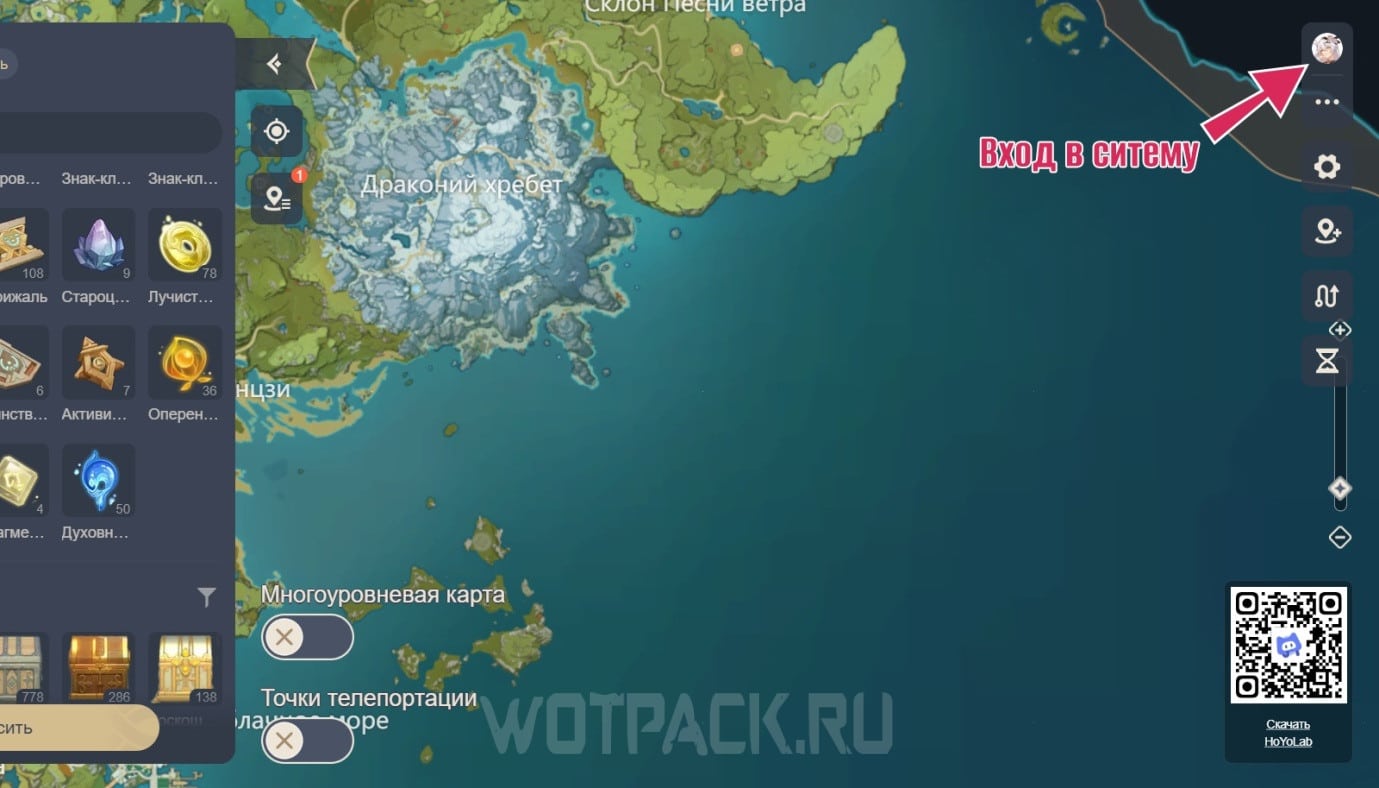
The interactive map of Genshin Impact 5.3 has a wide range of functionality that can be used to make it easier to navigate. You can unlock access to all tools after authorization - click on the avatar in the upper right corner and enter your HoYoverse account details.
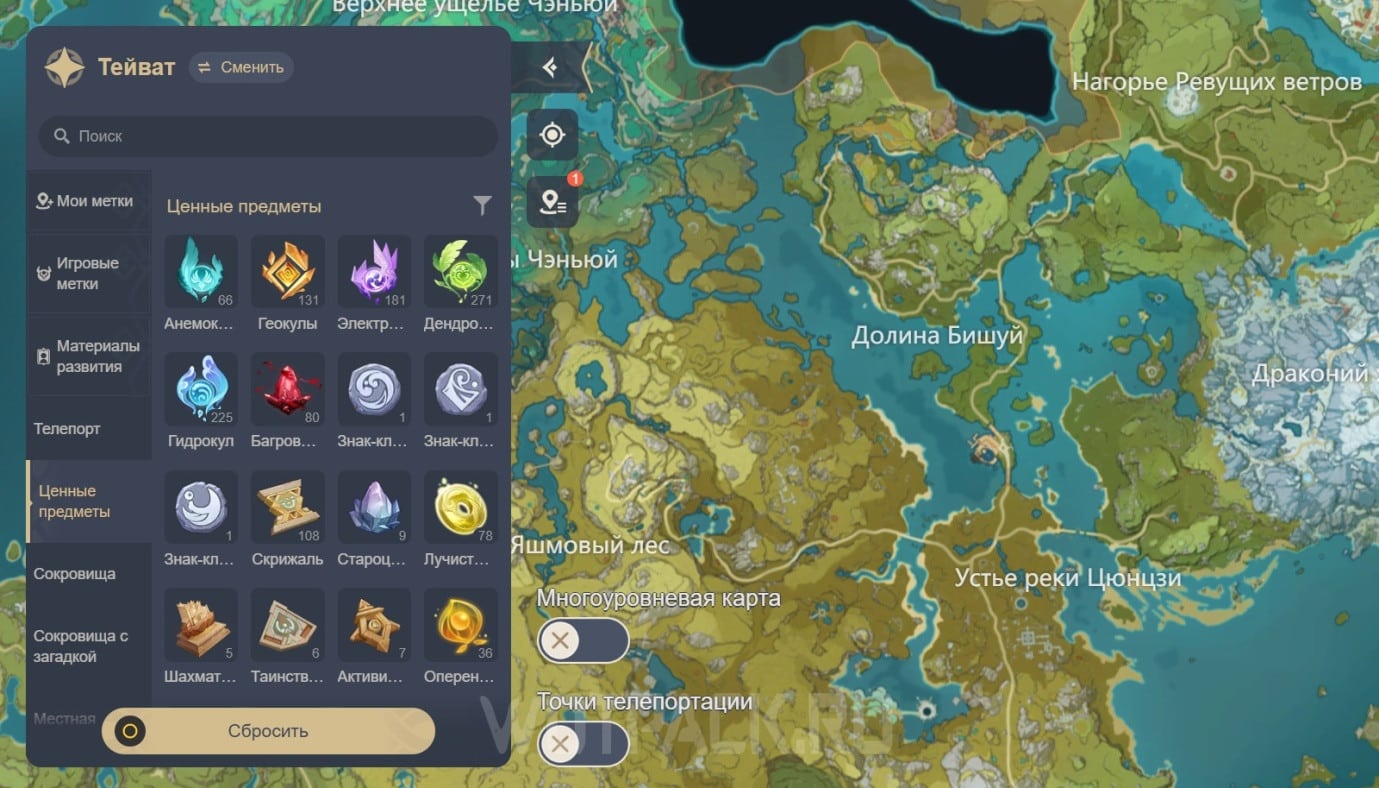
You can go to main marks menu, which is located in the upper left corner of the page. All points are sorted into categories to make it easier to navigate the list. At the top there is a list of all regions for quickly jumping to the desired part of the map, as well as a search by resource name.
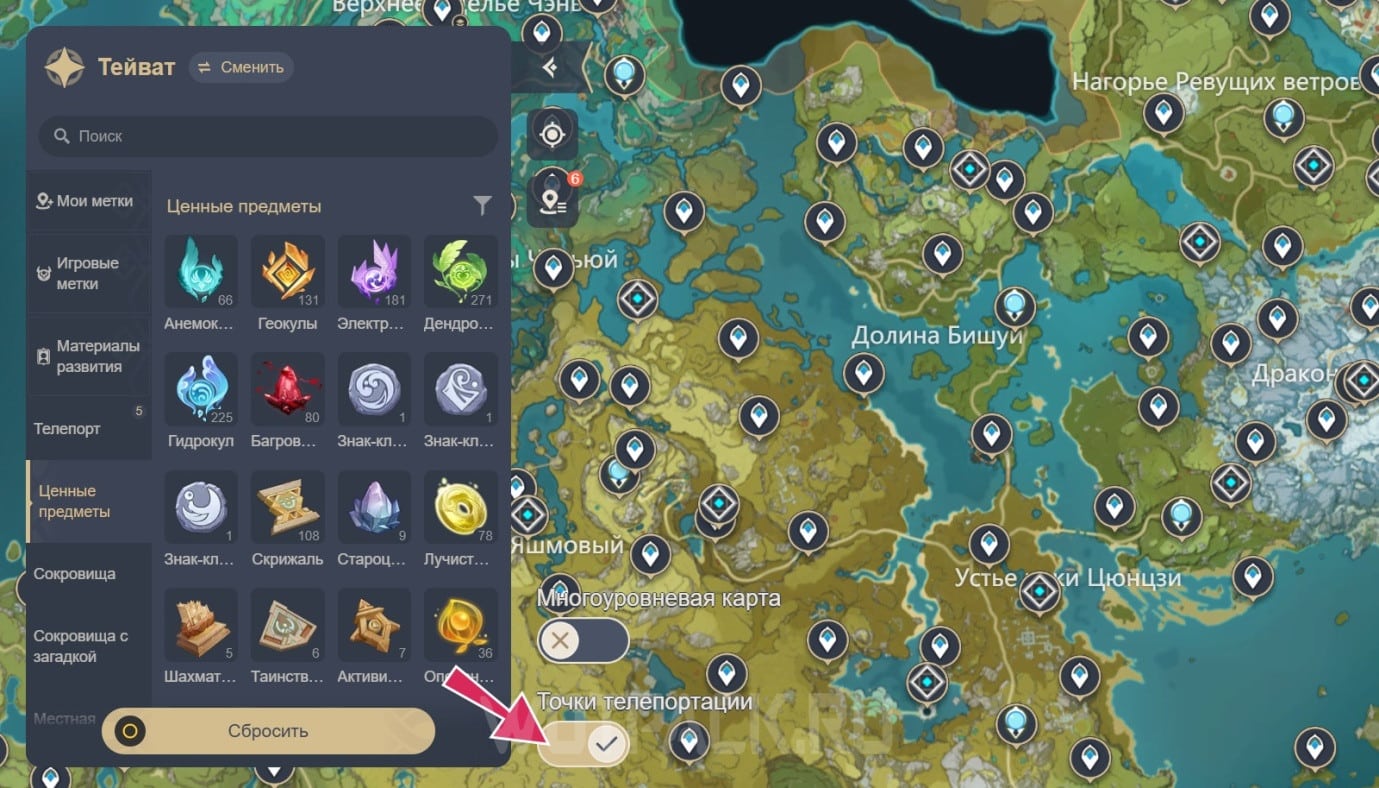
In the lower left corner are sliders responsible for showing teleports and switching the map level to underground caves and ruins of the area.
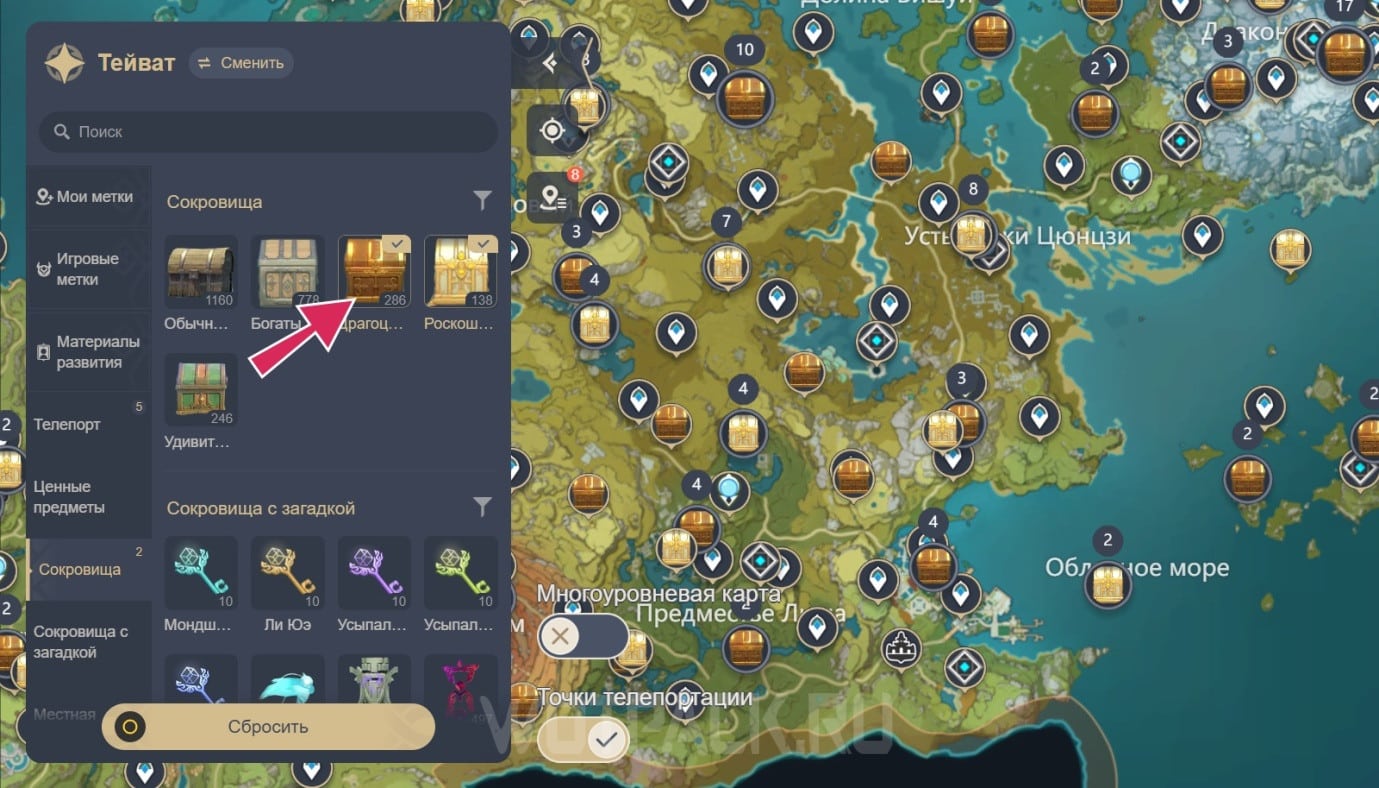
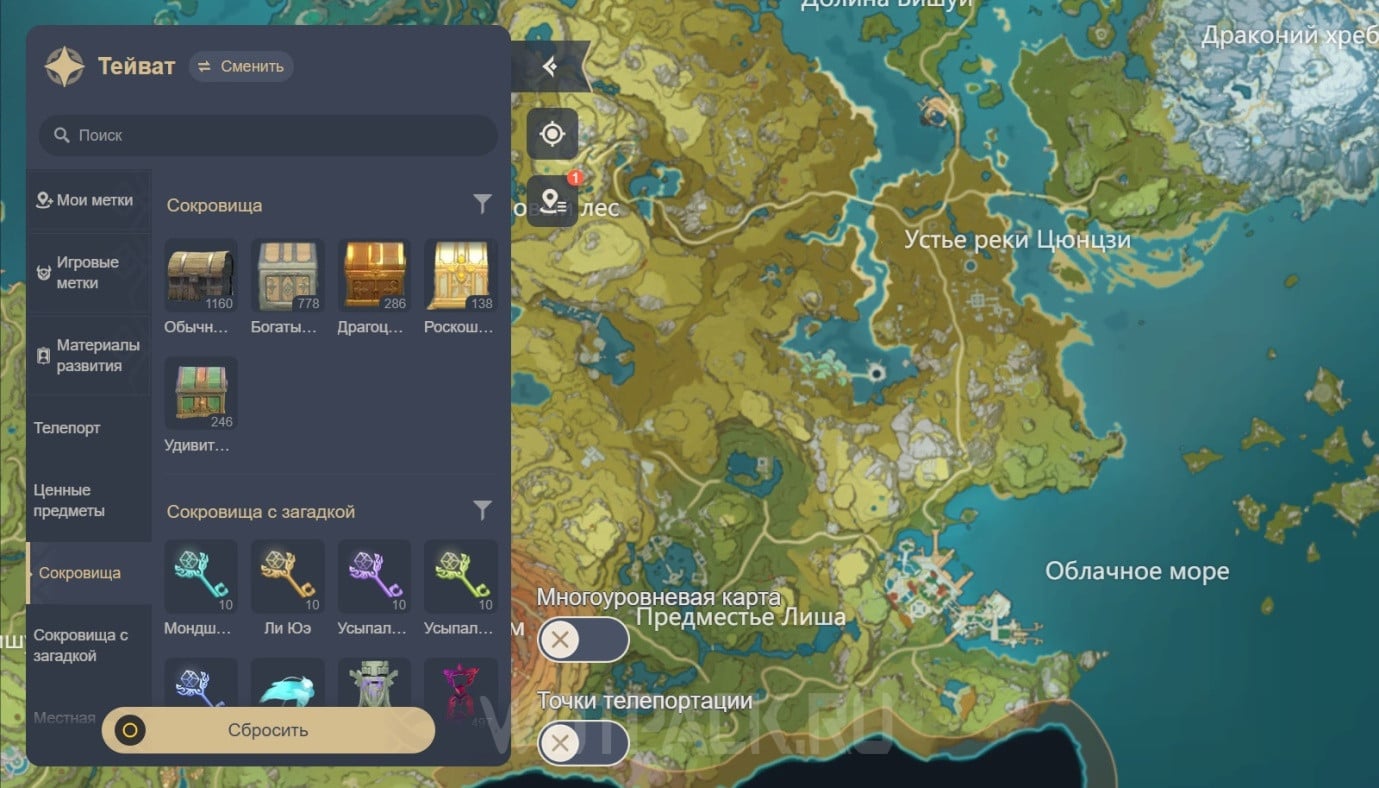
Click on the icon of the corresponding designation so that the item appears on the interactive map. If you have chosen an area where there are no these resources or mobs, the pointer will tell you which location you need to go to review.
To turn off the display of an item, click on it a second time: then the check mark will disappear along with the mark on the map and make room for other points.
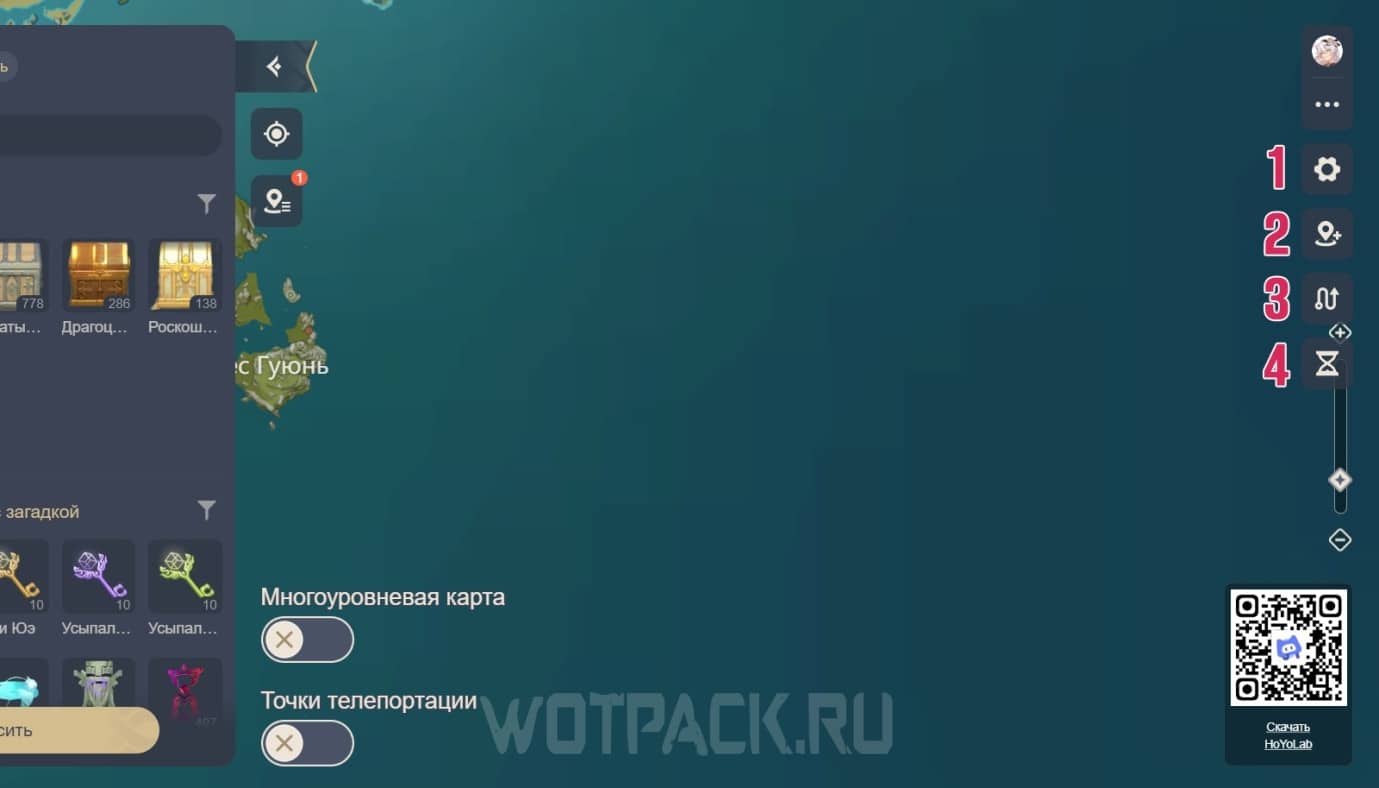
On the right side you will see the main settings and tools of the map:
- "Gear" — settings where you can change the aggregation of labels and hide all selected points. And also switch the language: more than 10 options are available.
- "Geolocation" — add your own tags for convenience.
- "Route" - Create your own paths, marking key points to efficiently collect resources or find enemies, and explore routes suggested by other users.
- "Hourglass" - View your selected tags as an ordered list in the menu on the left.
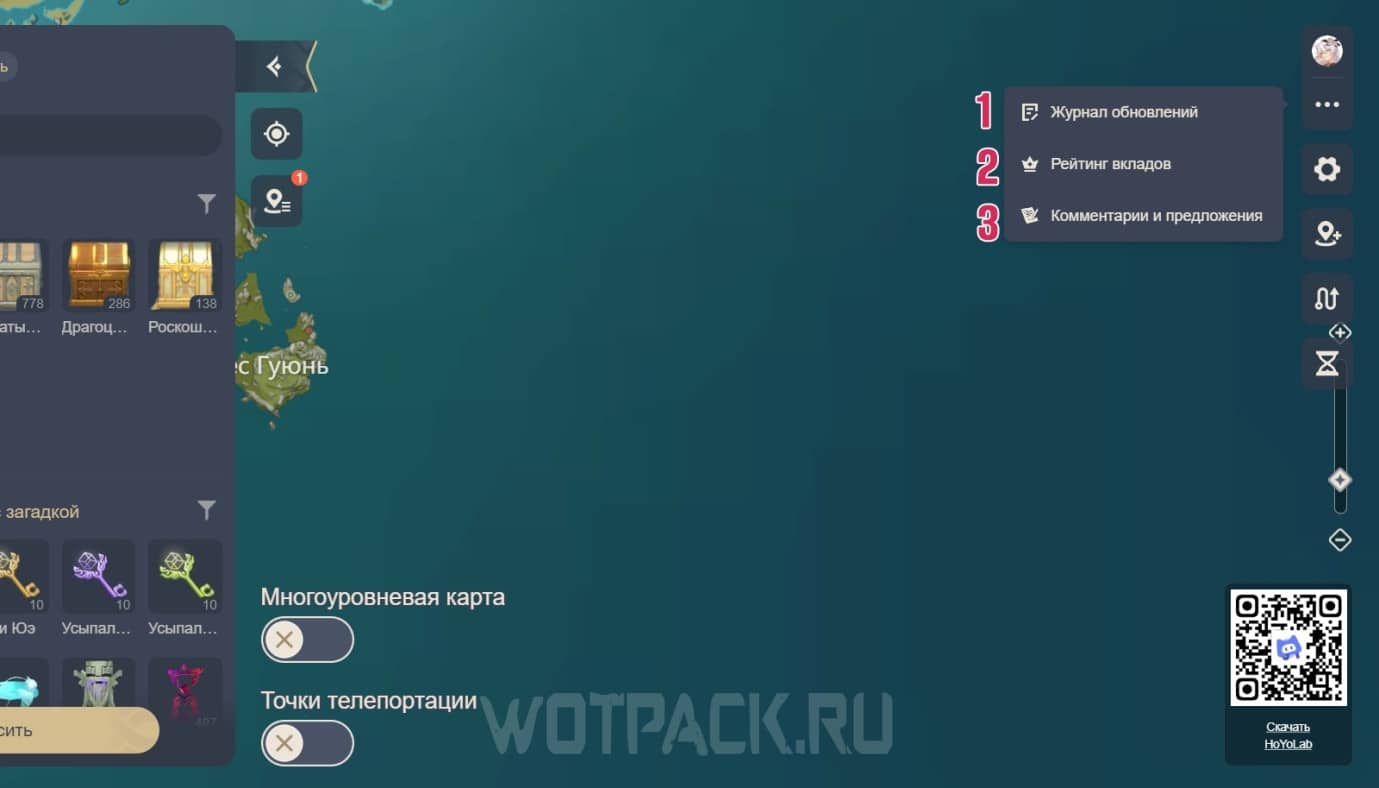
Under the profile sign there is a drop-down menu consisting of three items:
- "Update Log" - All innovations and corrections in functionality are indicated here, as well as filling out tags.
- "Deposit rating" — a section where users who actively participate in filling out the interactive map go.
- "Comments and Suggestions" — transition to Google Form to provide feedback and ideas for improvement on the tool.
Designations on the interactive map of Natlana
The complete map of Natlan will expand as it is updated and supplemented by developers and players: new points of interest will appear with which you can interact. You can follow active links to detailed guides on the objects you are looking for.
Valuable items and teleports
- Pyrocules
- teleports
- Archon statues
- Shrines of Depths
- dungeons
- chests
- amazing chests
- time trials
- Manitou fairies
- riddles and puzzles
- shops and merchants
- world tasks
- radiant crystals
- viewpoint
- local legends
- warrior's trials
Special Items
- Flaming Flint Ore
- Confirmed naming convention
- Split stone with graffiti
- Shard of the Night Jade
- Courier Challenge Keystone
Bosses and Enemies
- Automaton of Mysterious Source
- Forged Sand, Swift Warrior, Blade of Currents
- saurians
- Gluttonous Yumkasaur Mountain King
- Cucusaurus Tyrant of the Golden Flame
- Incarnation of Wayob
Curiosities and plants
- Cereal fruit
- Candlestick
- Corundin
- Cacahuatl
- Sprayfeather Gill
- Brilliant Chrysanthemum
- Quenepa Berry
- Saurian Claw Succulent
- Cineraria
- Skysplit Gembloom
- Withering Purpurbloom
- Glowing Hornshroom
Resources and ore
- crystal cores
- condensing crystals
- Electro crystals
- raw meat
- Fowl
- eggs
- animals
- wood
- fishing
- piece of iron
- piece of white iron
We hope our guide helped you figure out how the interactive Natlan map works in Genshin Impact and find all the items you need. IN comments You can contact the author for advice.





I wish there was a division of areas in the interactive
5.8 Is everyone's territory black? Chests, pyrocles, etc. are displayed, but the map itself is not visible.
Yes, for some reason it's taking a very long time to update this time.
Could you please tell me how to add markers to the map like everyone else does? For example, add an action or something else?
The second icon from the top right, which looks like a geolocation icon
How can I make it so that the icon is there and others can see it?
If you want to add something to an existing icon, click on it, then click on the pencil icon in the window at the bottom right. You can add something in the information about correcting the label, after which it will be reviewed.
If you want to add something from scratch, you can't do it.
That's a shame. But thanks for your help.
Contact us 🙂
I don't understand what this "account" item is at the entrance to the Descendant of Kron tribe.
Help me find 3 pyrocules underground between the slopes of Tepeca and the sulfur veins.
We are gradually adding more Pyrocule Guide)