
TikTok has become one of the most popular social networks in the world in a short time. Short videos, the duration of which often does not exceed 15 seconds, as well as the ability to gain millions of views by shooting only a few videos - these and many other reasons attracted many users to TikTok, including those from the CIS countries.
Since March 2022, Tik Tok has been blocked in Russia: residents of the Russian Federation cannot publish and view new videos. In this article, we will tell you in detail how to download Tik Tok in Russia without blocking on Android and iOS in 2026, and also show ways without using Scarlet.
Why Tik Tok was blocked in Russia
The reason why Tik Tok was blocked in Russia is different from the reasons why other large companies left. TikTok has not imposed sanctions on the Russian Federation, but new videos cannot be published due to fake law, which was signed on March 4, 2022. Since the site cannot control the flow of videos, it was decided to simply block the possibility of publishing new content.
How to download Tik Tok in Russia in 2026
There are many working ways to download TikTok in Russia in 2026, for iOS and Android users they are very different. At the same time, it will be a little easier for owners of Android phones to install and use TikTok.
On Android
There are several options on how to download Tik Tok for Android in Russia: from removing the SIM card to installing custom APK files.
TikTok Lite
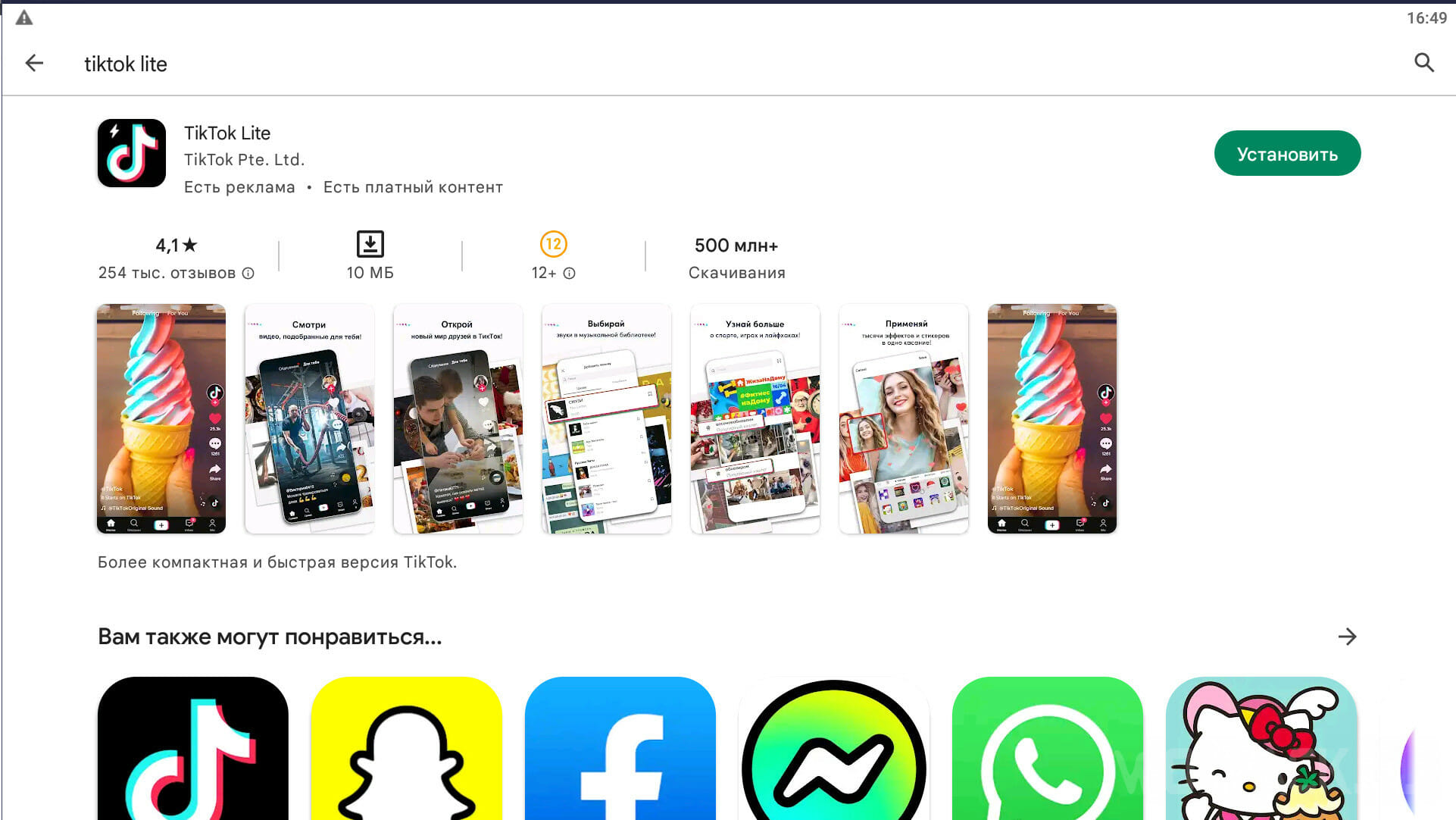
The first thing you need to do in this method is to download TikTok Lite from the official Google Play store. Please note that you need to download it with your native IP, since this application may not be available in some countries.
By downloading TikTok Lite, need to change IP address. When connected to the desired server, remove the SIM card from the phone. Now you can go to Tik Tok and watch the video. This method has a number of disadvantages: the application may lag, videos may not load, but this is the only "official" and most secure method.
TikTok and Plugin for it
This method is the most convenient and is used most often. The only possible negative is the unknown developer and third-party files.
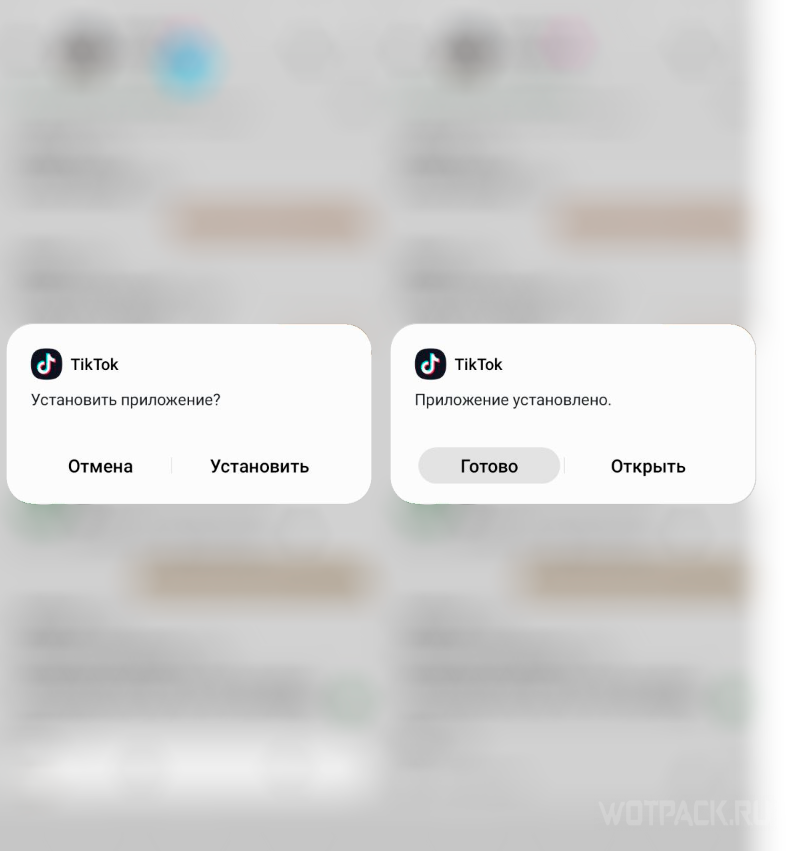
First of all, delete the usual TikTok and all other downloaded modifications along with the cache. Then download the unofficial and slightly modified version from the link below.
DOWNLOAD from Ya.Disk (plugin and TT itself).
The main function that interests us here is the change of geolocation and region within the application. Install the new application. For now, you don't need to log in.
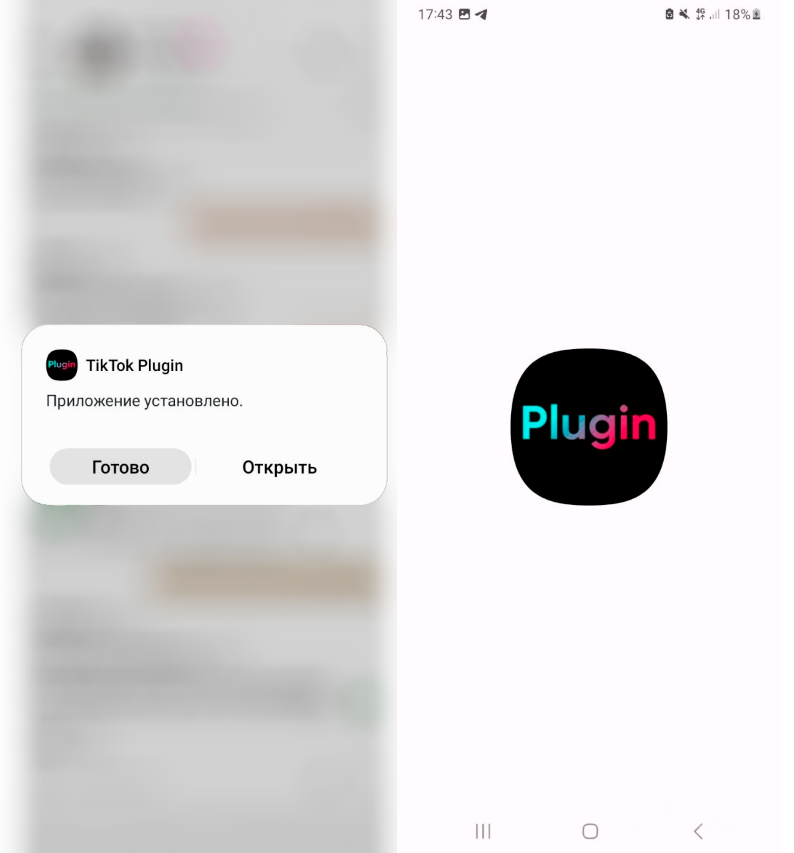
The next step is installation special plugin, thanks to which TikTok will work. Also download the APK file and open the plugin application (the link to Ya.Disk was just above). It will only be necessary to make frauds with him once.
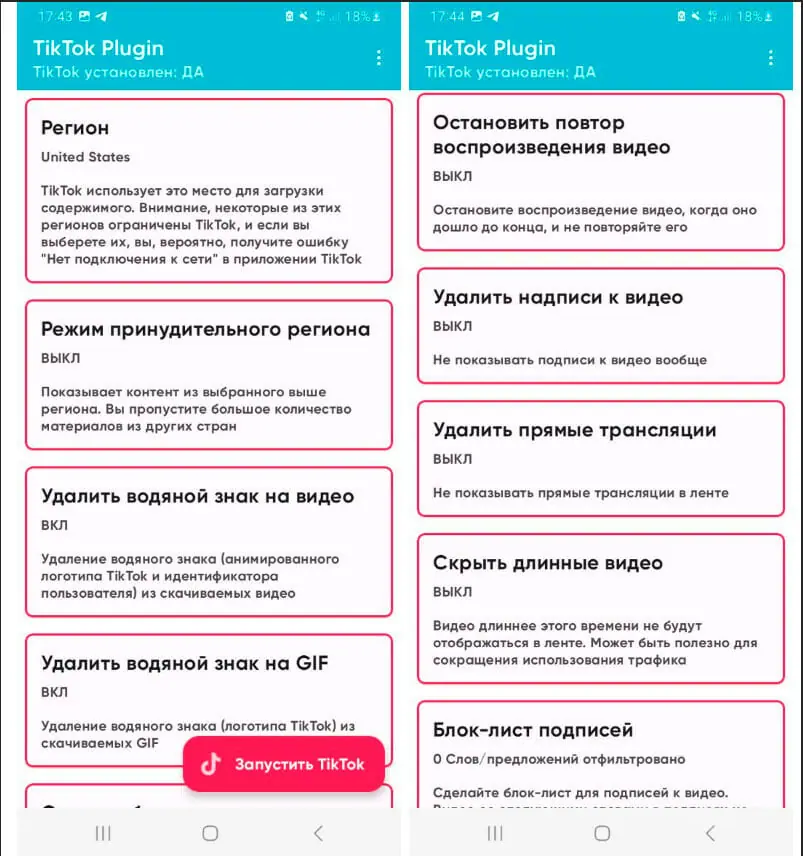
Open the TikTok Plugins. It has a huge number of settings, but the main function that the average user should pay attention to is the one that allows you to change the region. With its help, you can choose the location from where the video will sometimes come across. We recommend to put either United States or Kazakhstan. After that, click on the button "Launch TikTok».
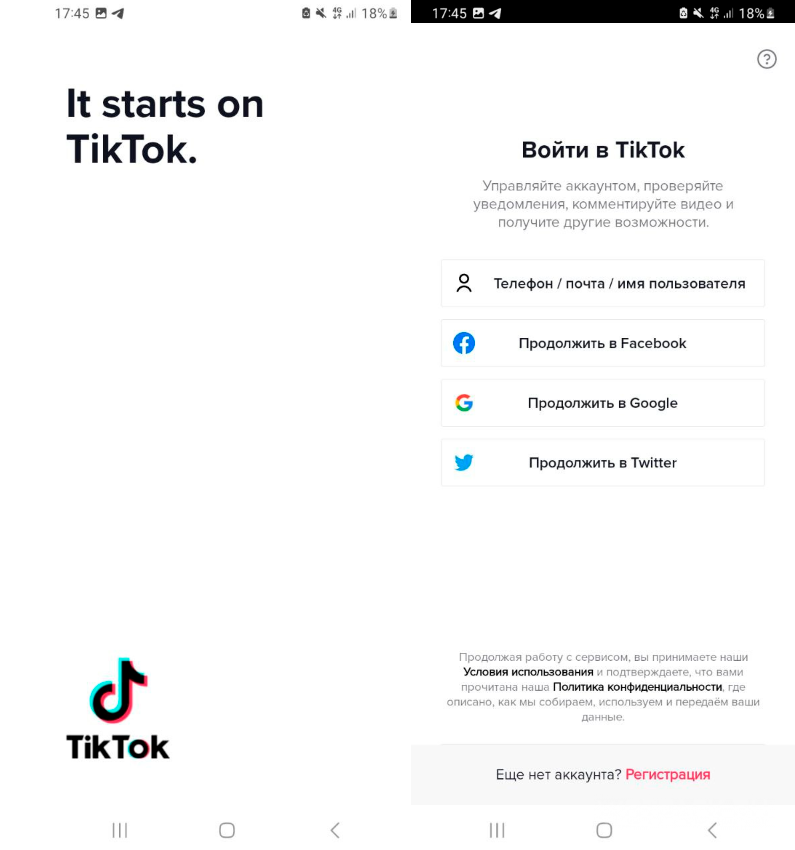
Tik Tok will start, after which you will need to log into your account. In the future, you will not need to manipulate the plugin again, since all the settings have already been made.
On iOS
On iOS, there are two general methods: using the phone app and certificates, and using a computer. You won’t be able to download TikTok to iPhone by changing the region: this will not remove the lock. There is an option to change the region and remove the SIM card, but some users report that this method can cause problems with the device. In the paragraphs below we will tell you how to download Tik Tok on iPhone in 2026.
Scarlet
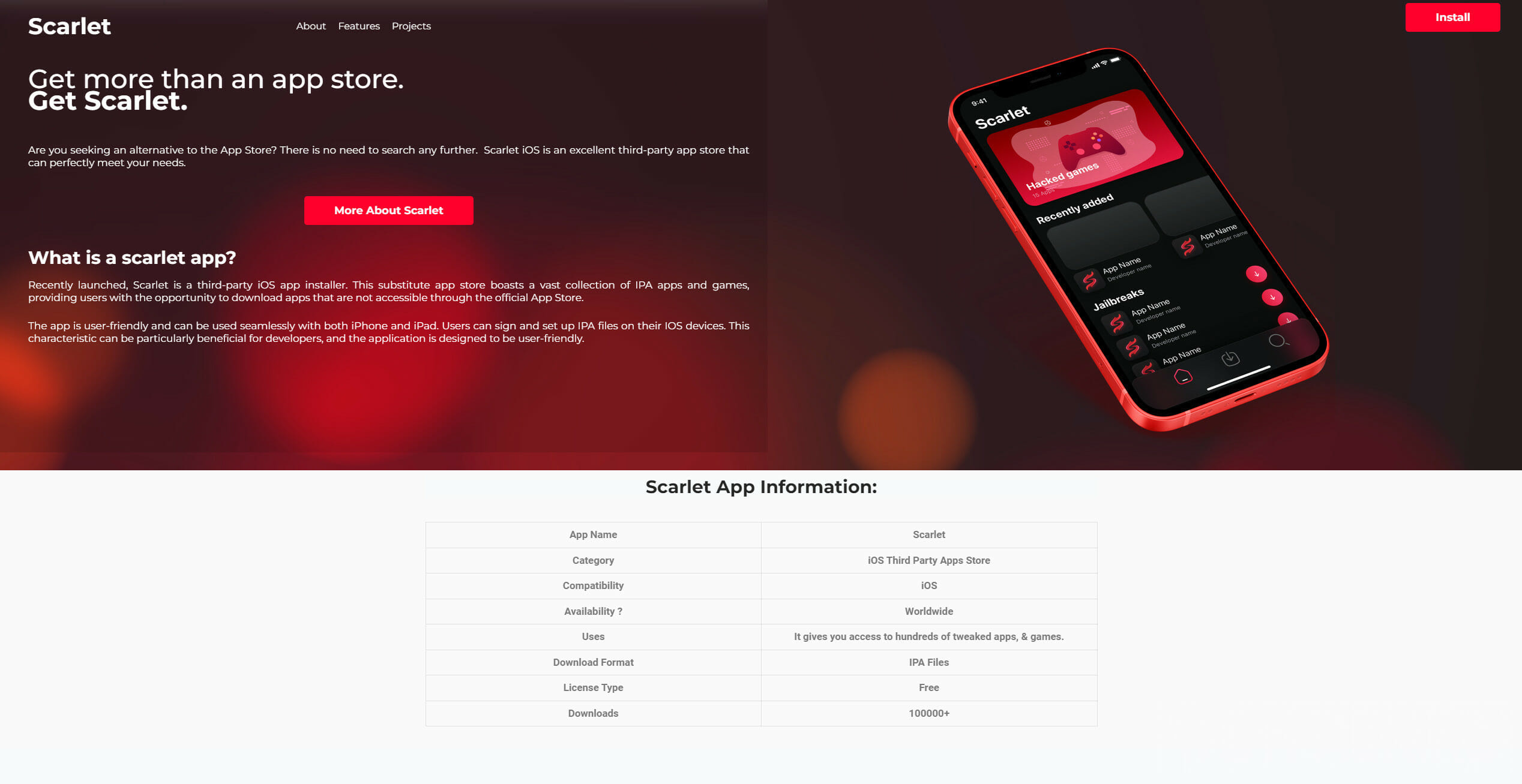
The first way is to use Scarlet. In fact, this application is just a method of how to install an IPA on an iPhone. In a separate article, we have already how to install Scarlet on iPhone and iPad and how to deal with certificates. All the necessary files will be after the description of the method.
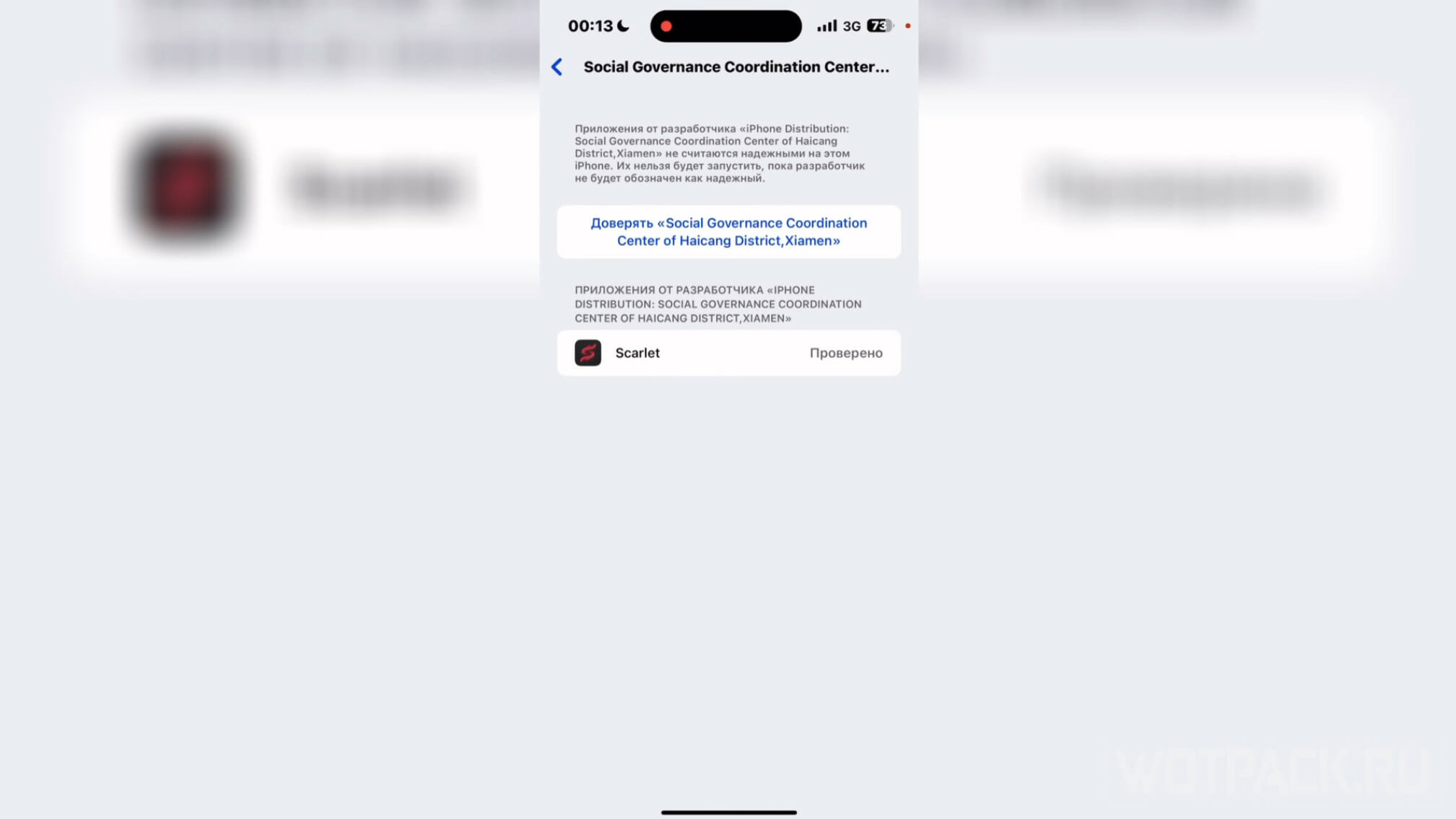
After downloading Scarlet, go to the "Setting"And select the"Device management". Under the line "Enterprise Application» click on “Social Governance Coordination Center of Haicang District, Xiamen”.
After that, click on the button "Trust..". Confirm again that you trust this developer.
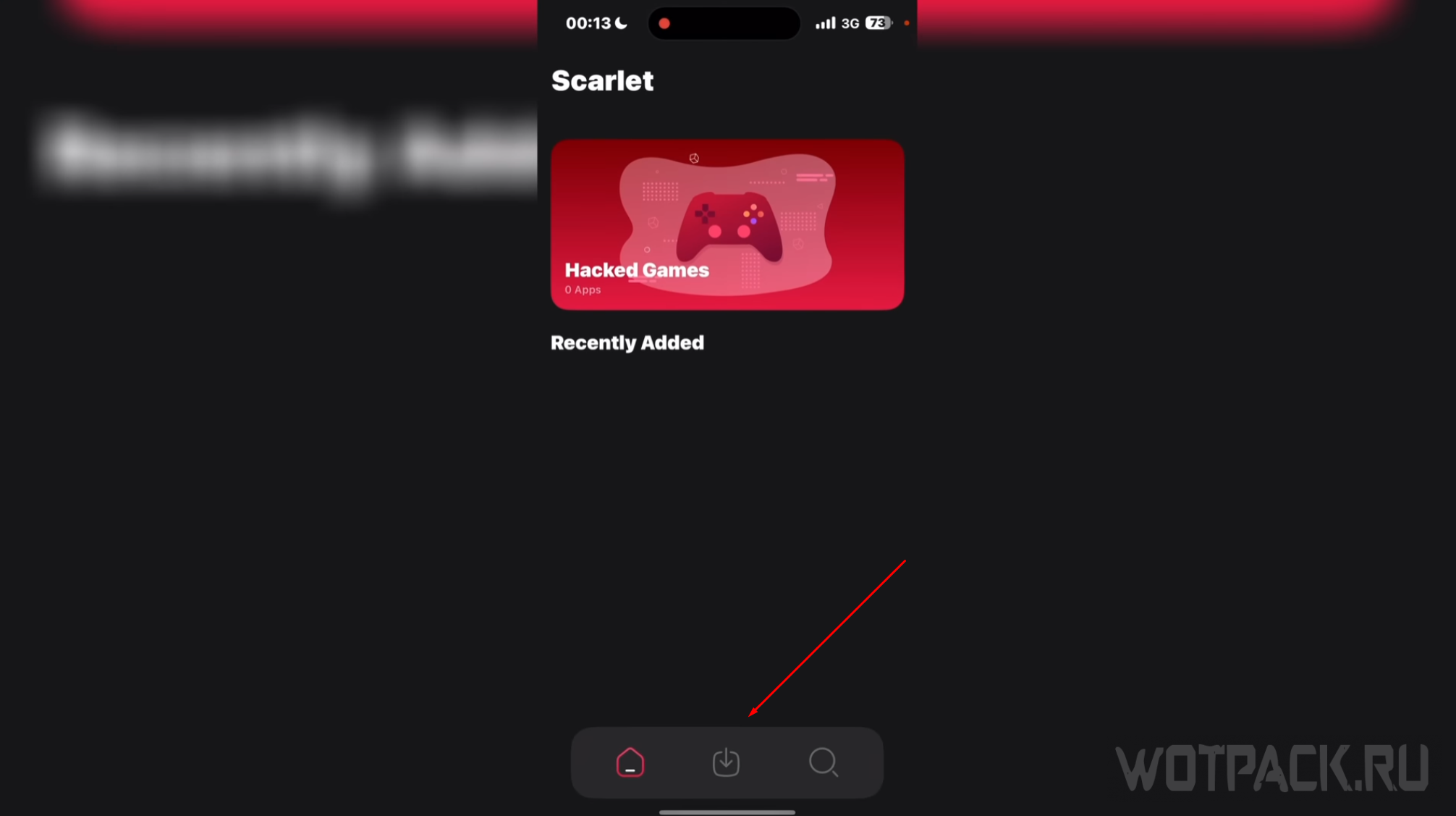
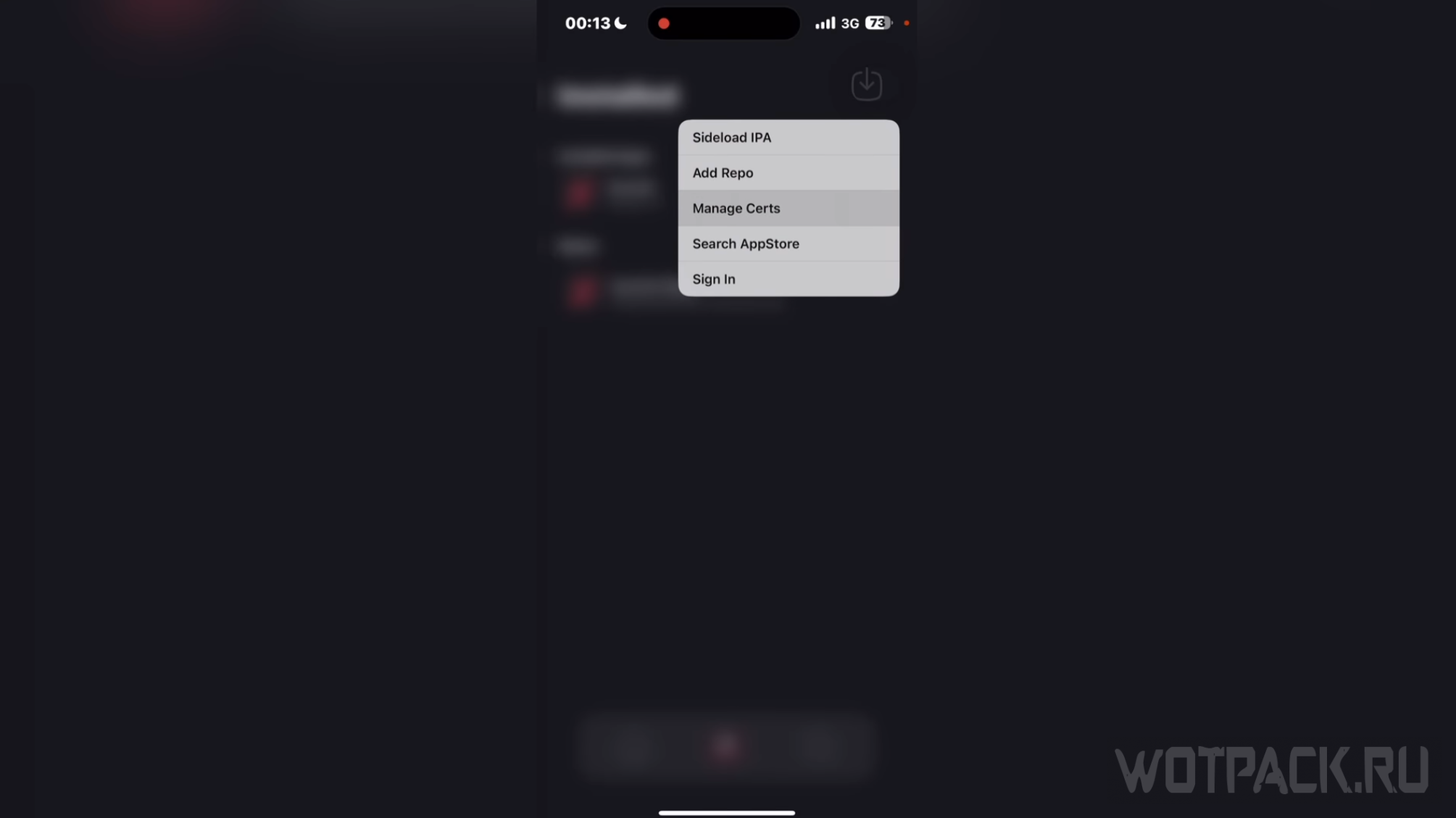
Launch Scarlet, then press the center button below. After opening the download section, hold your finger on the icon in the upper right corner. In the menu that opens, select "Manage Certs».
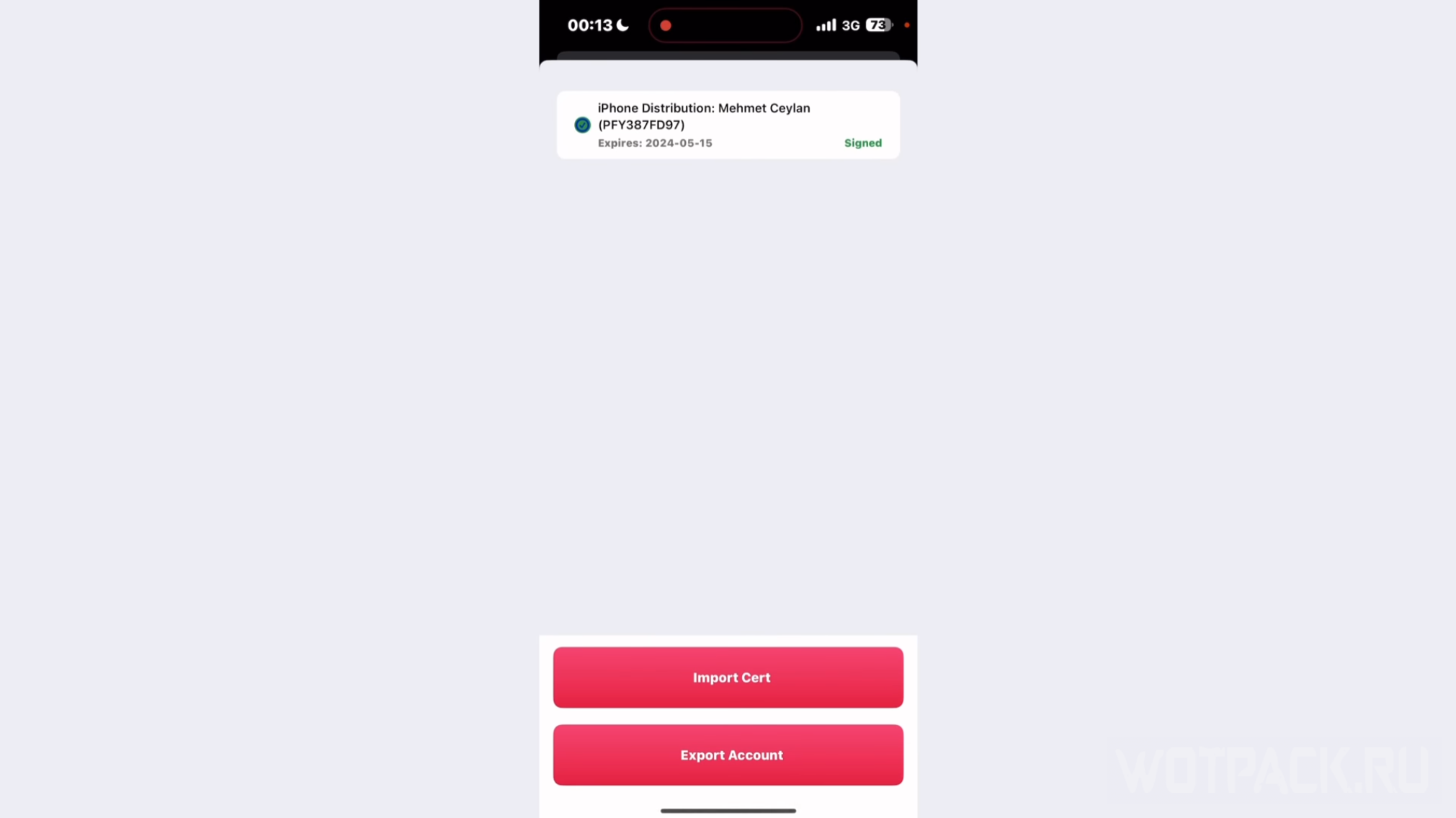
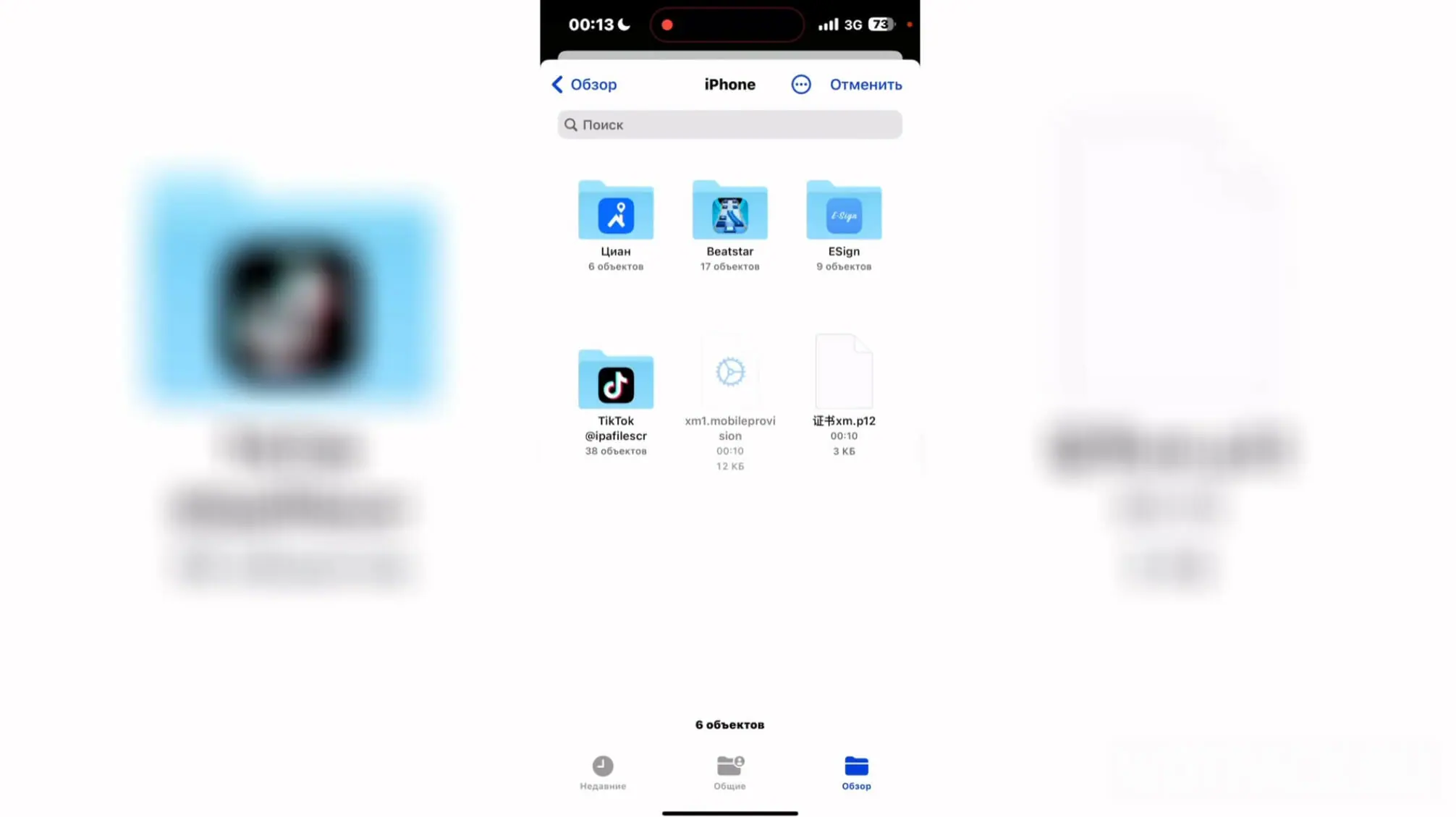
Click on the "Import Certificate”, then select the desired IPA file with the certificate, if you do not have a paid one. Enter password "112233”, then wait until the green inscription “Signed” appears to the right of the file.
DOWNLOAD from Ya.Disk all the necessary files.
After that, click on the circle to the left of the certificate.
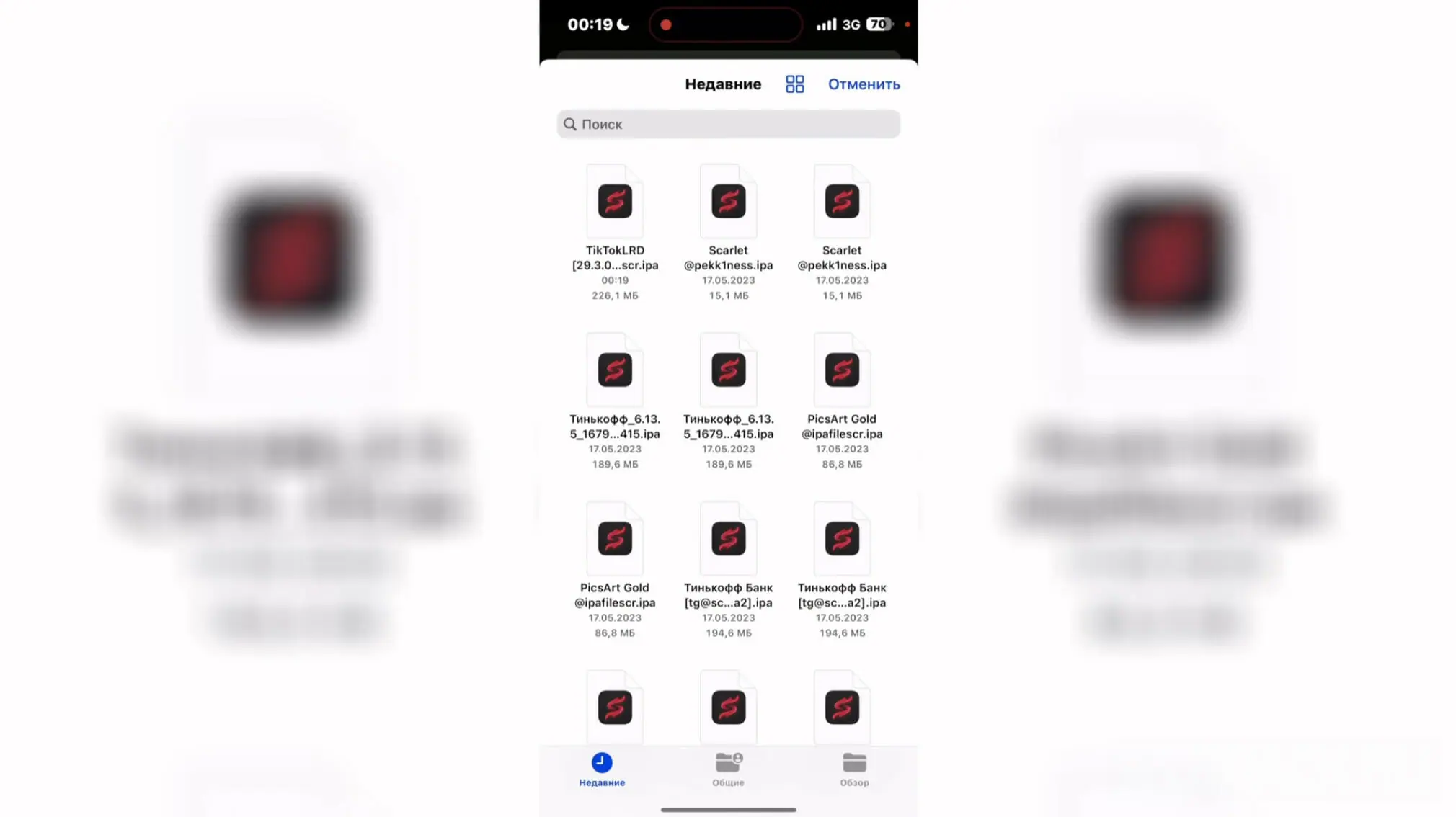
Go to the file download menu again, select the Tiktok IPA file. If the error "Failed: P12 or Provision Invalid”, repeat the previous step to verify that the certificate was signed correctly.
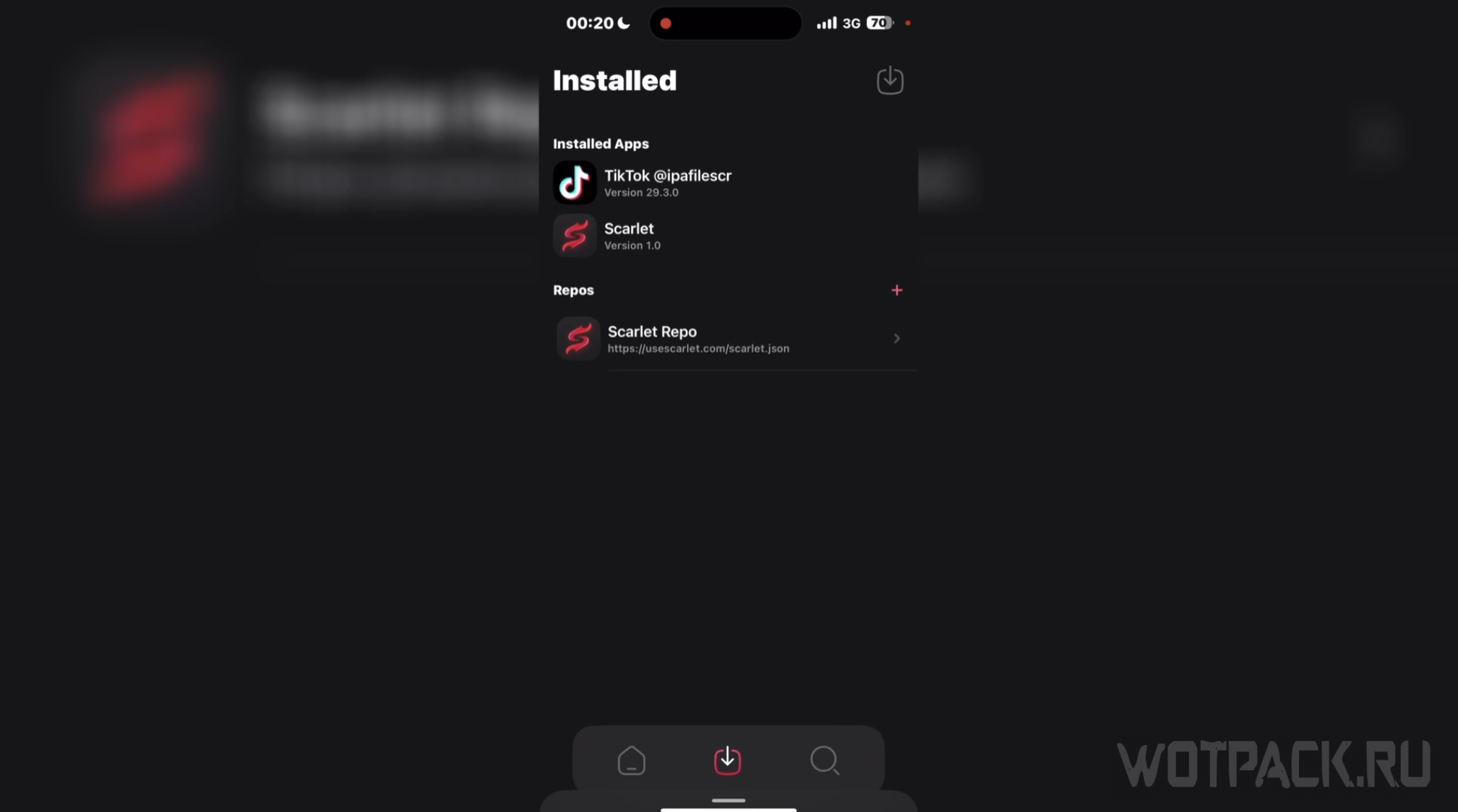
Soon on the listInstalled” in Scarlet, the desired TikTok file will appear. This means that it is practically installed. It remains to perform a few steps, after which the program will be ready to work.
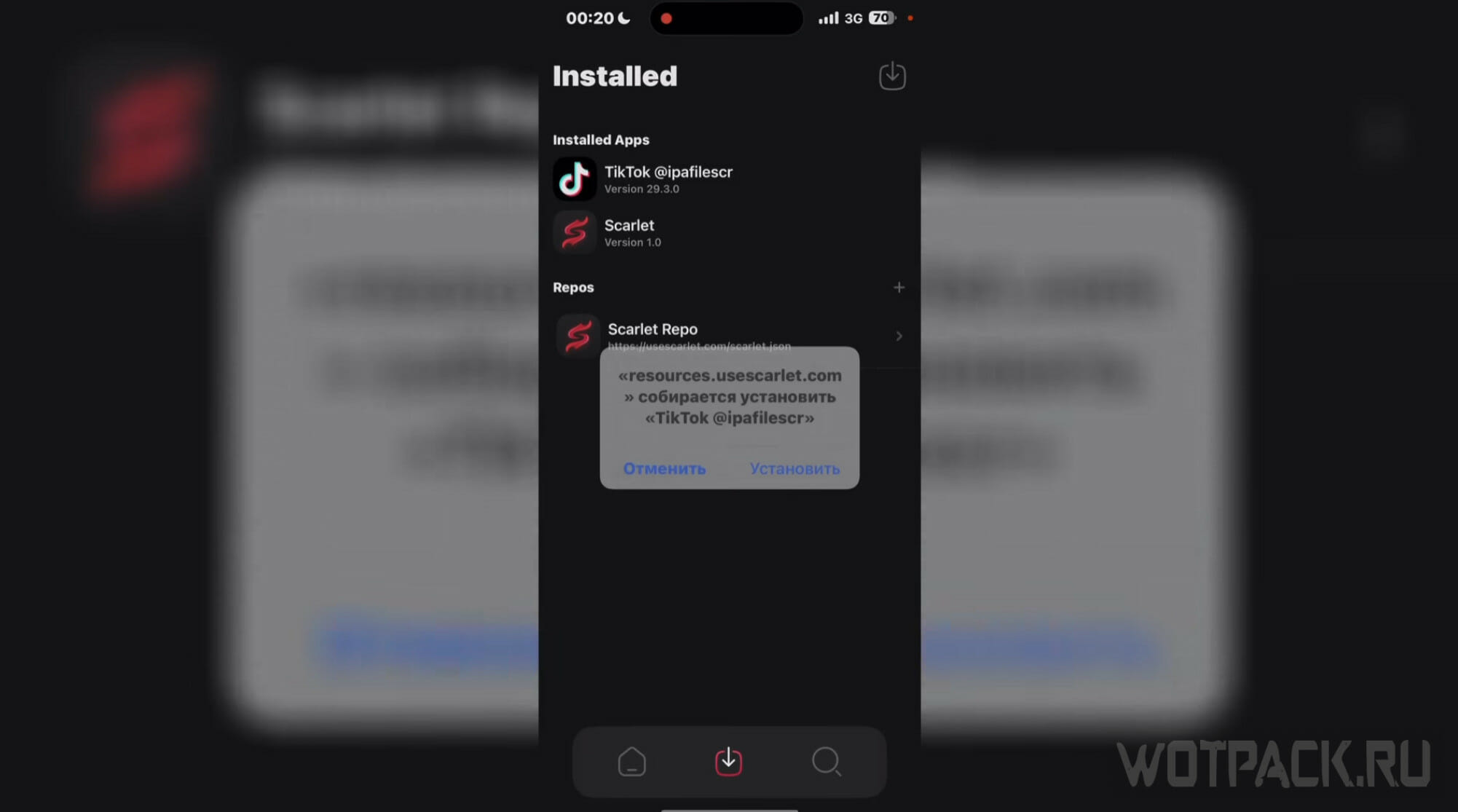
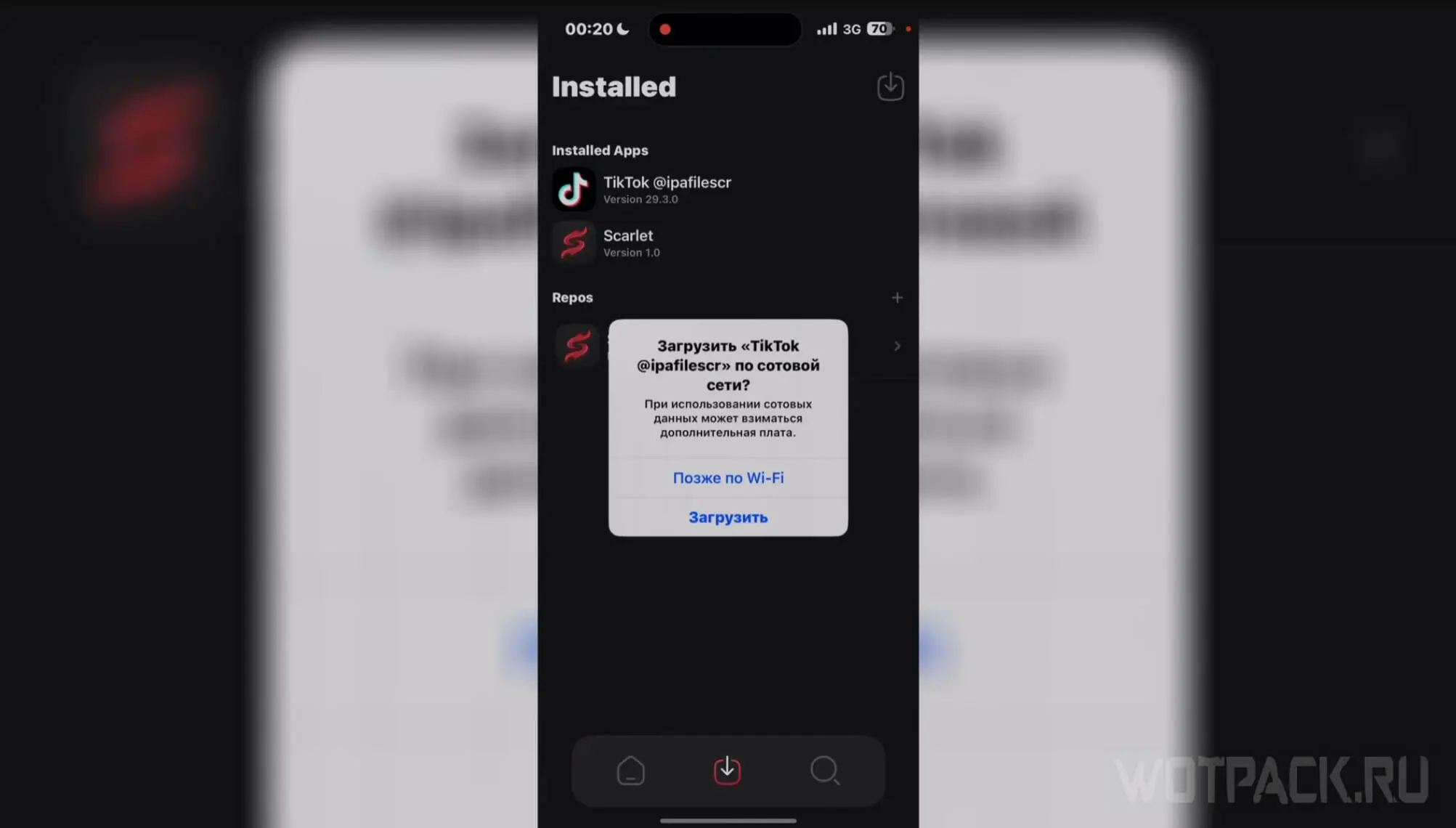
Click on the line with Tiktok, then click "Install", and then "Download". Close the app and wait for it to download. Now all that remains is to go to the application and log in.
Using a PC - 3uTools
To download TikTok on an iPhone without Scarlet, you need to use the toolkit for iOS devices. This method is much better than using Scarlet or ESign: firstly, it does not require you to spend time on subscriptions and trying to get certificates, and secondly, it is free and always works. The only caveat is that you need to have a PC.
DOWNLOAD from Ya.Disk all the necessary files.
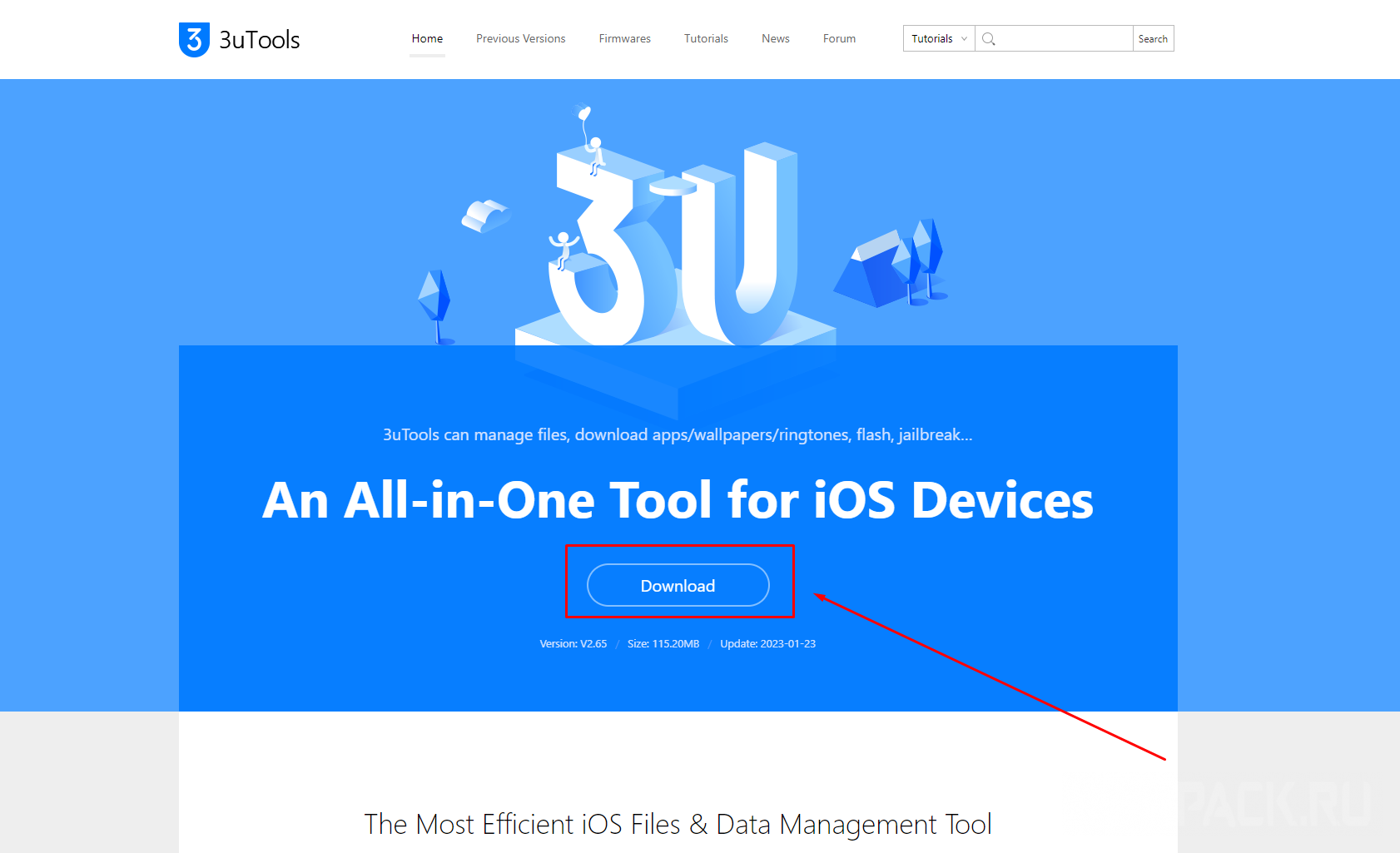
Go to 3uTools website and click on the "Download". Download and install the application. Next, you need to connect the device to the computer using a wire.
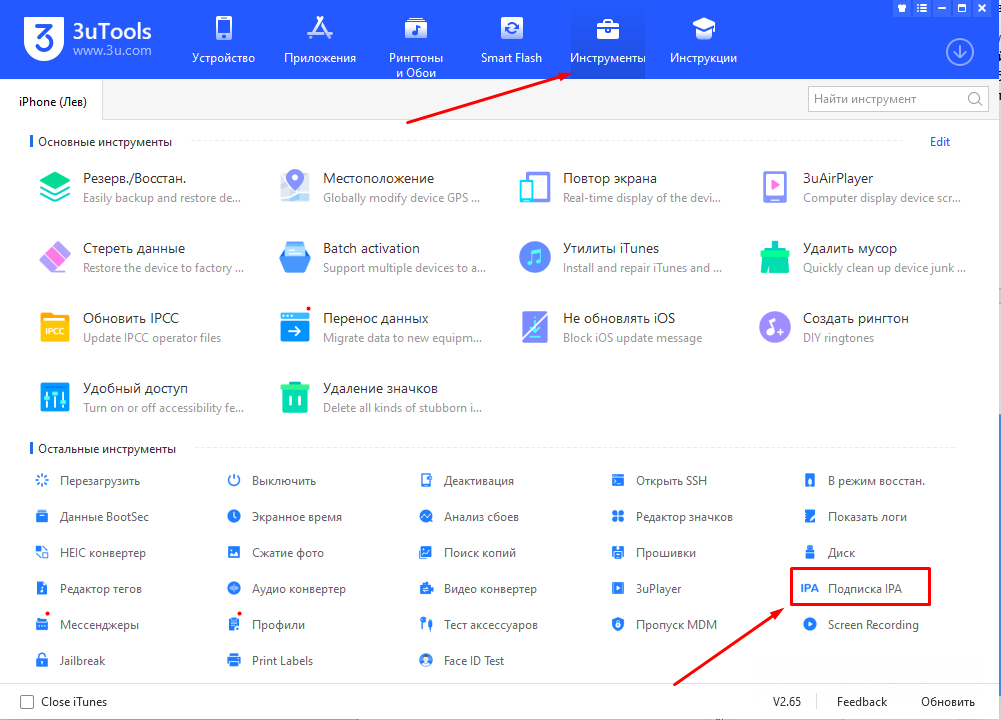
Open the program 3uTools with an iPhone connected to the computer, then go to the "Tools". In the list of other tools located at the bottom of the tab, find the item "IPA Subscription". Click on it.
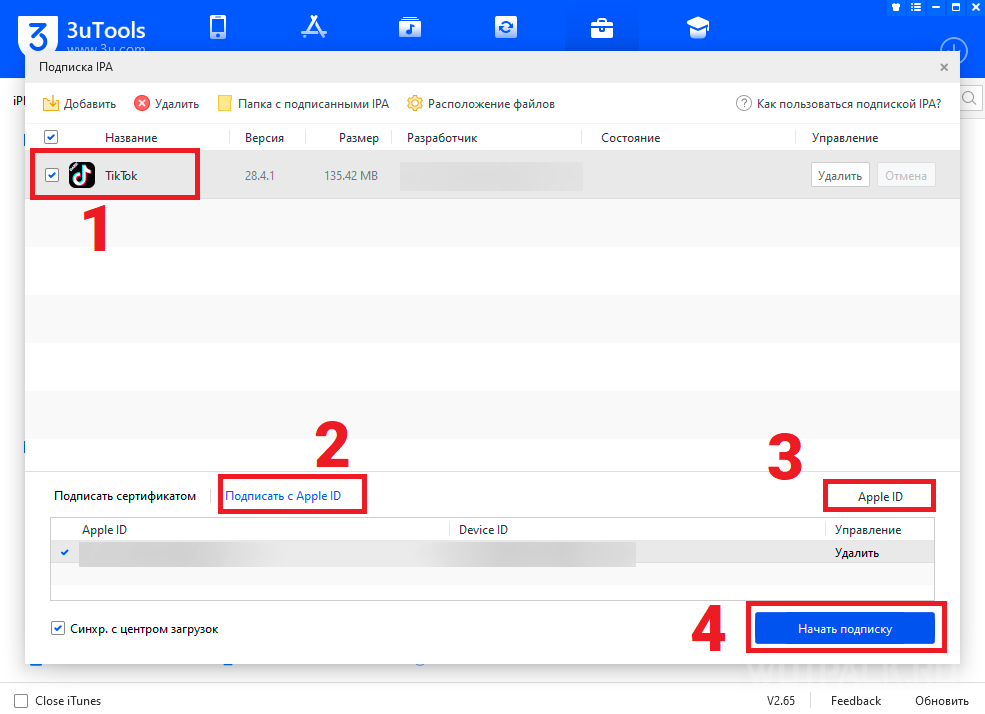
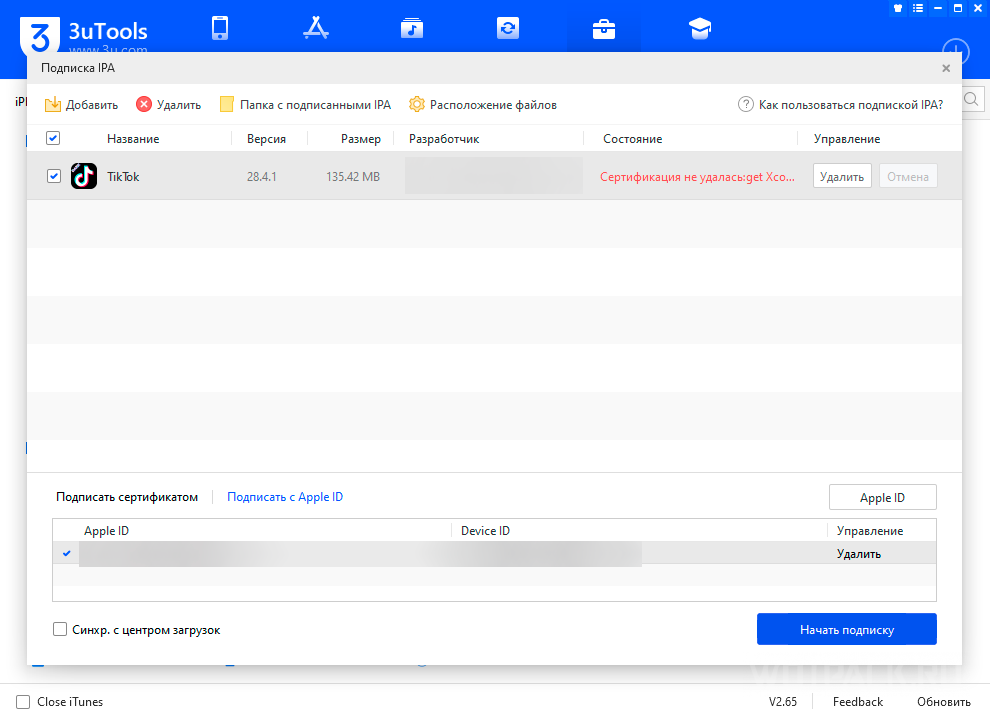
Upload the desired Tik Tok file to the IPA subscription menu that opens. After that, click the checkmark to the left of the application icon, and at the bottom of the window, select "Sign with Apple ID". Click on the button "Apple ID» on the right and enter the details of the account currently used on the phone. Uncheck the box in the lower left corner of "Sync. with the download center", and then start the subscription.
If suddenly a red inscription appears in the “Status” column, hover over it to understand what the error is. Often there are only two options - either you entered the wrong password, or the certificate was just signed. Wait until the green inscription "Subscription ended».
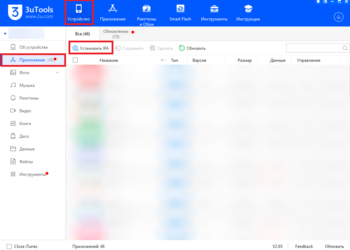
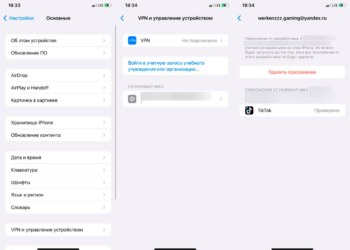
When the IPA file is signed, go to the "Device" section, then click on the "Applications» in the left menu. Click "Install IPA". After that, the application will be installed on the phone, but will not start. To make it work, you need to perform a few more steps:
- Go to settings and scroll down to the "All". There, open the tab "Device management».
- In the window that opens, find "developer software”, where the mail will be written, which is used on this device as an Apple ID.
- Click "Trust"And confirm.
Now Tik Tok will start and you will be able to watch new videos.
How to update Tik Tok after blocking
There are practically no ways to update TikTok after blocking. If you want to take advantage of the new features of the updated version - you will need to search for the corresponding APK / IPA fileand then install it. Unfortunately, it will not be possible to update the application in one click.
How to upload a video to Tik Tok
Many users are looking for ways to download Tik Tok in 2026 to upload videos and interact with the community. Next, we will talk about the most popular methods.
On Android

You don’t need to think about how to upload videos to TikTok on Android. Users who download the APK file and plugin will not even have to change their IP address. Videos are easily uploaded to your account and are available to all users outside the Russian Federation, including users of the “hacked” TikTok.
Using a browser
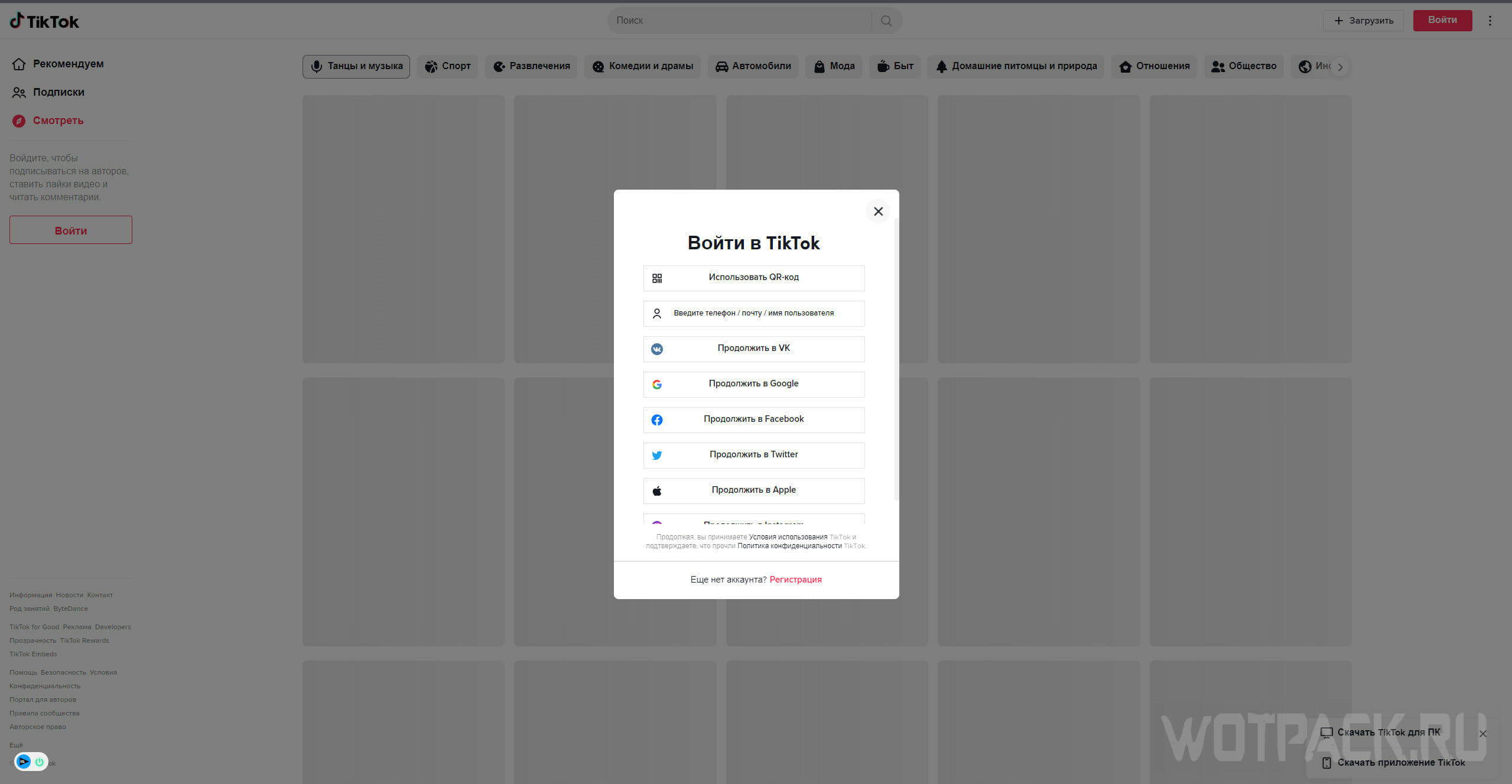
An alternative method, suitable for both Apple device owners and Android users, is to download videos in the browser. To do this, you need to change the IP address. We can also recommend reinstalling the browser, or using a new one where the English language will be selected.
Change IP, go to TikTok official website and log in. After that, you will be able to publish new videos that will be available to users from all over the world.
Using TikTok Lite
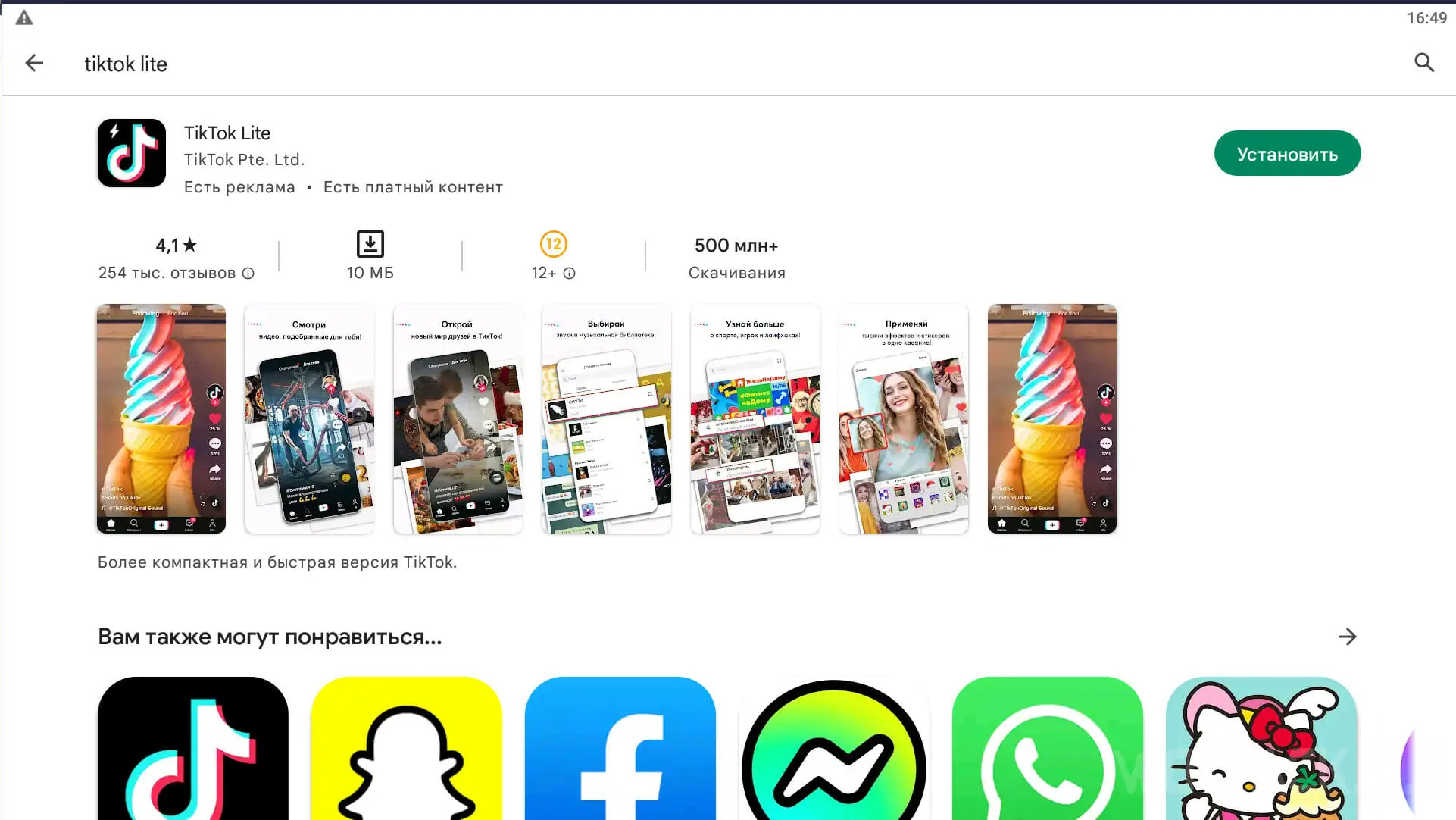
TikTok Lite, which was mentioned at the beginning of the article, also allows you to download videos. As in the case of viewing, this method will require you to constantly get a SIM card.
On iOS
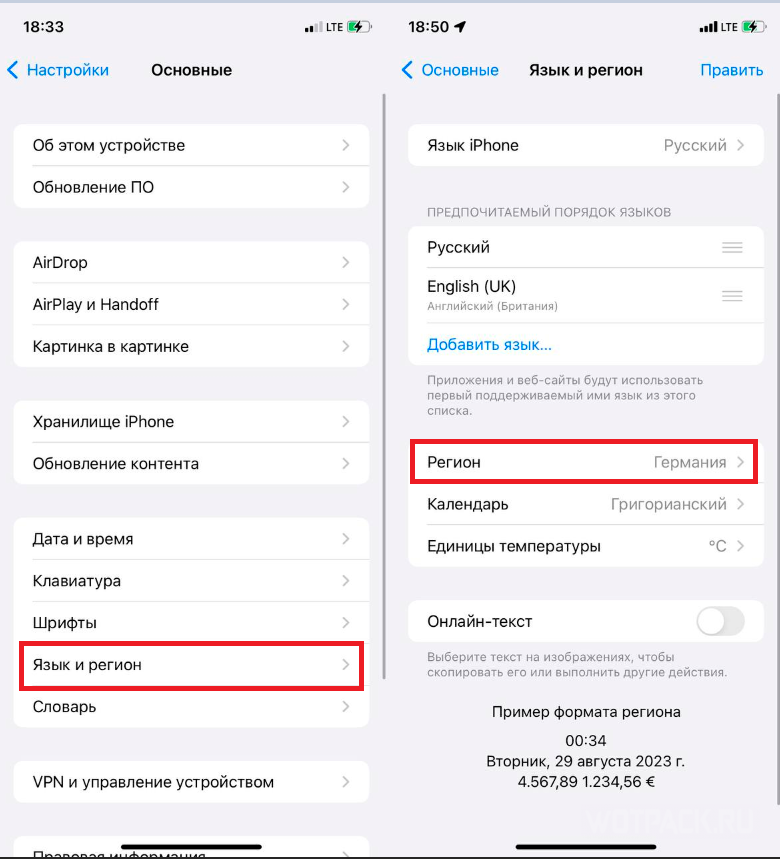
The only way to upload a video to Tik Tok on iPhone is change region and IP address. First of all, go to the settings, then open the "General". In the fourth group of options, find the "Language and Region". In field "Region» put any one you like. Then reboot your device.
Then you need to change the IP address and select the region that was previously set in the settings. For this reason, we recommend choosing Germany, USA or Finland. Now all that remains is to go to Tik Tok and upload the video.
Why Tik Tok is not uploading videos
There are several reasons why TikTok won't load videos:
- Unstable internet connection. This could apply to your Wi-Fi or mobile provider, or to an IP address that simply can't handle the load.
- Maybe account is restricted due to community activities: inappropriate content, toxic comments, and more.
- Service failure. You can check the status at special monitoring.
What to do if you can't upload a video to Tik Tok

If you can’t upload a video to Tik Tok, you should try to take a number of measures:
- Reinstall Tik Tok, for example, using a different APK or IPA file.
- Go to IP monitoring and, if necessary, change the program IP address.
- Try to download from another account.
- Check with a friend or third party account to see if the videos are showing. Perhaps they are not displayed only to the creator.
Can they get banned for bypassing the blocking in Russia
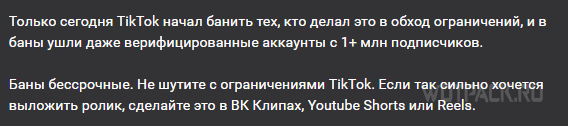
Tik Tok may be banned for bypassing blocking in Russia. There have already been such precedents, a number of major bloggers have already been banned. Nevertheless, an ordinary or not very popular Tik Tok user should not worry: such an event is extremely unlikely. Content makers are left to advise or hope for the best, or use another platform.
FAQ
How to download TikTok on a computer?
Tik Tok cannot be downloaded to a computer. There is no desktop application. However, for those who wish, there are two options: emulators (Tik Tok does not work on many of them), or the official website.
Why is TikTok not downloading on iPhone?
There are several reasons why TikTok is not downloaded on iOS: the lack of a certificate / signature, the presence of already downloaded modifications, an extremely outdated OS version, or lack of space. Often the problem is in the certificate.
Why is the video not loading on TikTok?
Videos on TikTok often fail to load due to incorrect regions being set. The region in TikTok, on the device and the provider must match. Therefore, you need to change the country in the store (AppStore/Google Play), change the IP address and set the same region in TikTok.
What should I do if I can't install via scarlet?
In this case, there are two options: buy/find a good certificate, or use PC applications such as 3uTools.
How to install an IPA?
There are two ways to install IPA: through the mobile app (Scarlett/ESing/AltStore) or through the PC program.
We hope our article helped you understand how to download Tik Tok on iPhone and Android in Russia without blocking in 2026. If you have any questions - ask them in commentswe will definitely answer.









The article is certainly useful, but all the files are expired and don't work.
All my files have been loading for about 30 minutes now. Is this normal or not???
How do I download TikTok files to my computer?
The app could not be verified or the device is not jailbroken.
What to do?
Same problem
Please help
It says *too many attempts, please try again later*
I changed my account, I changed 3 mods, all to no avail.
I had the same problem. Turning on the VPN when you log in to your account helps.