Clash Royale is a mobile strategy game from Supercell where two players battle in real time in an arena for royal towers. To battle, players must build a deck of eight cards, summon units for elixir, and attempt to destroy their opponent's towers before time runs out.
Leveling up cards usually takes months, but gems, the game's main premium currency, greatly speed it up: they can be used to purchase chests, emotes, store offers, and skip Pass Royale levels. Due to Supercell restrictions in Russia, the game can't be downloaded using the usual method, but run it after blocking It's still possible, and your account progress is saved.
How to profitably donate in Clash Royale
Site Donatov.net provides discount coupons и выгодные условия доната в Клеш Рояль, начисляет кэшбэк и предлагает к покупке большой ассортимент товаров, начиная с гемов и заканчивая картами чемпионов. Для доставки сотрудник сервиса заходит в аккаунт Supercell ID и вручную оформляет покупку в игровом магазине. Это удобно, но есть нюансы, о которых лучше знать заранее:
- Check the in-game store—the operator will only be able to purchase resource packs, maps, or passes if they are available on your account.
- Send codes quickly—your account is protected by two-factor authentication, so send the 2FA code from the email to your operator promptly before it expires.
- Buy everything at once—buy the necessary kits in bulk, as frequent logins from someone else's device may be considered suspicious by the system and lead to account restrictions from the security system for a month.
The order is placed in several steps:
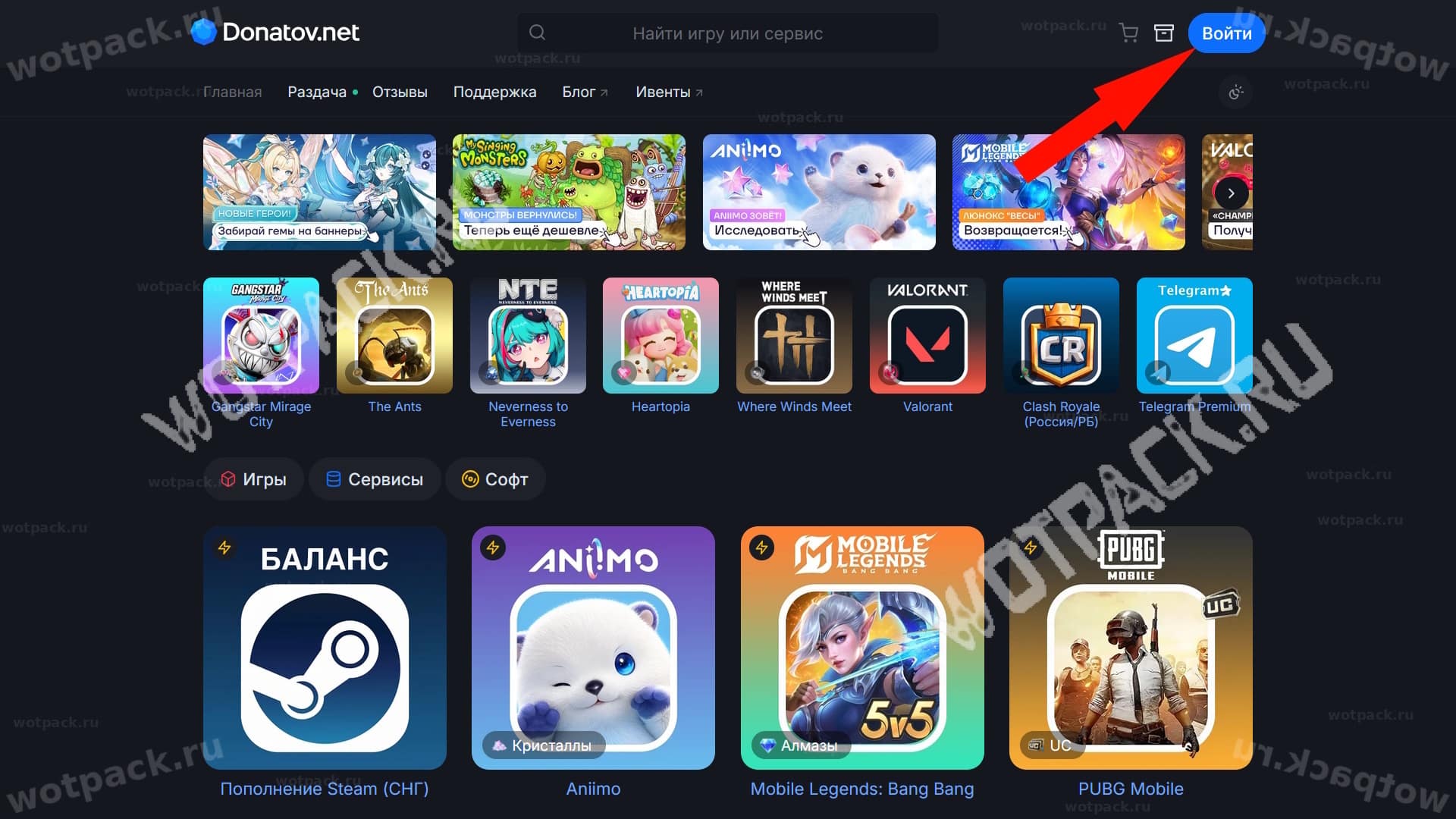
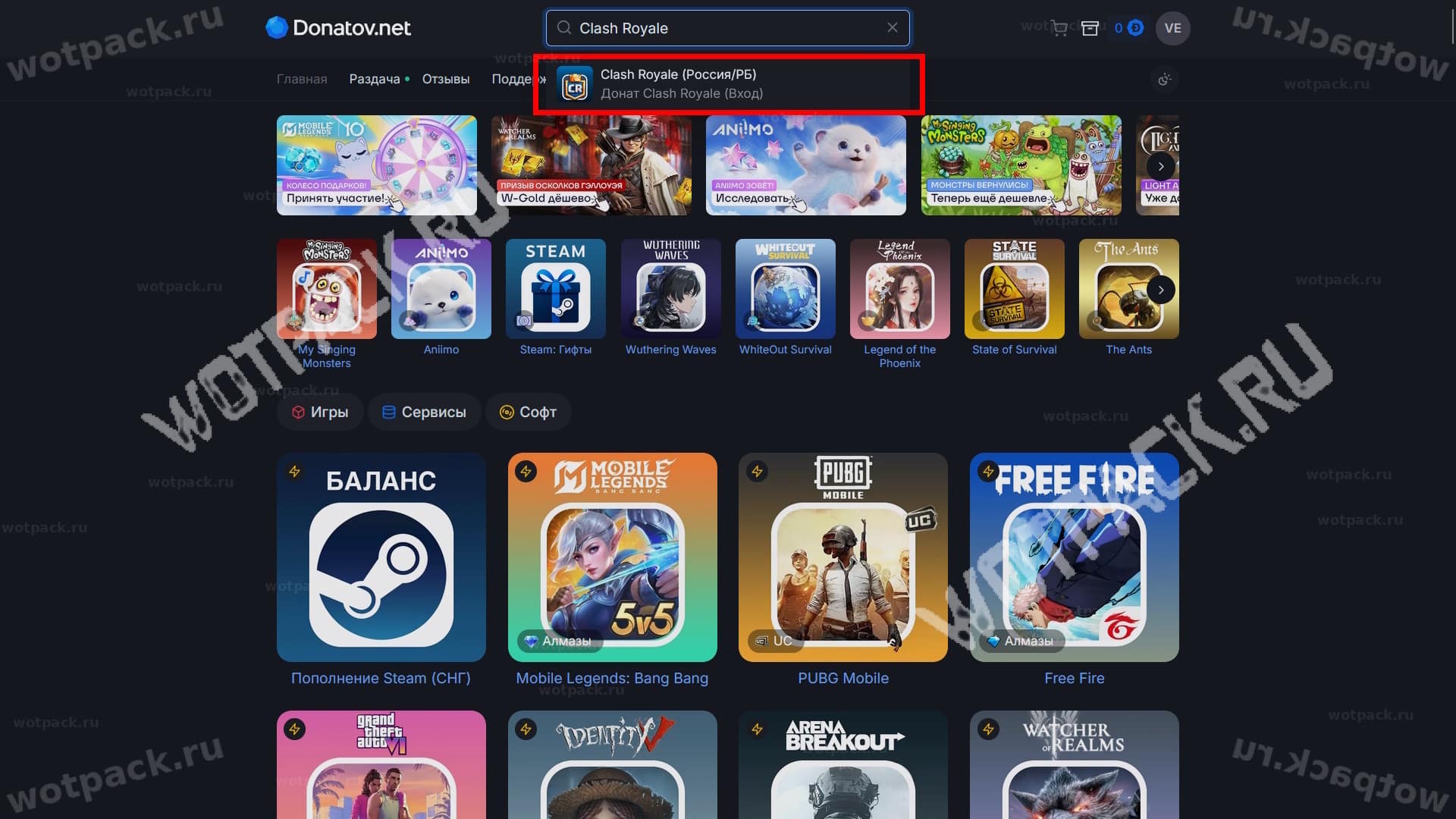
- Go to the site Donatov.net and log in or register to receive cashback.
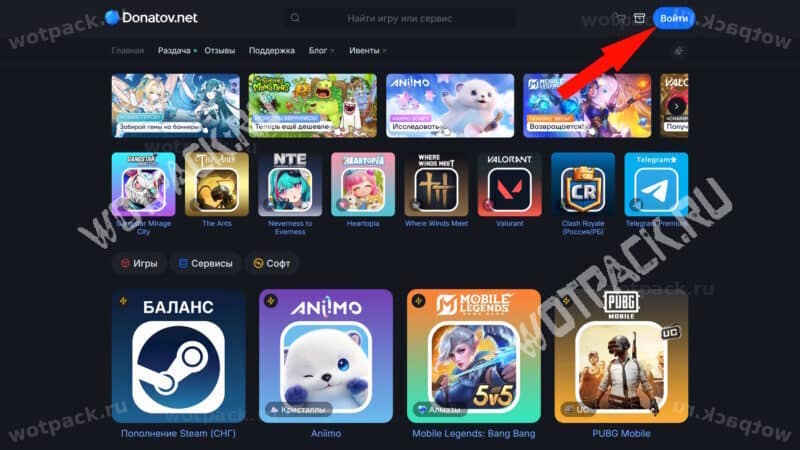
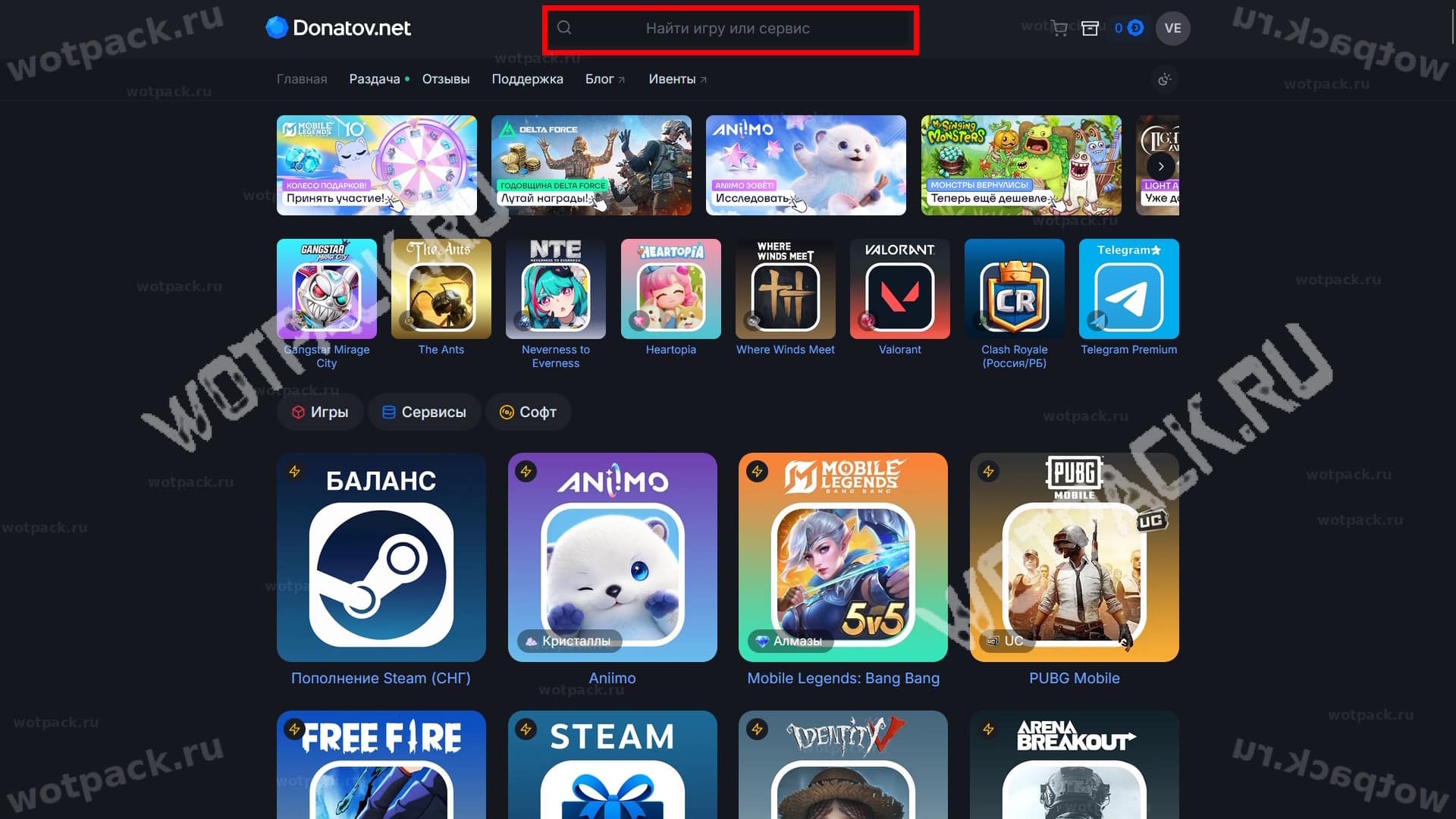
- По ссылке перейдите в раздел игры Clash Royale.
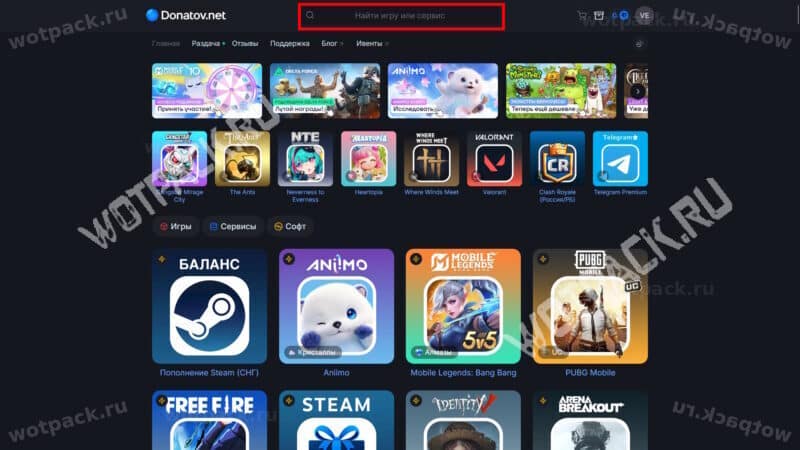
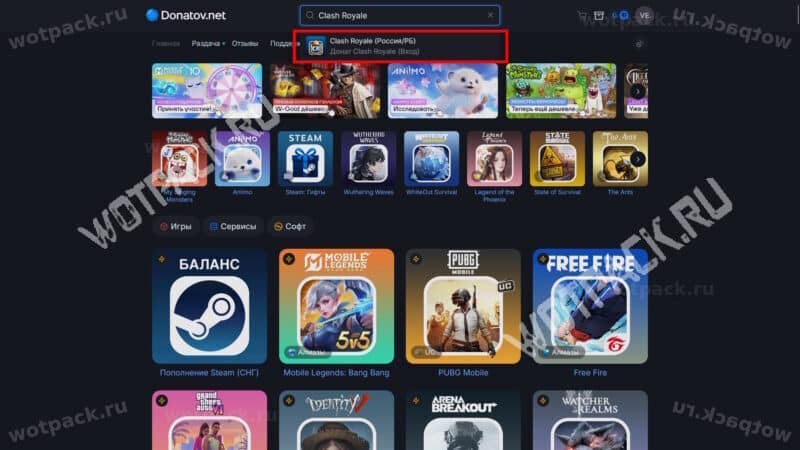
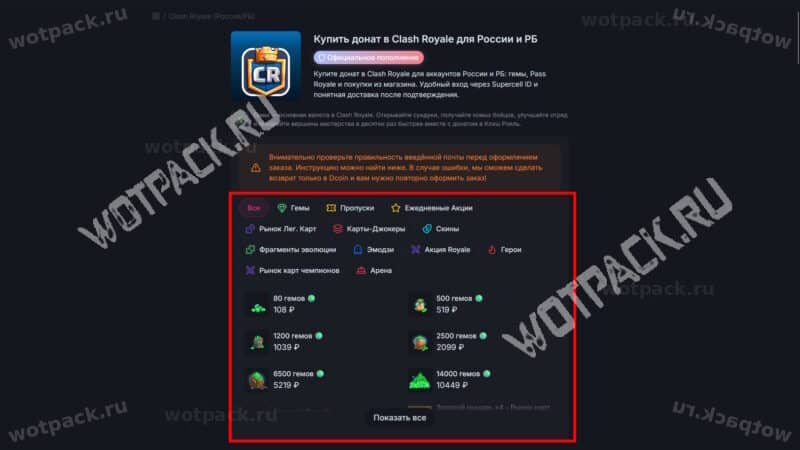
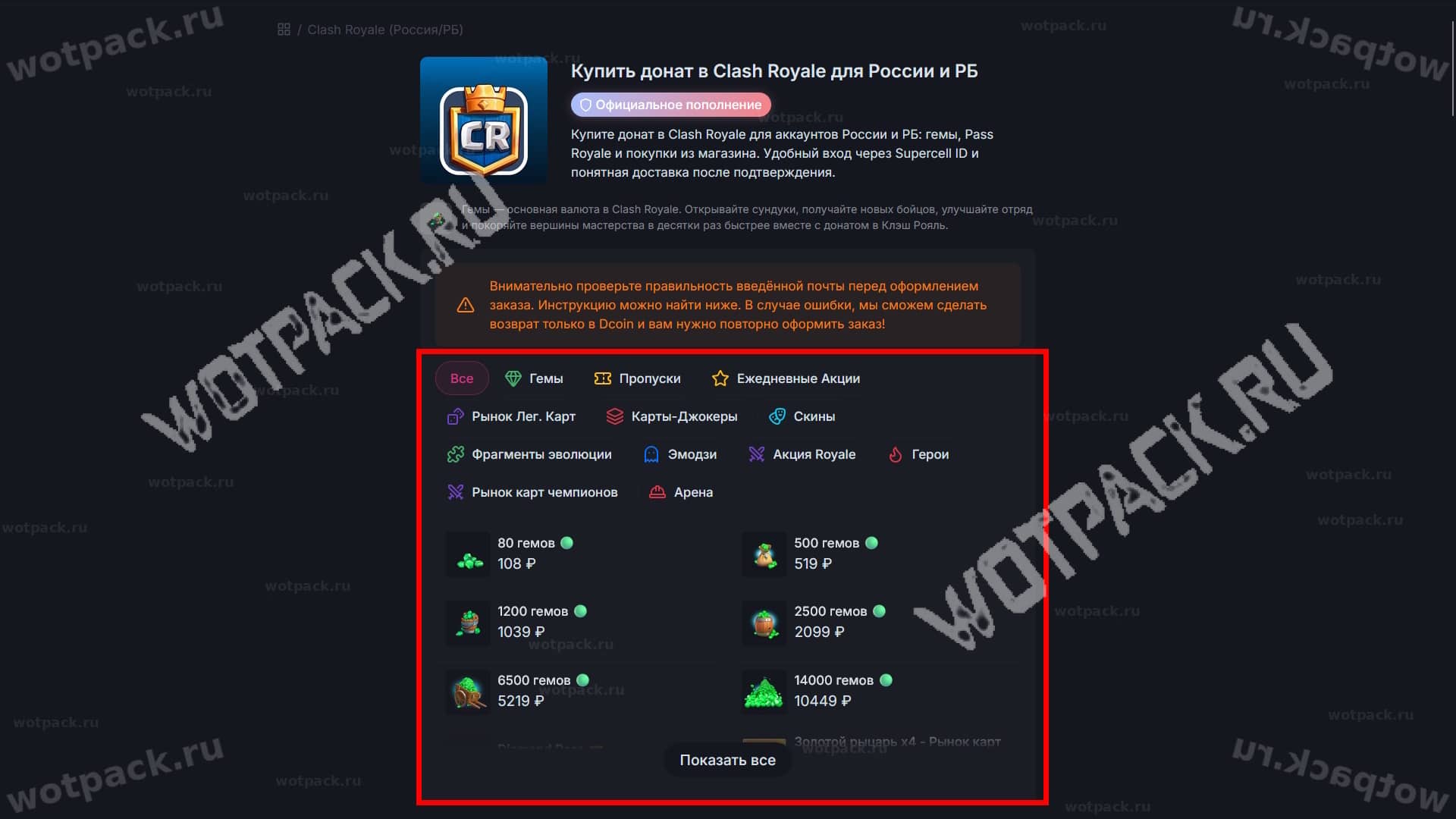
- Select the desired resource pack, battle pass type, or promotional bundle and move it to your cart. Don't forget to check if the items are available for purchase in-game.
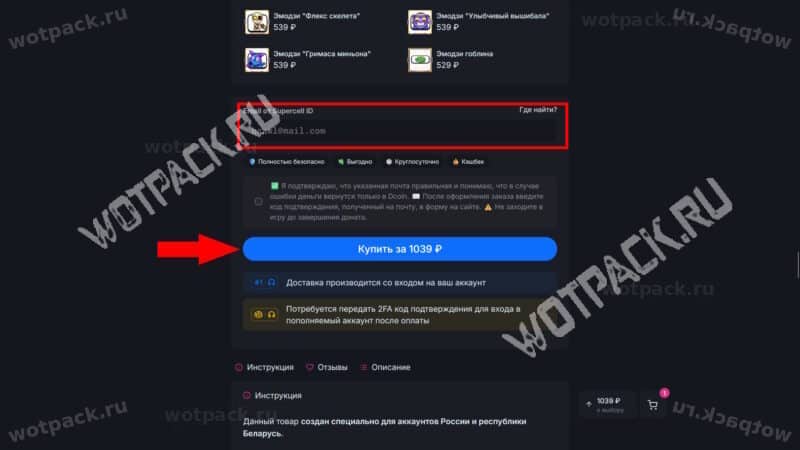
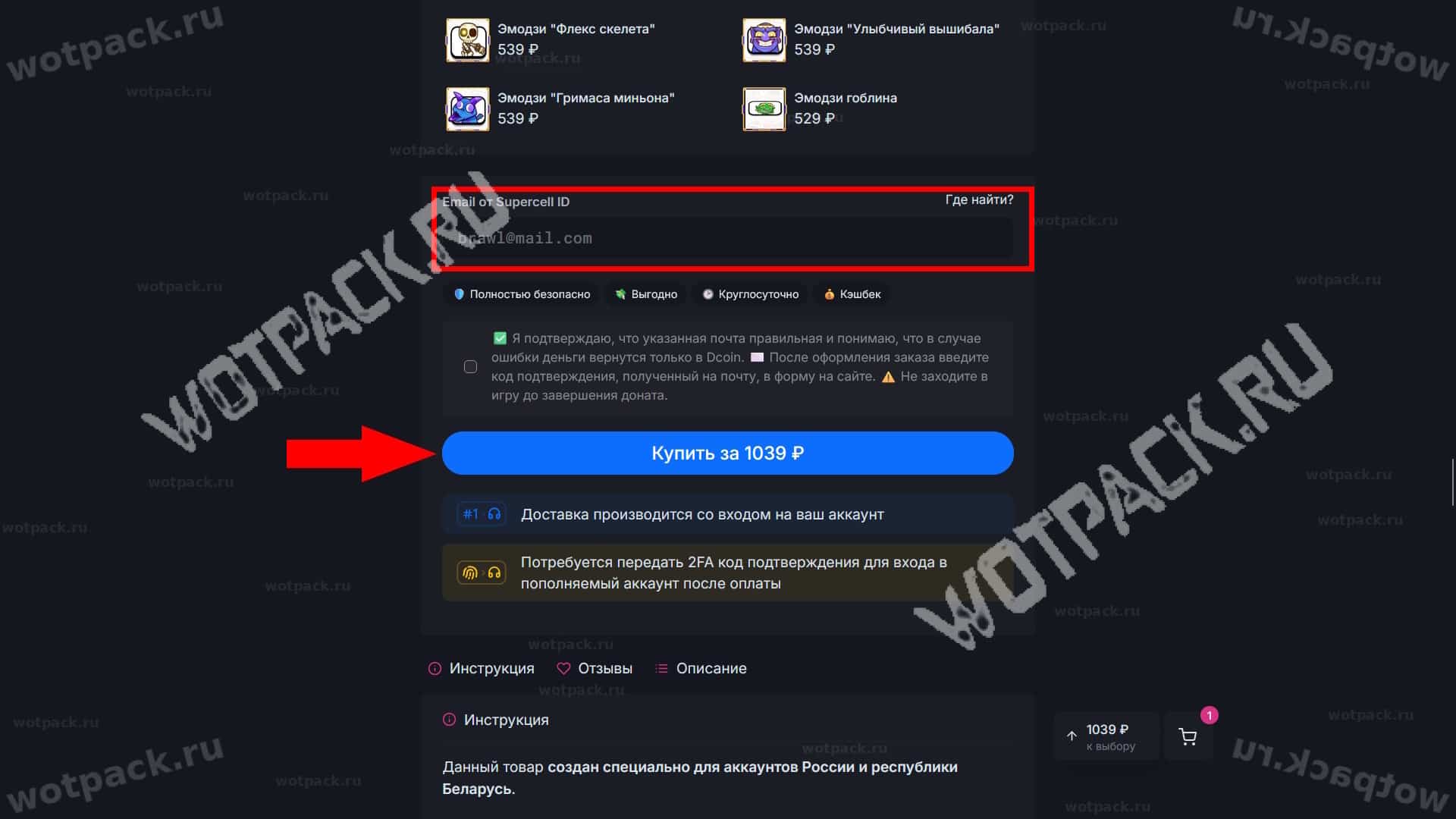
- Enter the email address linked to your Supercell ID and carefully read the list of requirements. Double-check the email address and click "Buy."
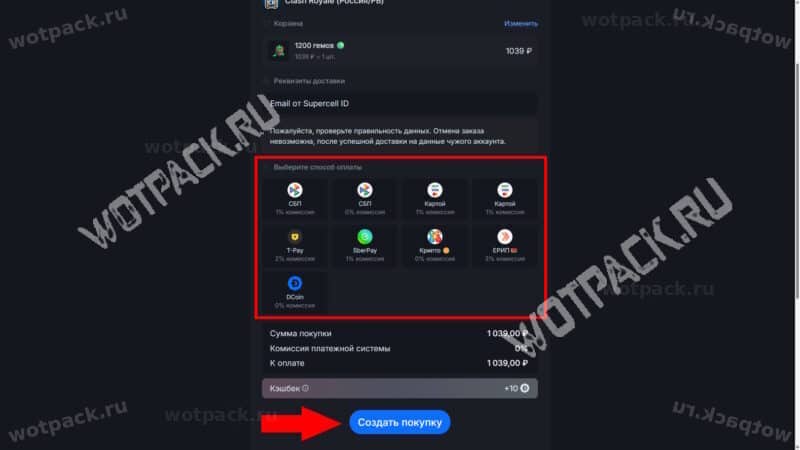
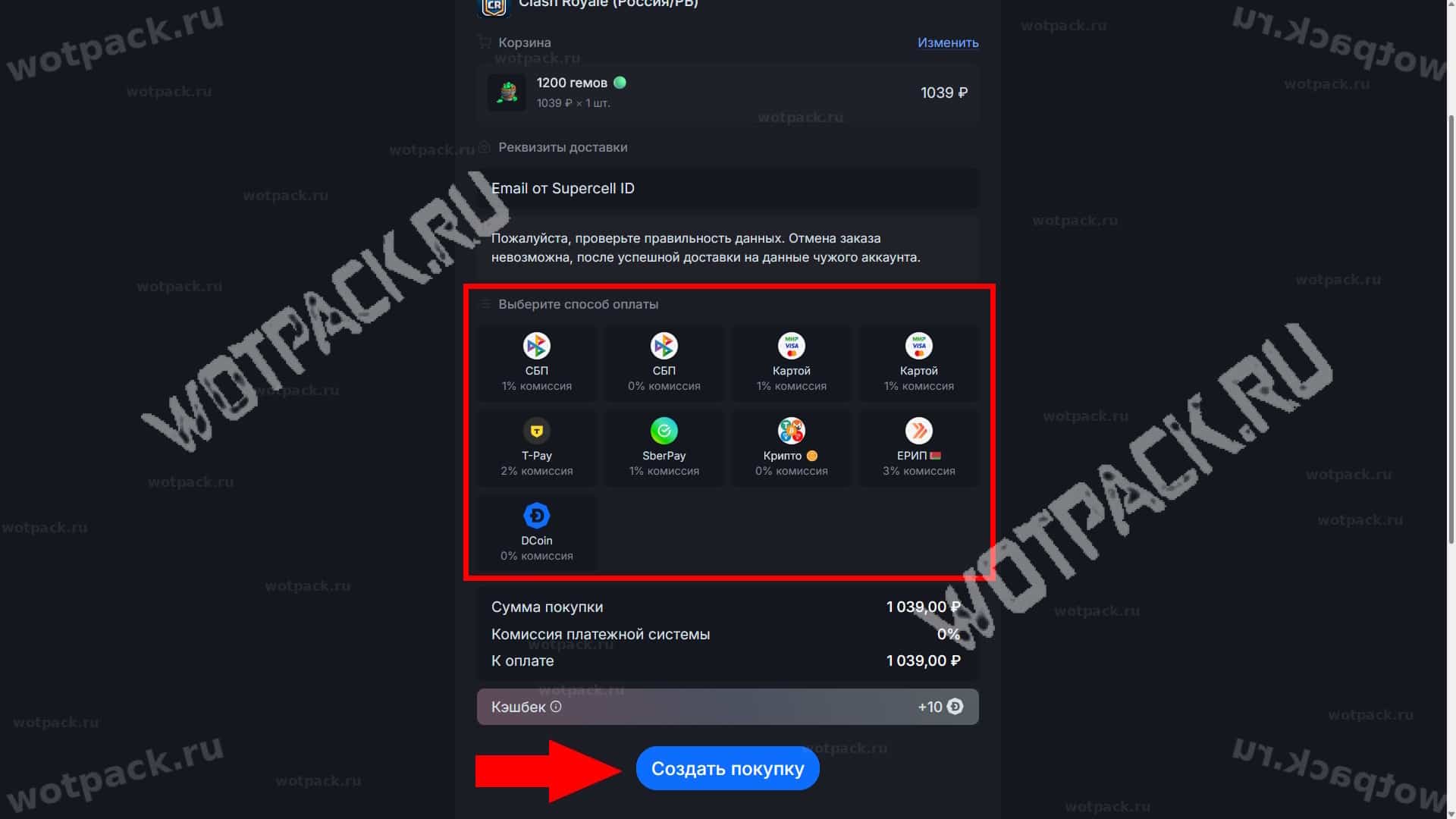
- Select the most suitable payment method and create a purchase.
- Enter your wallet or card details, or use a quick QR code scan.
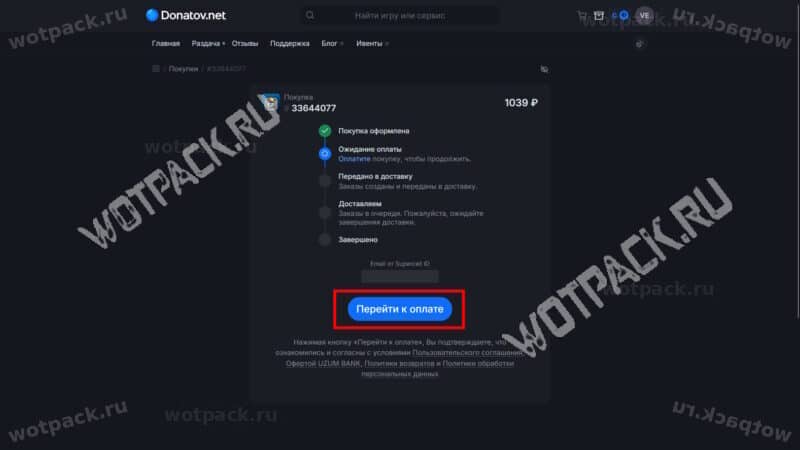
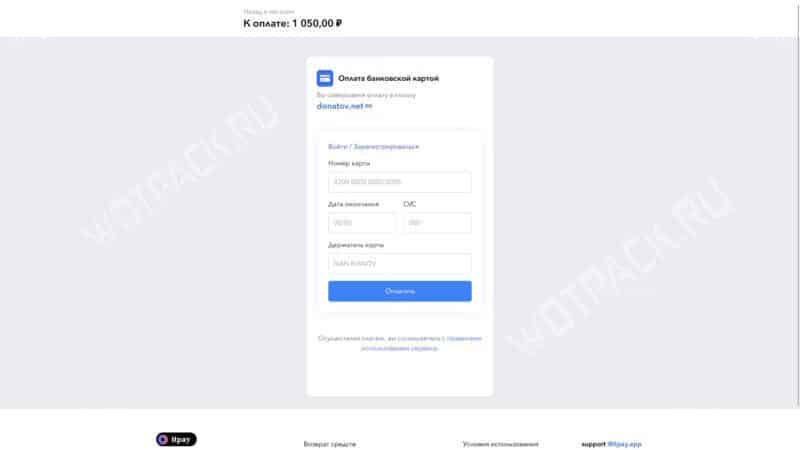
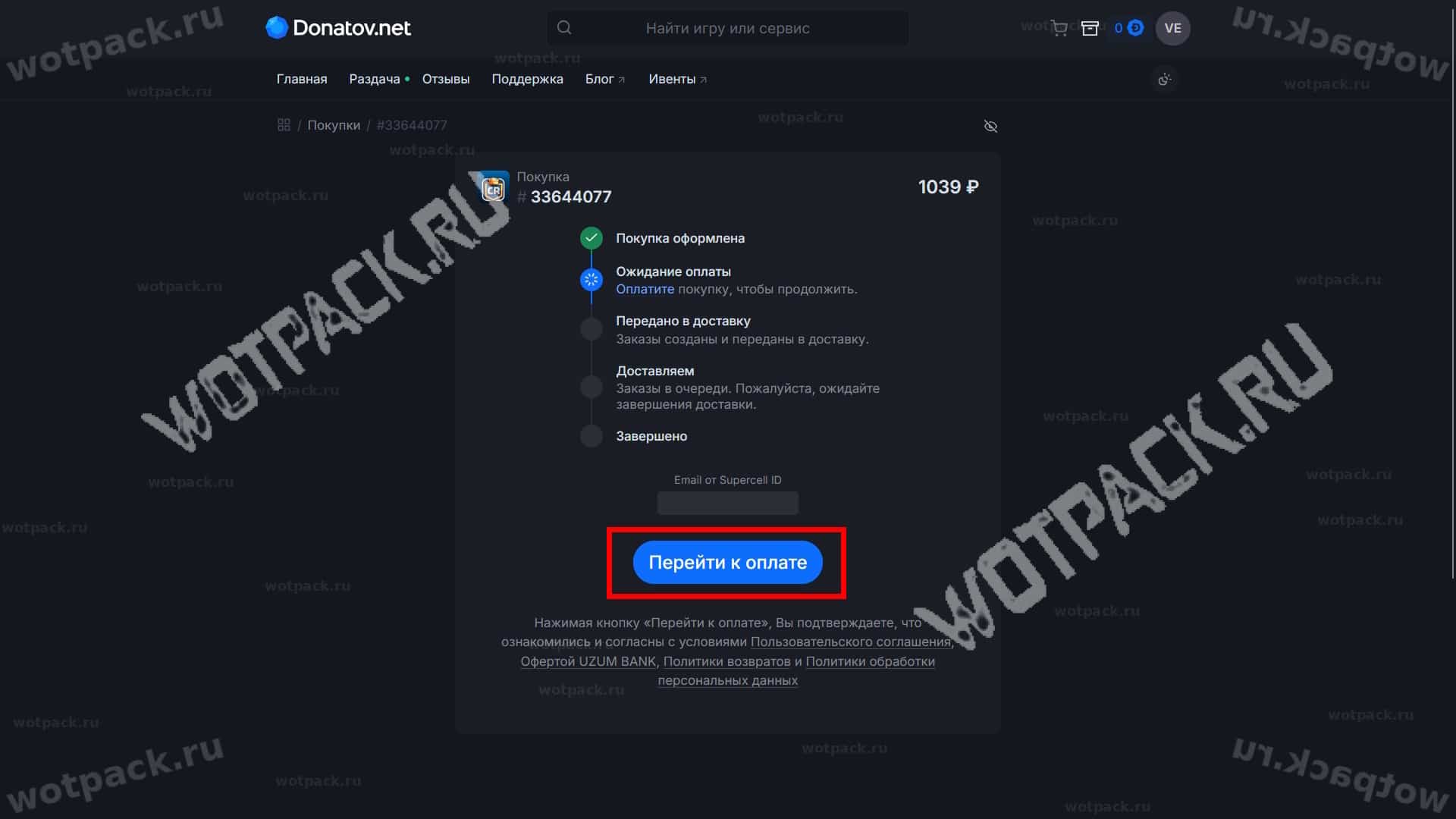
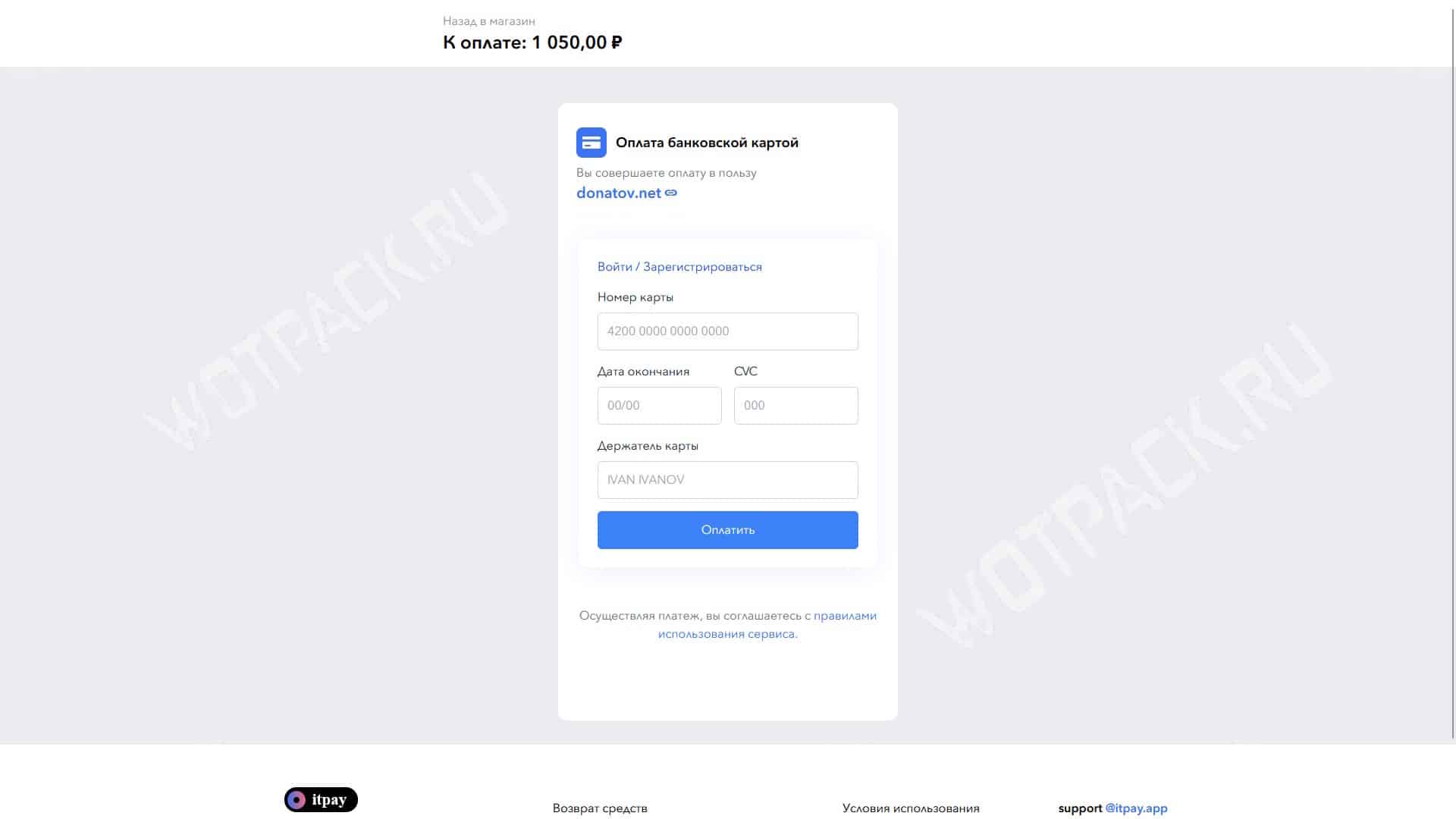
Immediately after payment, a window will appear on the page asking you to enter your two-factor authentication (2FA) code. Go to your email, copy the numbers from the official Supercell email, and paste them on the website. Your order will then be processed manually. We recommend closing the game on your smartphone and waiting for the status to change to "Completed."
Answers to frequently asked questions about donation
Despite Clash Royale's removal from regional app stores, donations remain available. Reliable intermediaries allow you to securely and affordably refill gems and purchase battle passes, keeping up with your international opponents.