

tower of fantasy — MMO project from Hotta Studio with a built-in gacha system. Its essence lies in character leveling и weapons, which is mainly knocked out with the help of permanent and temporary banners. Of course, as in any MMORPG game, in order to play ToF, you need to create your own account. And if everything is clear with account registration, then other functionality raises questions for some users.
In this guide, we will tell how to change account in tower of fantasyand also talk about how to delete и reestablish account.
How to change account in Tower of Fantasy
First of all, we will tell you how to log out of your Tower of Fantasy account in order to subsequently change your account to another one.
On PC
In order to change your account in ToF on a PC, you must:
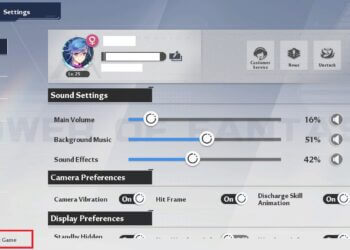
- Press Esc to open the menu.
- Go to the "Settings" section.
- In the lower left corner of the screen, activate the function Exit Game.

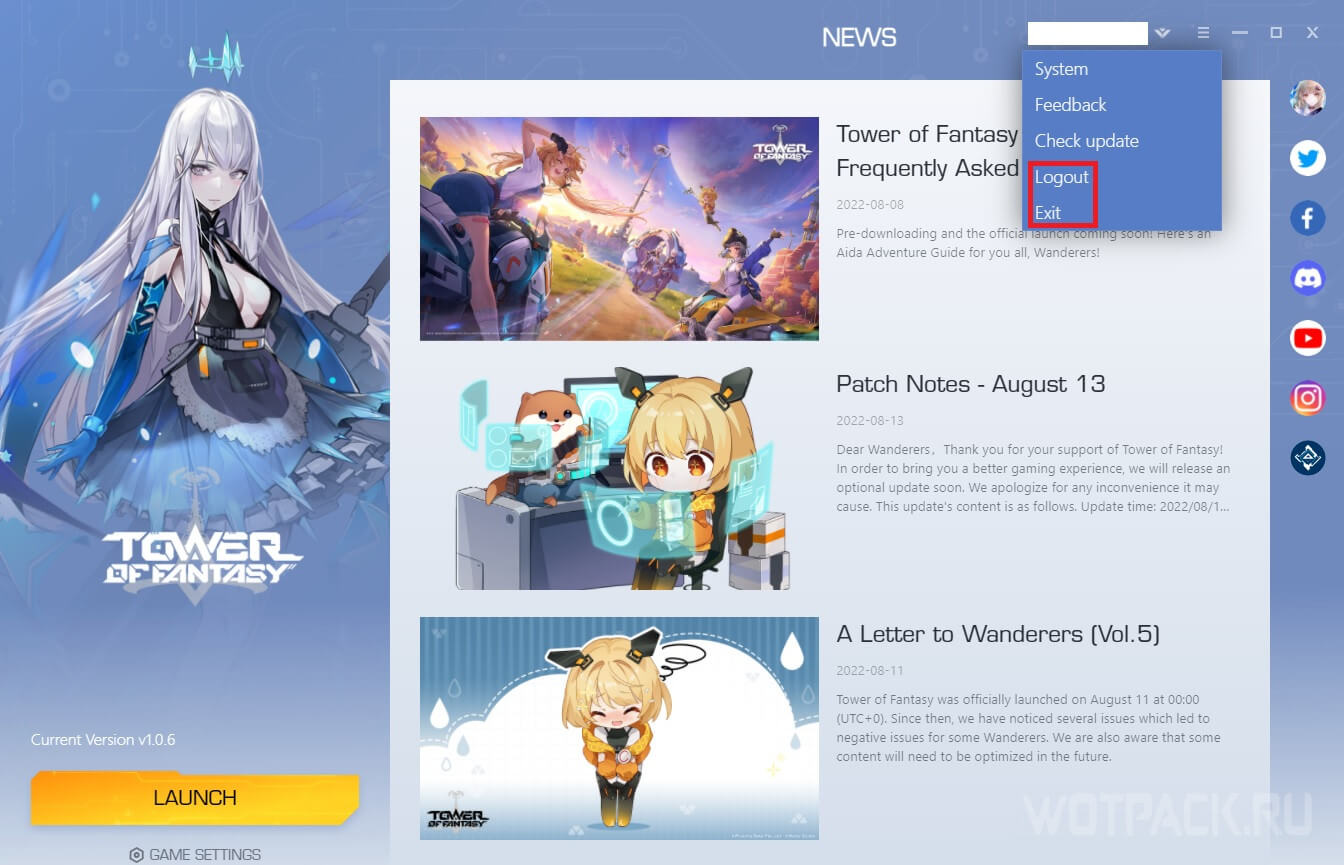
Subsequently, in the game launcher, click on three strips in the upper right corner of the screen, and then on Logout or Exit. The first tab will take you to a panel with a username and password, and the second one will completely close the ToF launcher.
On the phone
In order to change your ToF account on your phone, you need to:
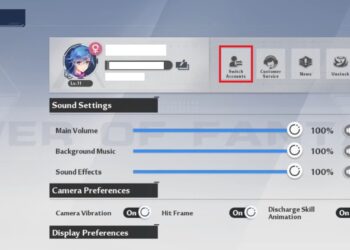
- Click on the "Menu", the icon of which is located in the upper right corner of the screen, and go to the "Settings" section.
- In the settings that open, activate the function Switch Account.
- In the pop-up notification "Log Out?" click ok.

Subsequently, enter the login and password for another account.
How to delete an account in Tower of Fantasy
To delete an account in ToF, follow a series of the following steps, which is identical on both computers and mobile devices:
- Open the "Menu" by pressing either Esc or the corresponding icon, which is located in the upper right corner of the screen.
- Go to the "Settings" section and click on "Customer Service».

- In the window that opens, click on Account Deletionfirst, and then again on Account Deletion.

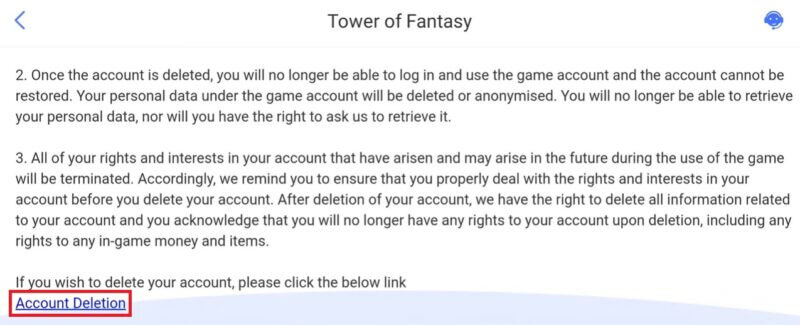
- Read the list of rules affecting the process of deleting an account, thereby scrolling to the very bottom of the page.
- Click again Account Deletion.


How to recover an account in Tower of Fantasy
To restore an account in ToF, just log in with the username and password of the deleted account.
Please note that account recovery is possible within 30 days from the date of the request to delete the account. Otherwise, after the expiration of the set period, the profile will be completely lost.
If you have any questions - write in the commentswe'll help you figure it out. Follow other Tower of Fantasy guides on relevant section of the website.









How do I recover my ToF account from PS4 to my phone?
Good afternoon, I have a situation where I deleted the game, but now after discovering the Russian language, I want to return with the same progress, but when I downloaded it again, there is no progress on all accounts. Is there any way to get it back?
What should I do if I want to sign in to a different Google account, but it always only shows the one I just signed in with? I've cleared the cache, restarted my phone, and even deleted the tab, but nothing helps...
Is it possible to restore an account if I forgot what email was on it?
How do I log into my account from another phone (Android)? When I type in my iCloud account, it says "Unregistered username." What's the correct way to say it?